iPECS eMG80/100& eMG800 & UCP & vUCP
Administration and Programming Manual Issue 2.5
159
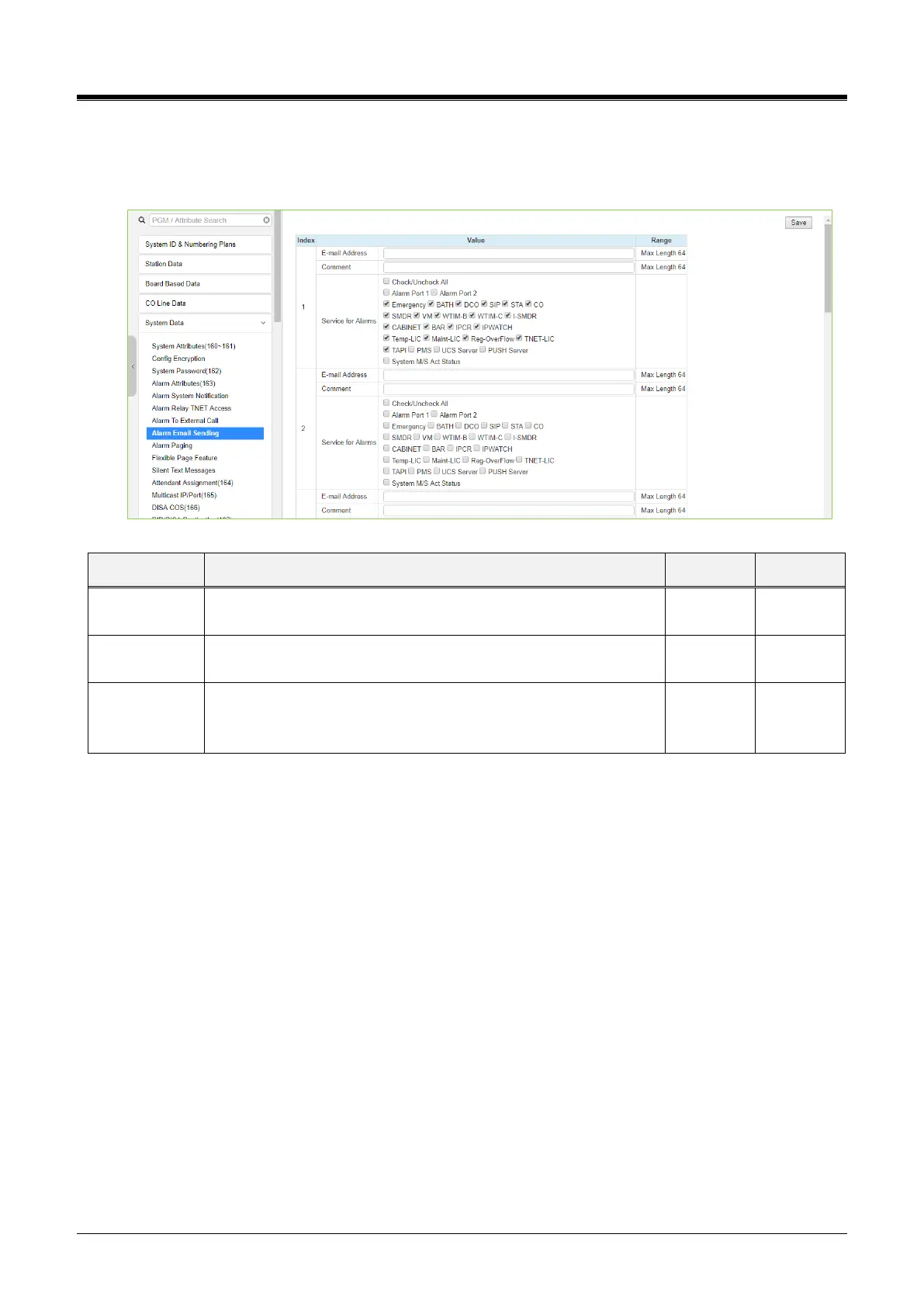
4.4.5.8 Alarm Email Sending
We are selecting Alarm EmailDestinationwill display the following page. Click the [Save] button after hanging
Value. The online license selection menu can use at the vUCP System only.
Figure 4.4.5.8-1 Alarm Email Sending
Selection of alarm types to serve by this table
Mandatory input
Without the selection of an alarm type, the alarm type is served



 To Next Page