iPECS eMG80/100& eMG800 & UCP & vUCP
Administration and Programming Manual Issue 2.5
358
4.4.14.1 Remote Device Registration – PGM 442
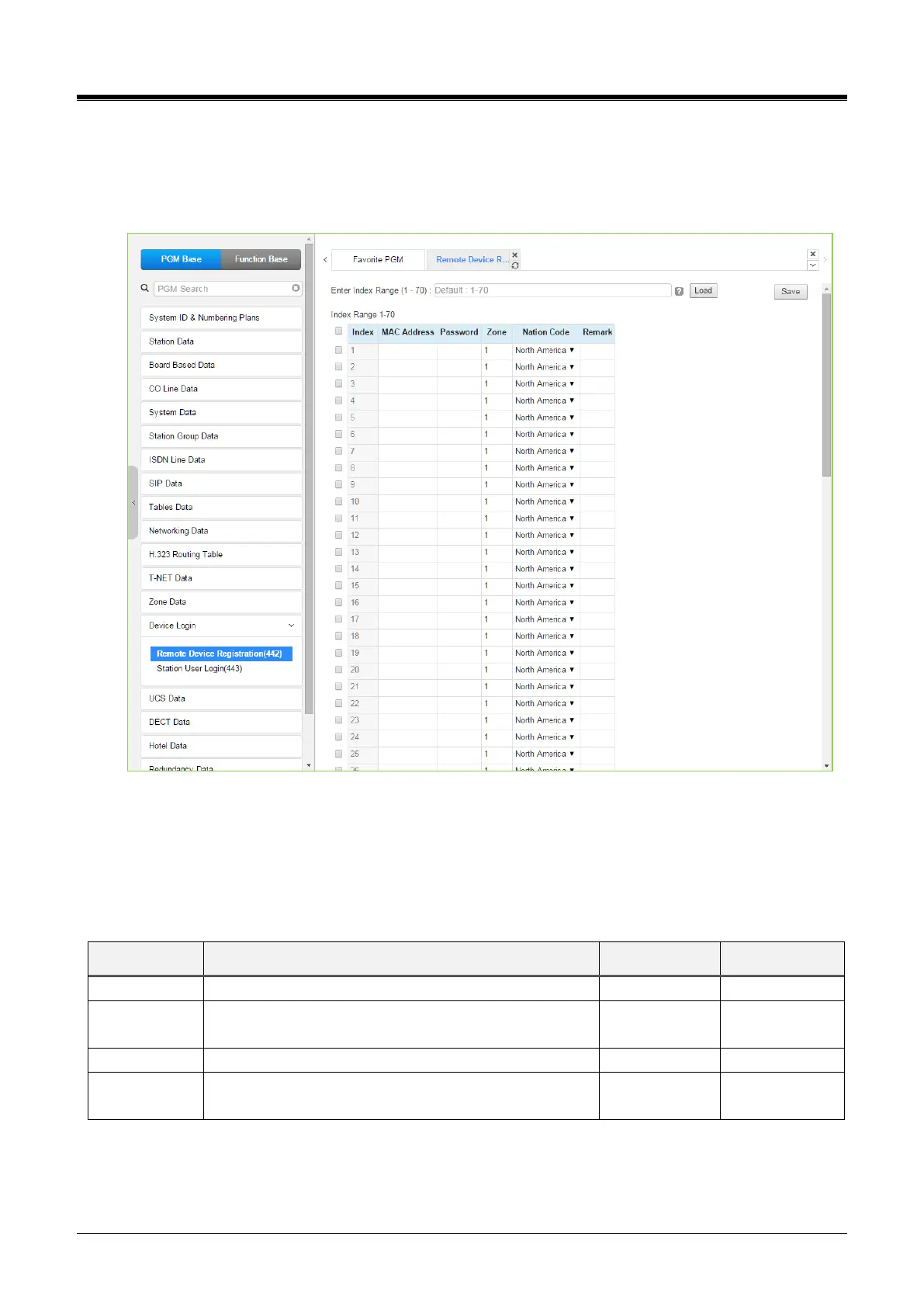
Selecting the Remote Device Registration will display the Remote Registration Table data input page. Enter a
Table index range and select [Load] to enter MAC address information. For convenience, the copy, paste, and
drag are available to enter or modify data. Click the [Save] button after changing Value.
Figure 4.4.14.1-1 Remote Device Registration
When a device attempts to register with the controlling iPECS, the system will check the device MAC address
and password against the Registration table. If a match is found, the device is registered regardless of the
Dip-switch 2 position of eMG and Dip Switch position 3 of UCP. The system database is updated, and the
device receives device-specific configuration data from the MPB/UCP.



 To Next Page