iPECS eMG80/100& eMG800 & UCP & vUCP
Administration and Programming Manual Issue 2.5
150
4.4.5.4 Alarm Attributes - PGM 163
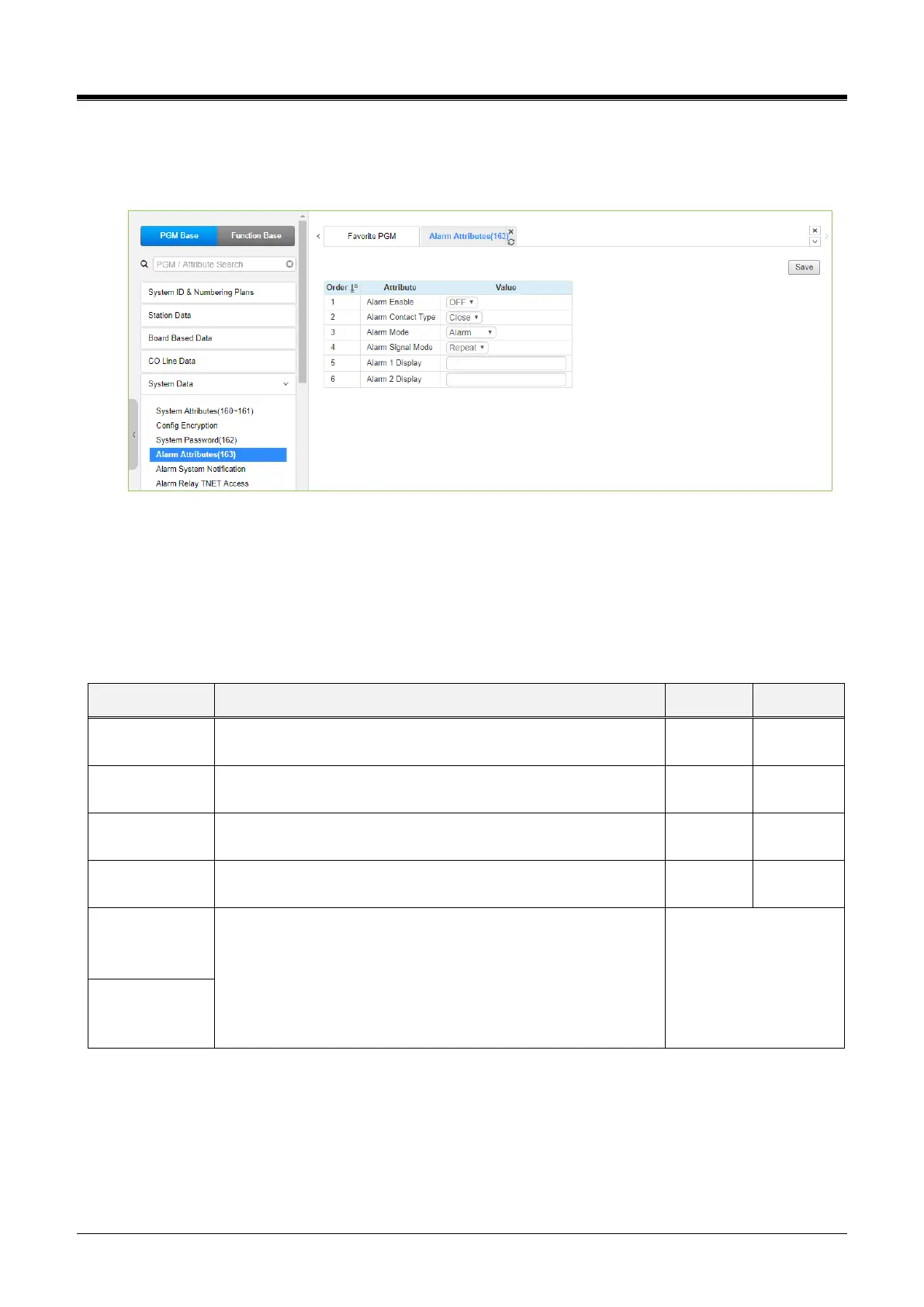
Selecting Alarm Attributes will display the Alarm Attributes data entry page. Click the [Save] button after
changing Value.
Figure 4.4.5.4-1 Alarm Attributes
The system can monitor an external contact. This contact is most often employed as an Alarm indicator or
Doorbell. The Alarm attributes define the operation of the external contact. For the Alarm, the signal to
assigned stations can be repeating or a single burst. The former is often desired. For the Doorbell, a single
tone is sent each time the contact activates. Refer to Table 4.4.5.3-1 for a description of the features and the
data entries required for each attribute.
Table 4.4.5.4-1 Alarm Attributes
This entry enables/disables the contact monitoring circuitry.
This parameter establishes the contact state that will activate the
Alarm, close or open.
The contact can be treated to function as a doorbell or an alarm.
The assigned stations will receive a Repeating signal or single
burst (Once) of alarm tone.
In case of eMG100/UCP600/2400, {Alarm 1 Display} and {Alarm
2 Display} are added. Otherwise, {Alarm Display} is added.
When alarm port 1 is activated, the string of {Alarm 1 Display} or
{Alarm Display} is displayed in assigned stations.
When alarm port 2 is activated, the string of {Alarm 2 Display} is
displayed in assigned stations.(eMG100/UCP600/2400)



 To Next Page