iPECS eMG80/100& eMG800 & UCP & vUCP
Administration and Programming Manual Issue 2.5
181
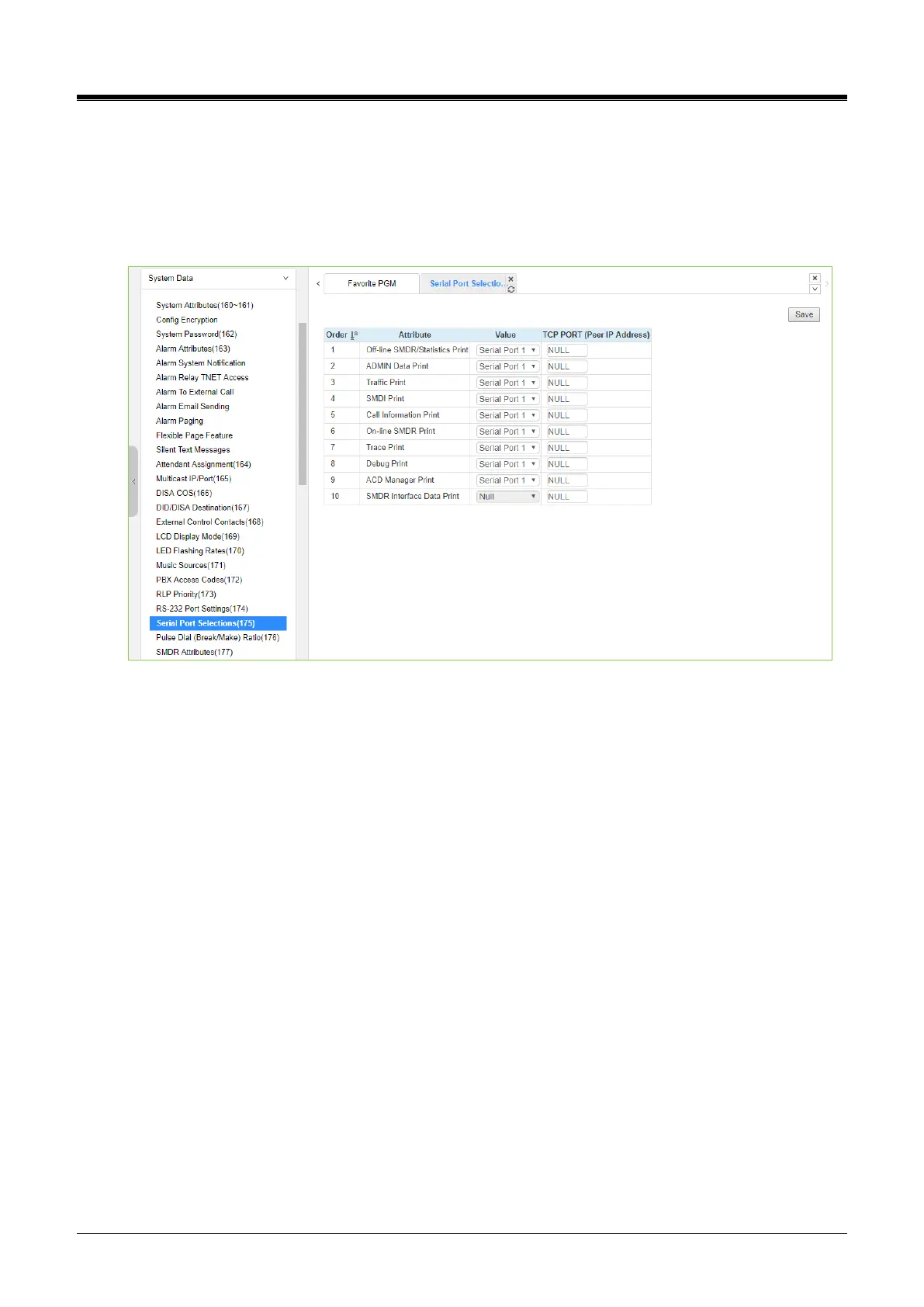
4.4.5.23 Serial Port Selections - PGM 175
Selecting Serial Port Selections will display the Serial Port Selections data entry page. For each function,
select the desired output using the drop-down menu and enter the TCP port if a TCP channel is assigned.
Click the [Save] button after changing Value.
The vUCP is not available for this feature.
Figure 4.4.5.23-1 Serial Port Selections
The system has six (6) serial ports (1 RS232, 3 TCP Channels, and 2 USB serial). A serial port is assigned to
each function that requires a serial output.



 To Next Page