iPECS eMG80/100& eMG800 & UCP & vUCP
Administration and Programming Manual Issue 2.5
245
4.3.9.8 System Speed Zone Table – PGM 232
The System Speed Dial numbers can be grouped into zones. Only stations allowed can access numbers
within a zone, allowing System Speed Dials to be partitioned. Before dialing, each zone can be assigned to
apply the appropriate Station and CO Line COS for the Speed Dial number.
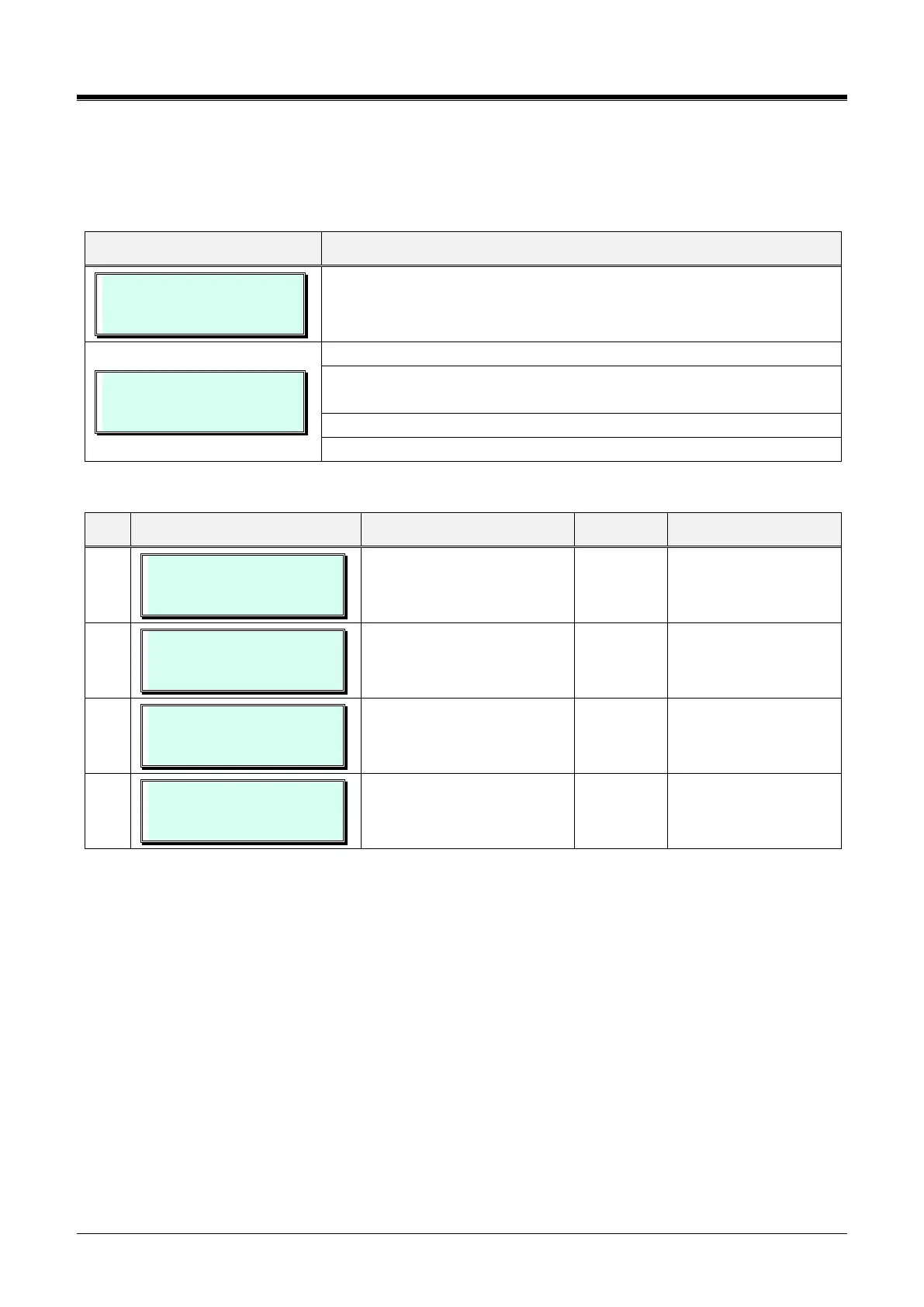
SYSTEM SPEED ZONE PGM
ENTER BIN NO (01-10)
Press the [PGM] button, dial 232, and enter the bin number (Ex.01).
SYSTEM SPEED ZONE 1
F1:ZN F2:ST F3:TK F4:AK
Using the dial pad, enter zone number 01~10.
Press the Flex button 1~3 for the desired zone characteristic. Refer to
Table 3.3.9.8-1.
Using the dial pad, enter the desired data as indicated in Table 3.3.9.8-1.
Press the [Save] button to store the data entry.
Table 3.3.9.8-1 SPEED ZONE (PGM 232)
ENTER NEW ZONE RANGE
ZONE 1 : 2200- 4999
Speed Dial Bin range for
zone.
eMG80/100:2200~4999,
eMG800:2200~9999
ENTER STA RANGE
ZONE 1 : 100 – 239
eMG80/100:100~239,
eMG800:1000~2199
SPEED ZONE 1 TOLL CHK
(1:ON/0:OFF) : ON
Assignment to apply toll
restriction.
SPEED ZONE 1 AUTH CHK
(1:ON/0:OFF) : ON
Speed Dial Authorization
Check for zone.
4.3.9.9 Auto Ring Mode – PGM 233
The system can automatically select the Ring and COS Mode based on the time of day and day of the week.
Three Ring and COS modes are supported, Day, Night, and Timed modes.
The ring assignments are as defined in CO/IP Ring Assignment - PGMs 144. The COS assignments are
defined in the DISA COS - PGM 166.
The start times for Day, Night, and start and end times for timed modes are entered for each day of the week.
When the Timed mode ends, the system reverts to the appropriate mode based on the Day/Night settings and
the time of day.
The Attendant can override the automatic selection and select the desired system Mode (Day, Night, and
Timed). A separate Auto Ring Table can be established for each ICM Tenancy Group - PGM 125 (indices 1 ~
15) and for the system (index 00).



 To Next Page