iPECS eMG80/100& eMG800 & UCP & vUCP
Administration and Programming Manual Issue 2.5
369
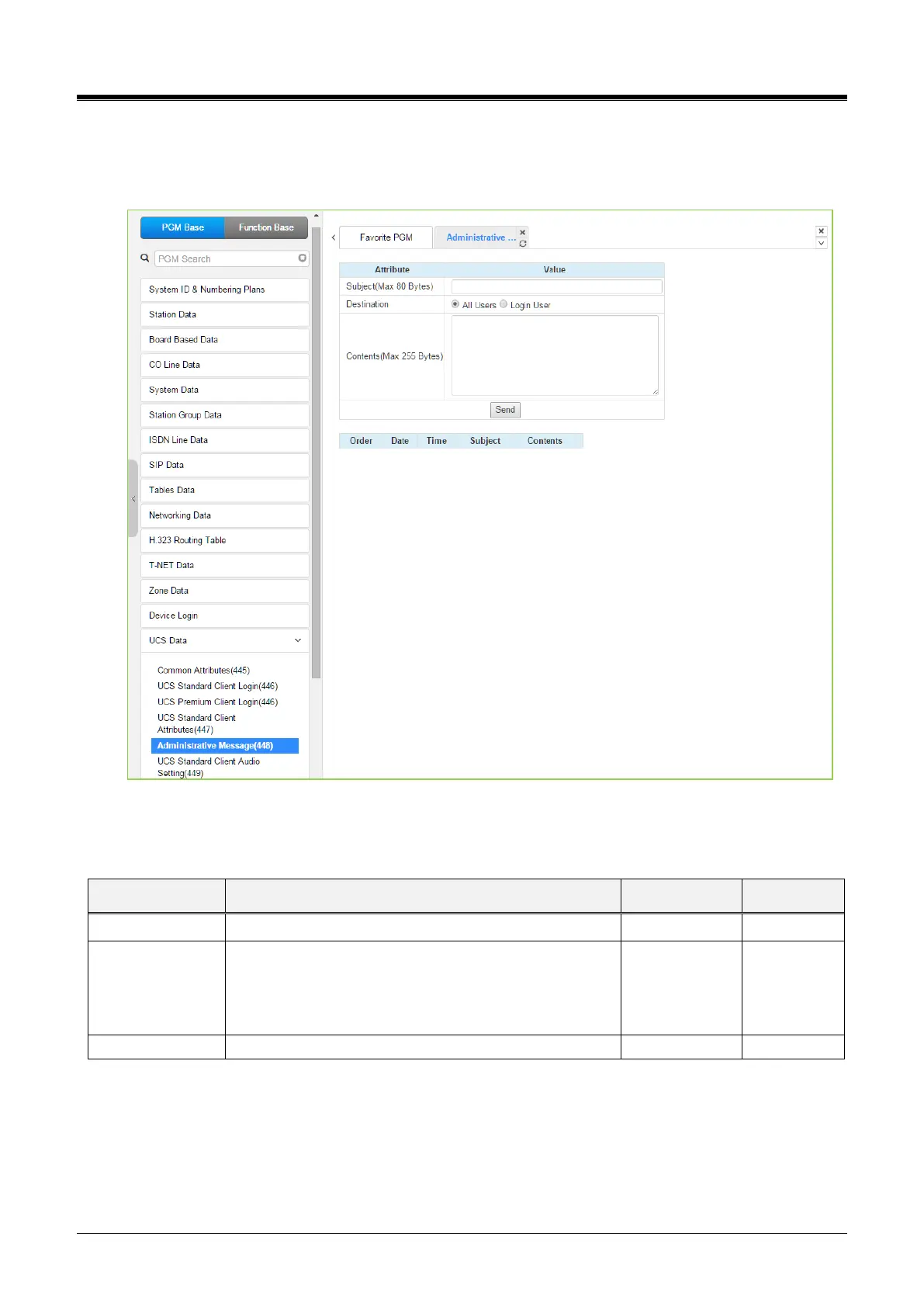
4.4.15.5 Administrative Message – PGM 448
Selecting Administrative Message will display the administrative message input page. Click the [Send] button
after filling out the subject and Contents and checking the destination.
Figure 4.4.15.5-1 Administrative Message
An administrator can send a message to UCS Clients, such as a Welcome message.
The message can be sent to currently active UCS
Clients or All Clients. For the All-Clients selection, the
message is sent to all active Clients and as each Client
logs in.



 To Next Page