iPECS eMG80/100& eMG800 & UCP & vUCP
Administration and Programming Manual Issue 2.5
239
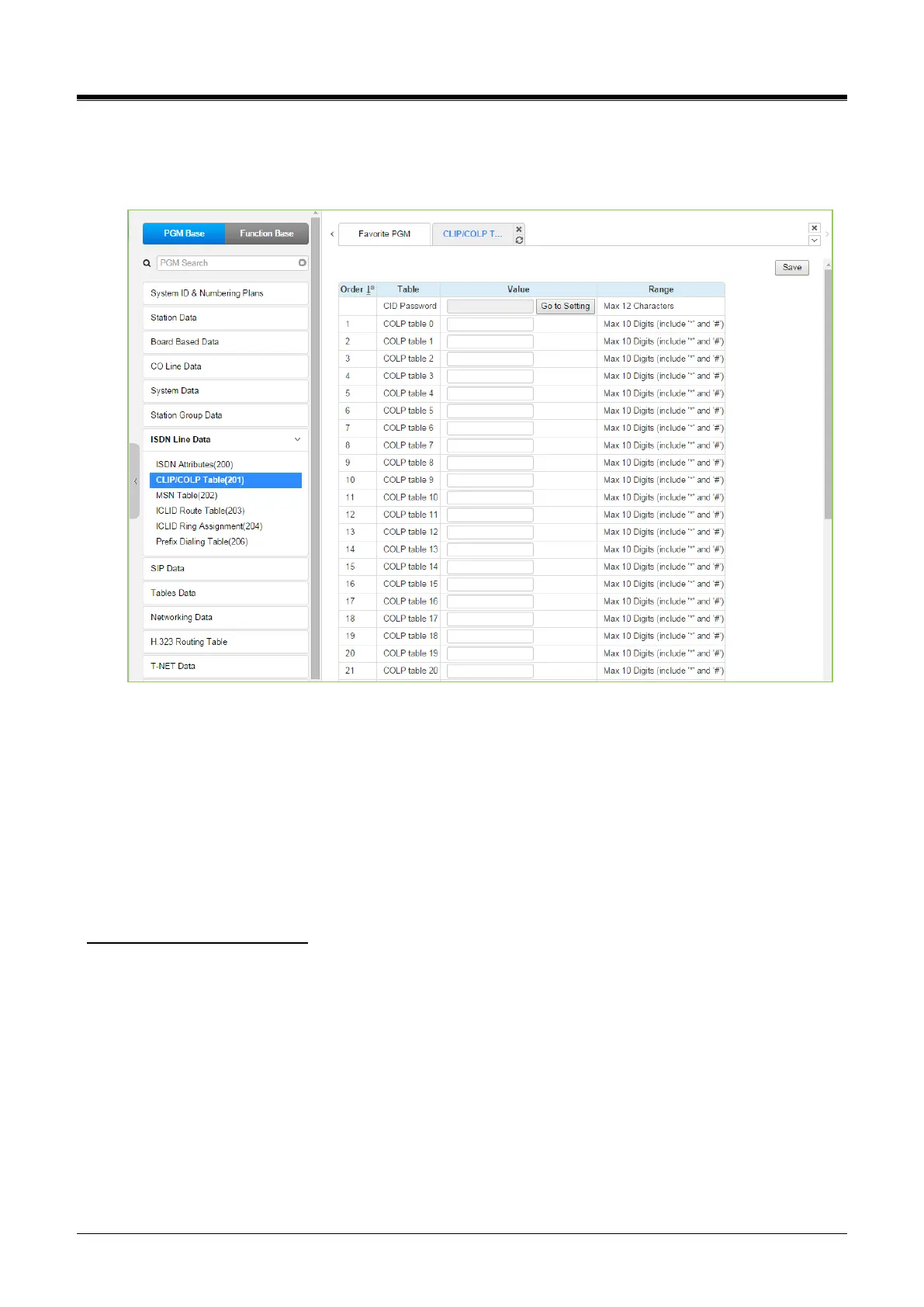
4.4.7.2 CLIP/COLP Table - PGM 201
Selecting the CLIP/COLP Table will display the CLIP/COLP Table Attributes data entry page. Click the [Save]
button after changing Value.
Figure 4.4.7.2-1 CLIP/COLP Table
Normally, the system will send the primary Directory Number of the ISDN Line in the ISDN call SETUP and
CONNECT messages to identify the caller (CLIP) or the answering (COLP) party, respectively. Under certain
circumstances, it may be desirable to provide the secondary or DID number for the ISDN Line. In these cases,
the CLIP/COLP Table may be used to define the digits sent. The number sent is selected based on the CO/IP
Line index under the ‘CID/CPN Attributes section.’
The CLI Station Number is sent in place of the station number. For all other entries, the station number is sent
as a suffix to the number in the Table. Note that this number is sent only if CLIR/COLR is disabled under the
CLIR Service and COLR Service assignments in the Station ISDN Attributes.
Setting CID Password directly
You can set the CID password by clicking the “Go to Setting” button. After clicking it, you will move to the
following PGM 162, set the CID password, save the CID password from the marking tick on the save box, and
click the Save button.



 To Next Page