iPECS eMG80/100& eMG800 & UCP & vUCP
Administration and Programming Manual Issue 2.5
379
4.4.18.2 Green Mode Time Setting
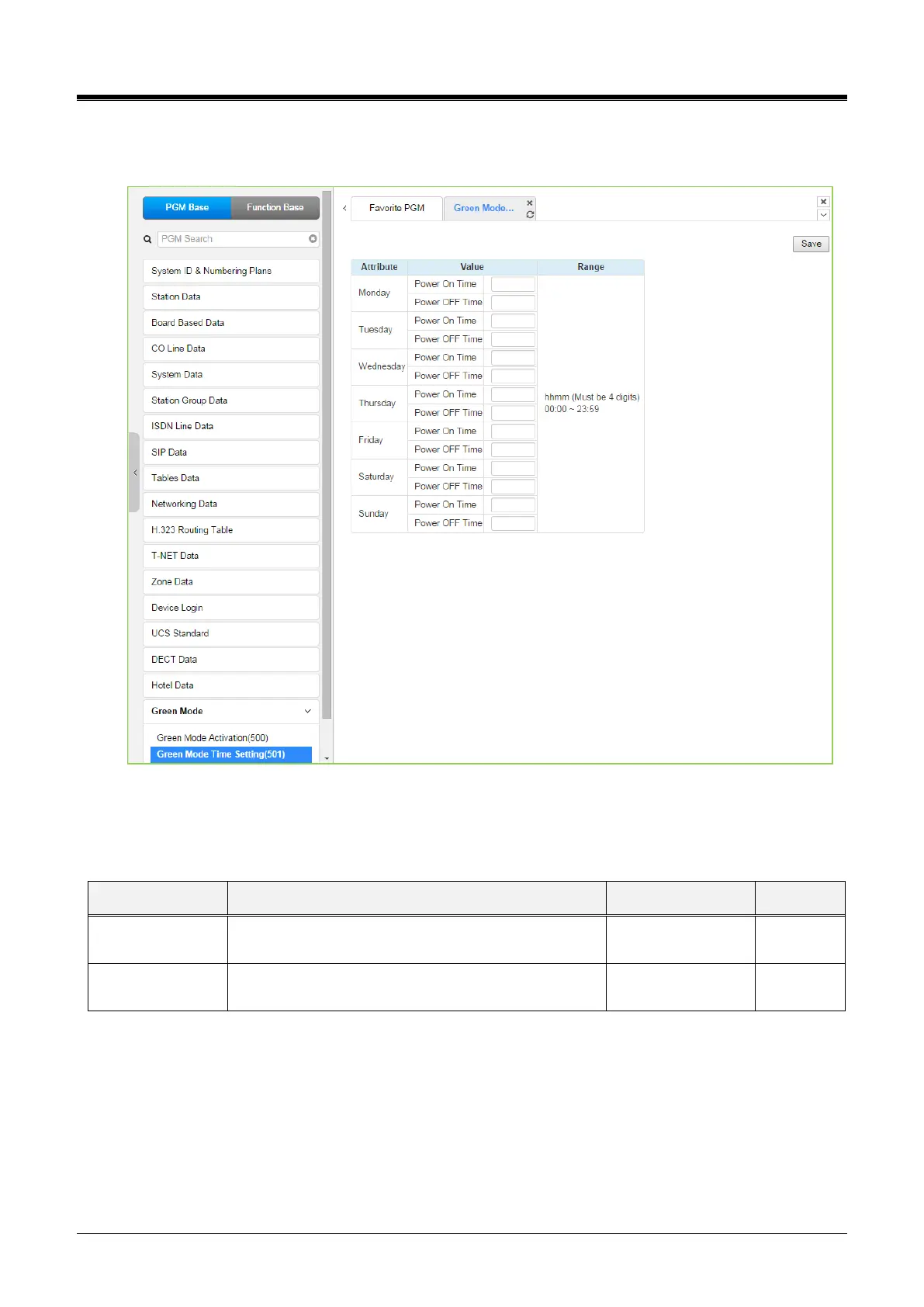
Selecting the Green Mode Time Setting returns the page shown. Click the [Save] button after changing Value.
Figure 4.4.18.2-1 Green Mode Time Setting
The power ON/OFF time can be assigned to control Green Mode automatically. The power ON/OFF time can
be defined on each day in a week. And when defined at that time, power to assign board will be served or not.
Table 4.4.18.2-1 Green Mode Time Setting



 To Next Page