iPECS eMG80/100& eMG800 & UCP & vUCP
Administration and Programming Manual Issue 2.5
419
Trace Log via web
A user can start and stop logging and download trace log results. The log file will be replaced when new
logging is started.
1) Set 'Trace Attribute' to 'COM1(UART1)' from the 'Set Trace Direction' menu.
2) Set 'Board Trace,' 'Device Trace,' and 'Virtual Trace Dip Switch(P452)' menu.
3) Click the [Start] button.
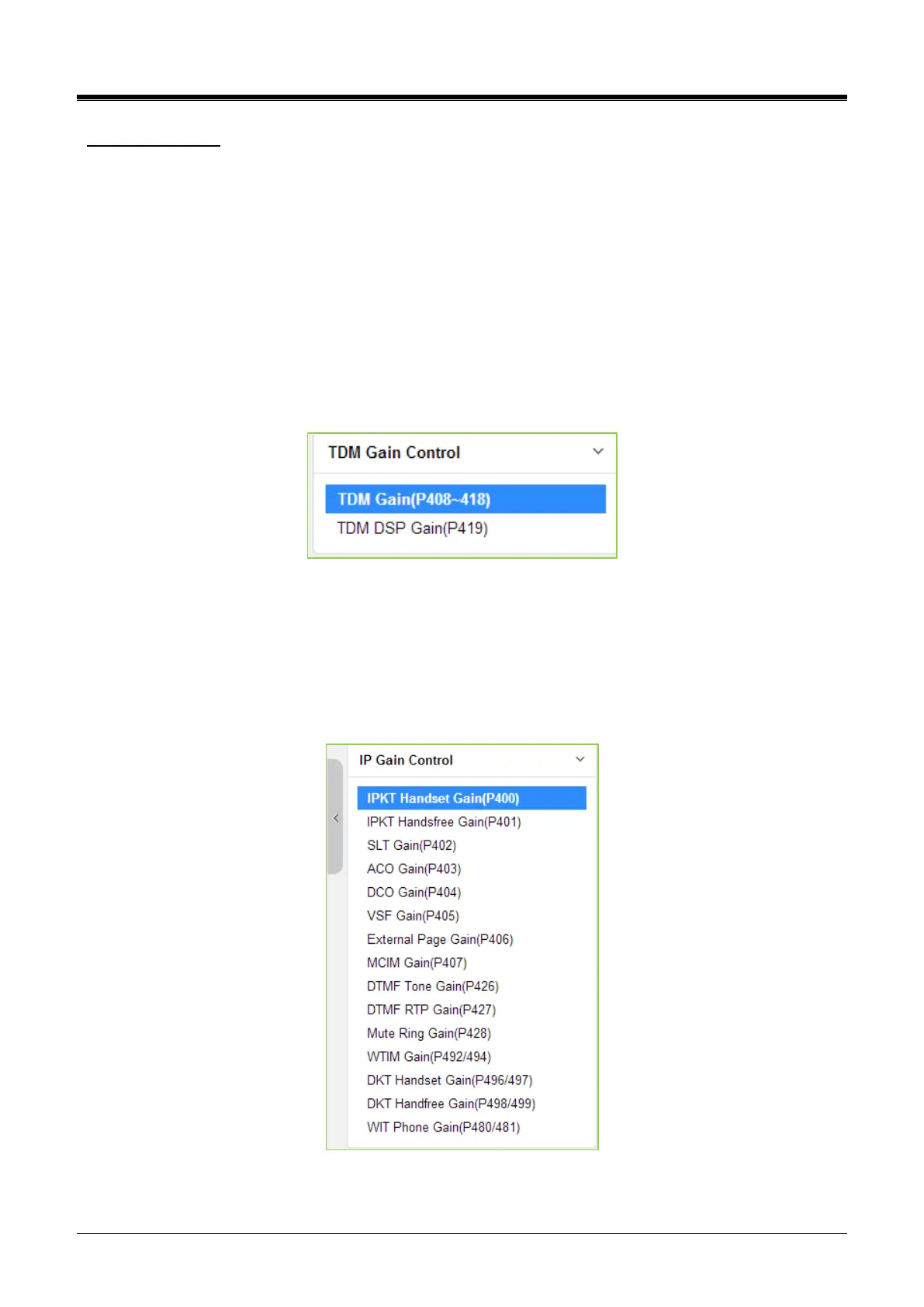
4.5.17 TDM Gain Control
Control voice gain of TDM device for each direction. For more information to change Value, it is recommended
that you ask your dealer or an authorized Ericsson-LG Enterprise representative. We can’t guarantee the
damage according to changing Value arbitrarily.
Figure 4.5.17-1 TDM Main Page
4.5.18 IP Gain Control
Audio gain for signals from and to each device is adjustable through the IP Gain Control page. The default
gain values for the system are set to match the Nation Code. For more information to change Value, it is
recommended that you ask your dealer or an authorized Ericsson-LG Enterprise representative. We can’t
guarantee the damage according to changing Value arbitrarily.
Figure 4.5.18-1 IP Gain Control Main Page



 To Next Page