iPECS eMG80/100& eMG800 & UCP & vUCP
Administration and Programming Manual Issue 2.5
402
4.5.9.2 Prompt Upload/Delete
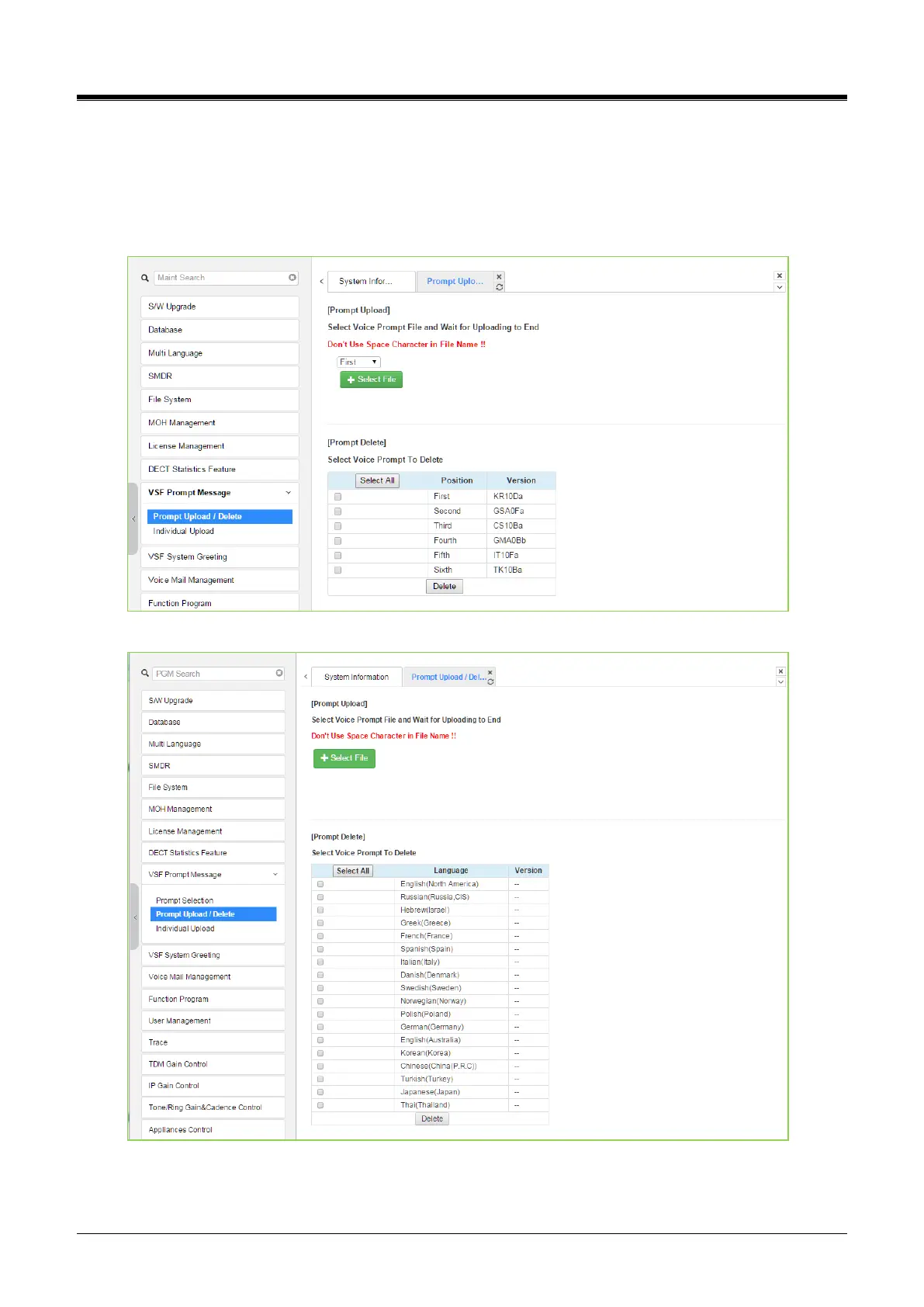
Selecting Prompt Upload/Delete displays the page shown in Figure 4.5.9.2-1 &Figure 4.5.9.2-2. The entire
prompt file for selected languages can be deleted from this page and updated prompt files uploaded to the
system. The Select file button is used to upload files. The check box and Delete button are used to delete old
or unused language files.
Figure 4.5.9.2-1Prompt Upload& Delete for eMG80/100
Figure 4.5.9.2-2Prompt Upload& Delete for eMG800& UCP



 To Next Page