iPECS eMG80/100& eMG800 & UCP & vUCP
Administration and Programming Manual Issue 2.5
276
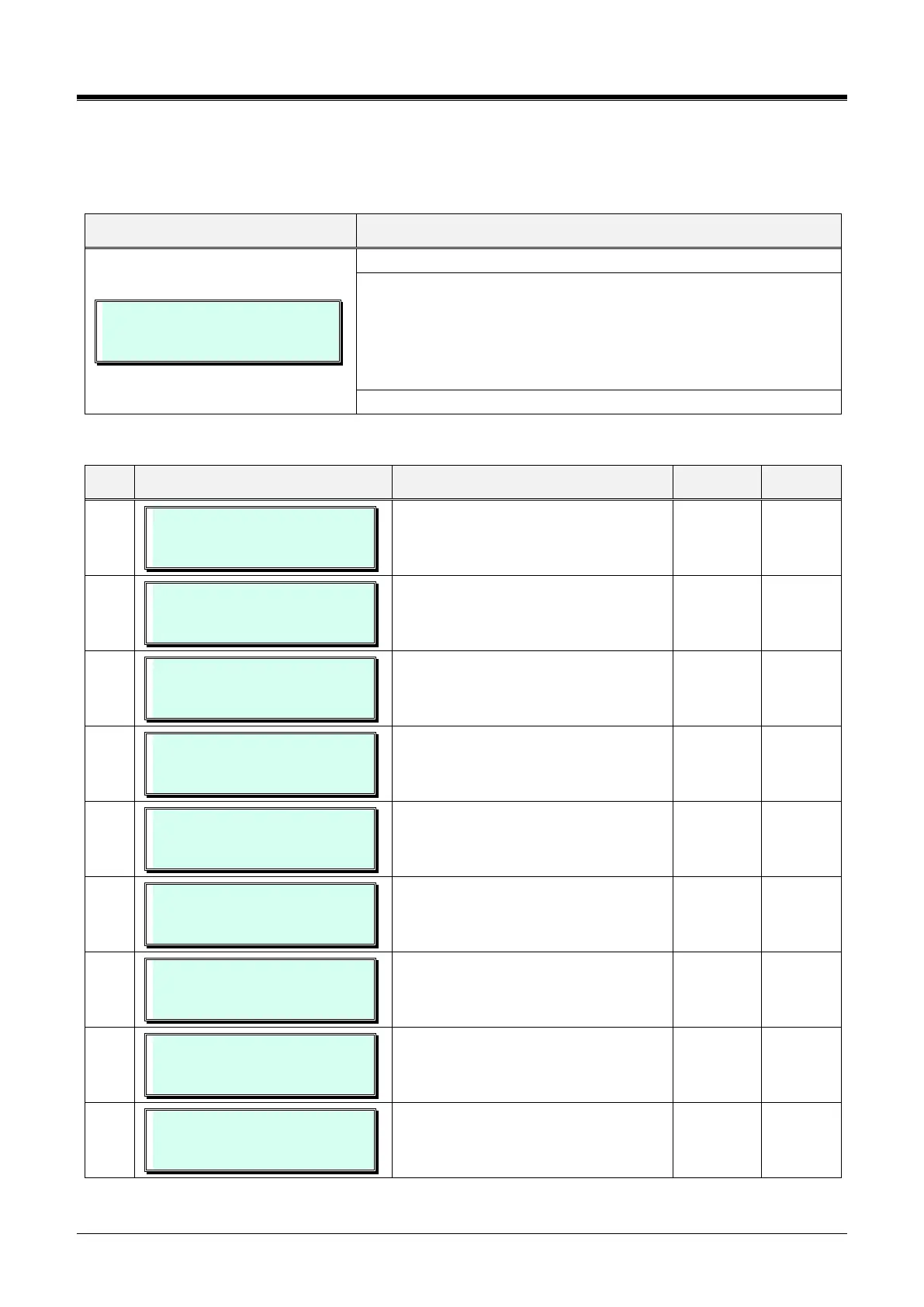
4.3.16 VIRTUAL TRACE DIP-SWITCH — PGM 452
The Virtual Trace Dip-switch is used to enable and disable traces for various functions as defined in Table
3.3.16-1.
VIRTUAL TRACE DIP SW
PRESS FLEX KEY (01-22)
Press the [PGM] button and dial 452.
To enable trace, press the desired trace button 1-9. The Flex button
LEDs indicate trace setting, On/Off, press the desired Flex button to
toggle Trace Enable,
- LED on: trace enable
- LED off: trace disabled.
To enable selected trace settings, press the [Save] button.
Table 3.3.16-1 VIRTUAL TRACE DIP-SWITCH (PGM 452)
VIRTUAL TRACE DIP SW
CALL TRACE : (OFF)
‘Call Trace’ is enabled for output.
VIRTUAL TRACE DIP SW
VOIP TRACE : (OFF)
VoIP Trace is enabled for output.
VIRTUAL TRACE DIP SW
HTTP TRACE : (OFF)
HTTP Trace is enabled for output.
VIRTUAL TRACE DIP SW
MULTICAST TRACE : (OFF)
Multicast Data (normally registration
data between MPB and local mode
device) Trace is enabled for output.
VIRTUAL TRACE DIP SW
CTI TRACE : (OFF)
CTI Device Trace is enabled for output.
VIRTUAL TRACE DIP SW
RAW DATA-TRACE : (OFF)
Detailed Data Trace is enabled.
VIRTUAL TRACE DIP SW
MPMP TRACE: (OFF)
MPB to MPB Data Trace is enabled for
output.
VIRTUAL TRACE DIP SW
CPU RE TRACE: (OFF)
CPU Redundancy Data Trace is
enabled for output.It is not used.
VIRTUAL TRACE DIP SW
MISU/VMIU TRACE:( OFF)
MISU/VMIU Trace is enabled for output.



 To Next Page