iPECS eMG80/100& eMG800 & UCP & vUCP
Administration and Programming Manual Issue 2.5
284
Table 4.4.8.8-1 SIP PHONE PROVISIONING
Save button: save provisioning for the specified common CONFTYPE or specific SIP Extension with
Private MAC.
Store uploaded Provision files button: Store the uploaded provision files.
Download Provision files button: download the provision files.
View Provision files button: display all of the saved provisioning information.
View TLS Cert files button: display all of saved TLS Cert files information.
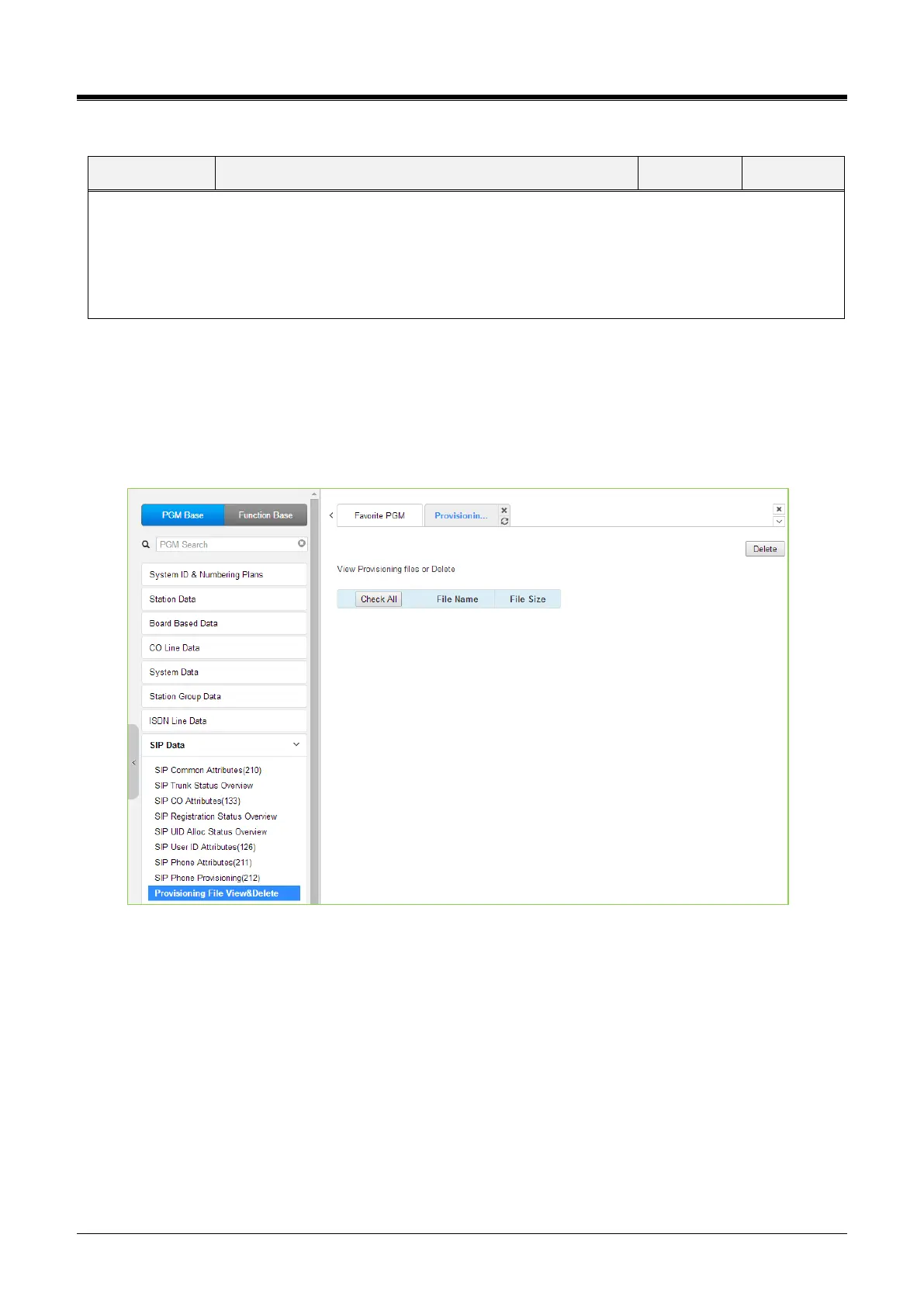
4.4.8.9 Provisioning File View & Delete
Selecting Provisioning File View & Delete displays a list of all the Provisioning files stored in the provisioning
files directory, as shown in the following figure. Note this does not include files that have been uploaded to
iPECS eMG/UCP file system but not “stored” under PGM 212. To delete a file from the provisioning file
directory, check the box in front of the file to be deleted, then click [Delete].
Figure 4.4.8.9-1 Provisioning File View & Delete



 To Next Page