iPECS eMG80/100& eMG800 & UCP & vUCP
Administration and Programming Manual Issue 2.5
214
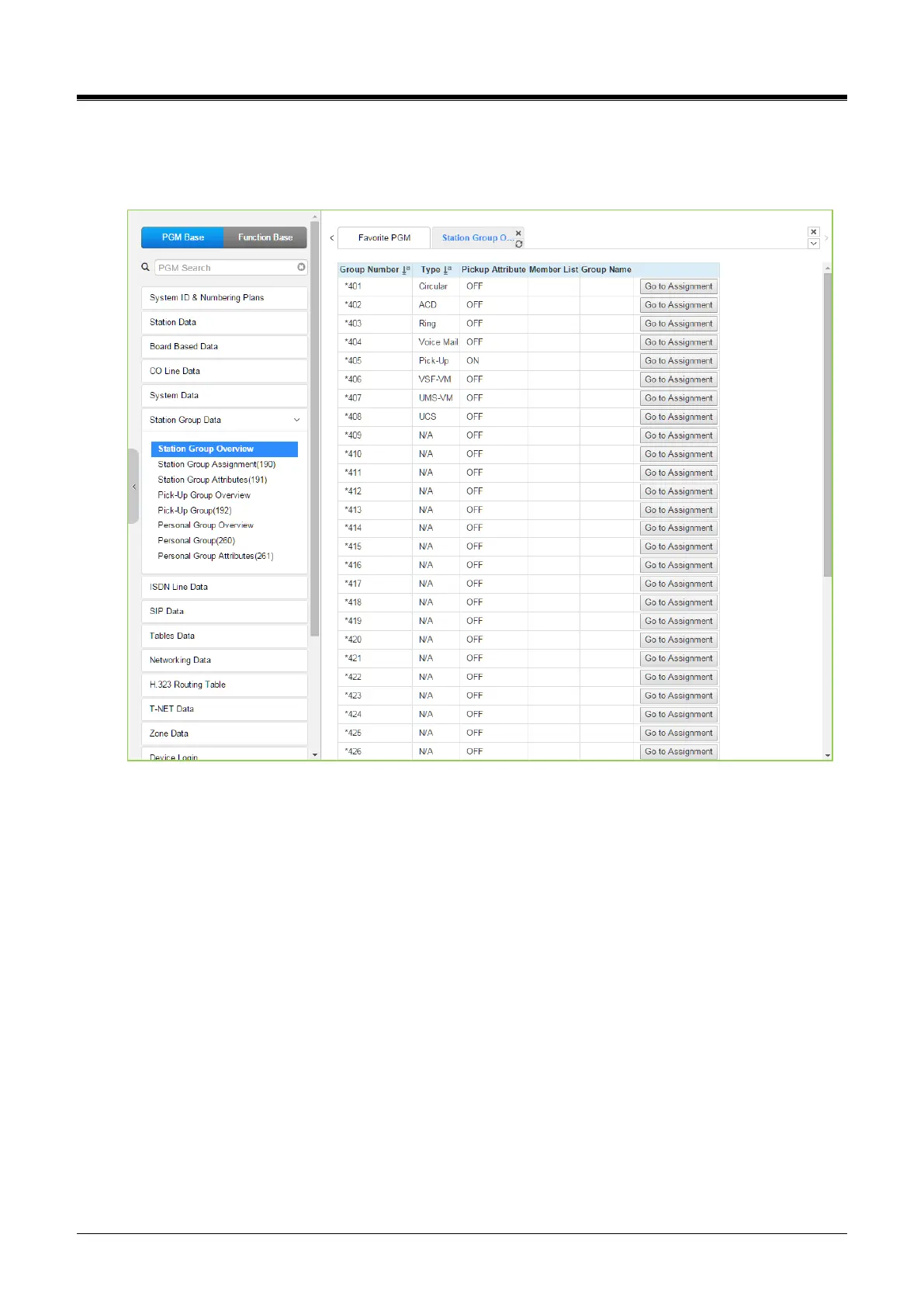
4.4.6.1 Station Group Overview
Selecting the Station Group Overview item will return the Station Group Overview page. This page displays
the Station Group attributes (type, pick-up attribute, Member list, and Group name) for all the Station Groups.
Figure 4.4.6.1-1 Station Group Overview
All information of each group will be displayed and changed the assignment on this page.
Each Group can be assigned Type, Pickup attributes, Member list, and Group name by clicking “Go to
Assignment” on this page. Station Group Assignment (190) will be displayed and directly go to Station Group
Attributes (191) of the group by clicking “Go to Attributes.”



 To Next Page