iPECS eMG80/100& eMG800 & UCP & vUCP
Administration and Programming Manual Issue 2.5
160
4.4.5.9 Alarm Paging
We are selecting Alarm PagingDestinationwill display the following page. Click the [Save] button after hanging
Value. The online license selection menu can use at the vUCP System only.
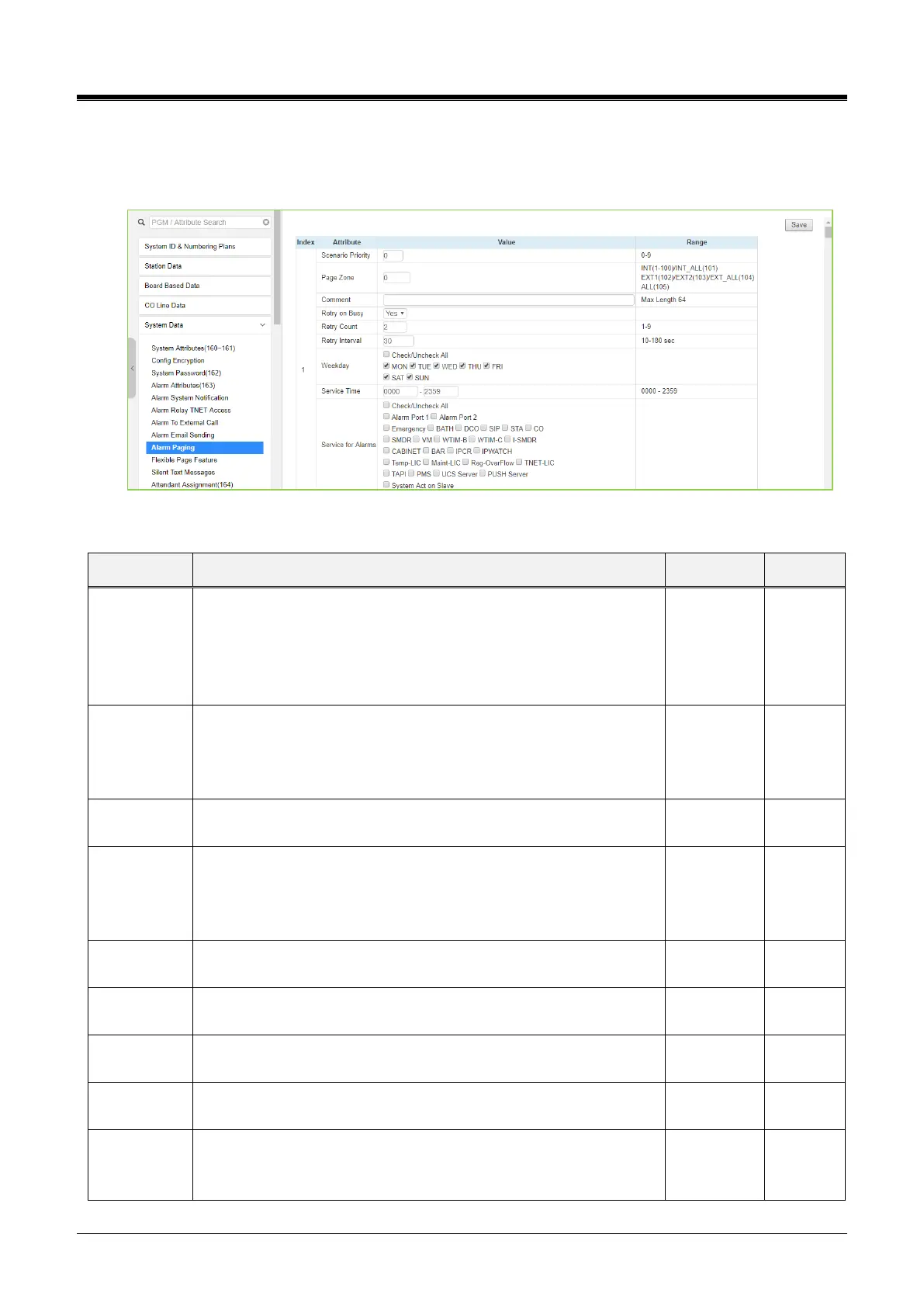
Figure 4.4.5.9-1 Alarm Paging
Table 4.4.5.9-1 Alarm Paging
‘0’ is highest, ‘39’ is lowest priority
For single destination: anything of 0-39 (meaningless)
For multiple destinations for simultaneous paging: same priority
value
For failover (busy) scenario: different priority
Mandatory input
Without this, no service
0 (not assign), INT(1-100), INT_ALL(101), EXT1(102), EXT2(103),
EXT_ALL(104), ALL(105)
Just for memorization by naming
Retry to make paging
If page group is occupied by other paging.
Or, all of the page receiving member stations are not in a valid state
to receive page
Additional to the first trial, the system will try to make paging till this
counts on fail (busy) condition.
Pause duration per a retrial
Monday to Sunday
All, MON, TUE, WED, THU, FRI, SAT, SUN
'start time' to 'end time.'
(start time can be longer than end time, etc. 2300 - 0559)
Selection of alarm types to serve by this table
Mandatory input. Without the selection of an alarm type, the alarm
type is served



 To Next Page