iPECS eMG80/100& eMG800 & UCP & vUCP
Administration and Programming Manual Issue 2.5
234
4.4.6.5 Pick Up Group - PGM 192
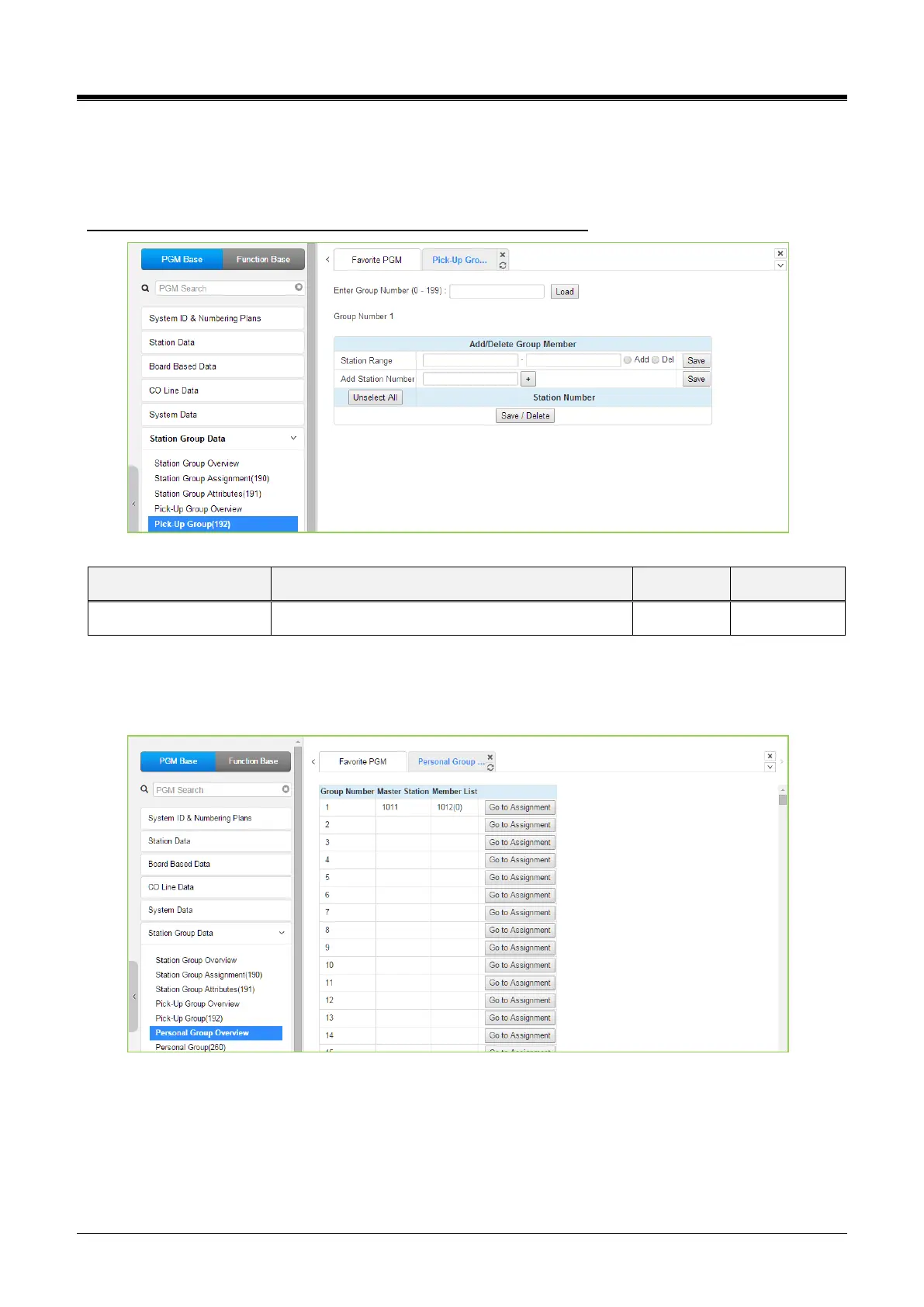
Selecting Pick Up Group will display the Pick Up Group entry page. Enter the desired Pick Up Group number
and click [Load] to display the group member Assignment.
Enter Group Number: eMG80/100: 0-49 / eMG800: 0-199 / UCP: 0-199
Figure 4.4.6.5-1 Pick Up Group
4.4.6.6 Personal Group Overview
Selecting Personal Group Overview displays the master station and member list for all the personal groups.
Figure 4.4.6.6-1 Personal Group Overview
Clicking [Go to Assignment] moves Personal group (260) for assigning Master station&Member Station and
setting Personal group attributes directly.



 To Next Page