iPECS eMG80/100& eMG800 & UCP & vUCP
Administration and Programming Manual Issue 2.5
398
4.5.7.4 Temp License Activation
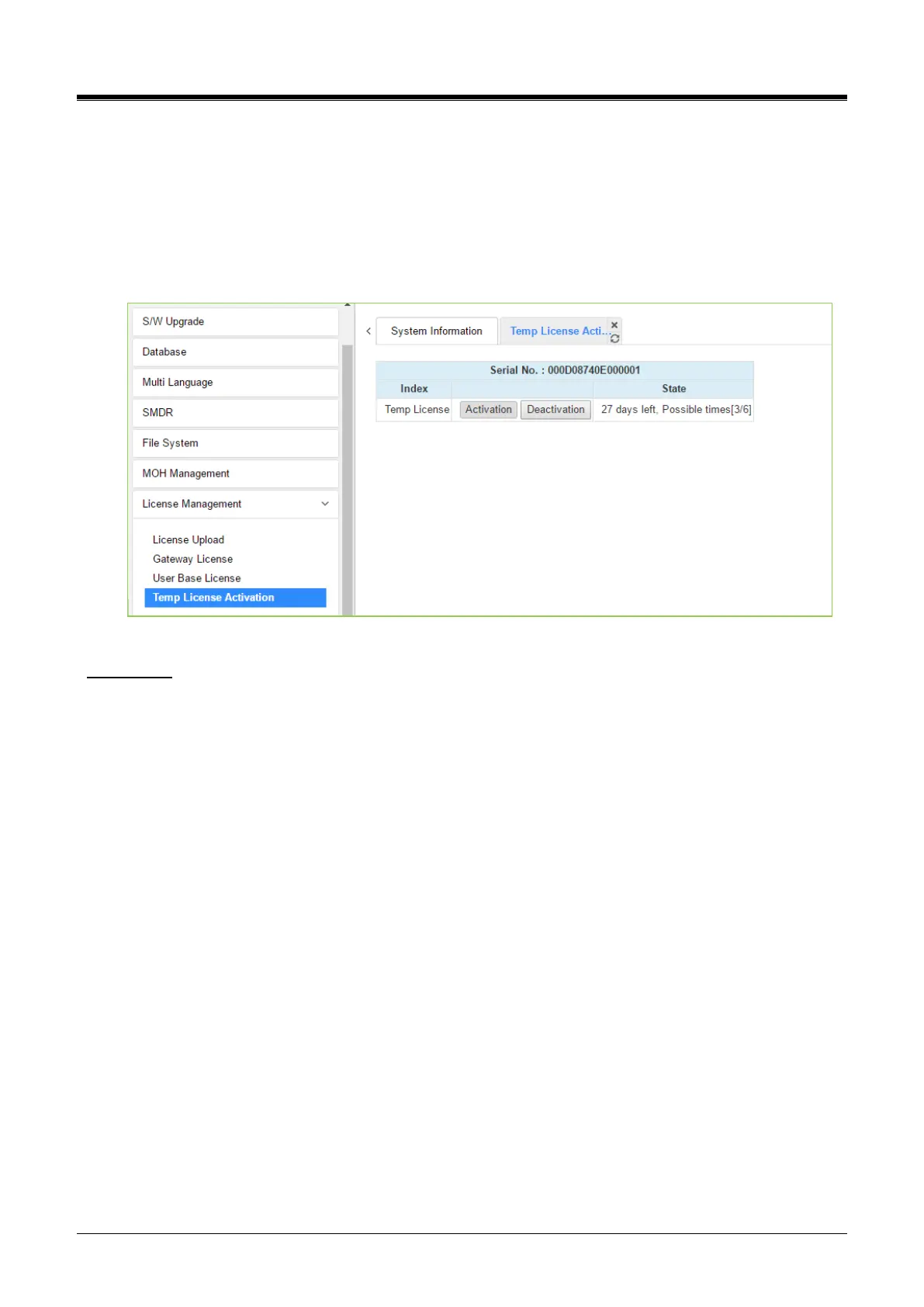
Before Temp License Activation, make sure that the date of the system is set correctly. On this page, Temp
License can be activated by clicking the [Activation] button. The remaining days and activation times are
displayed in the State column. The Temp License can be activated a total of 6 times. It is valid for 60 days at
the first activation and is valid 30 days from the second activation. Therefore the license file which has the
correct port number and features must be uploaded. Otherwise, the system may enter “Limited Service Mode”
due to the mismatched license.
Figure 4.5.7.4-1 Temp License Activation
Notification
- Please backup your DB before you activate a temporary license.
- Must verify the present license before the temporary license expires.
- If a temp license expires, upload a new license file or use it within the scope of the current license file.
Otherwise, the system may go to [Limited Service Mode].



 To Next Page