iPECS eMG80/100& eMG800 & UCP & vUCP
Administration and Programming Manual Issue 2.5
173
4.4.5.17 LCD Display Mode - PGM 169
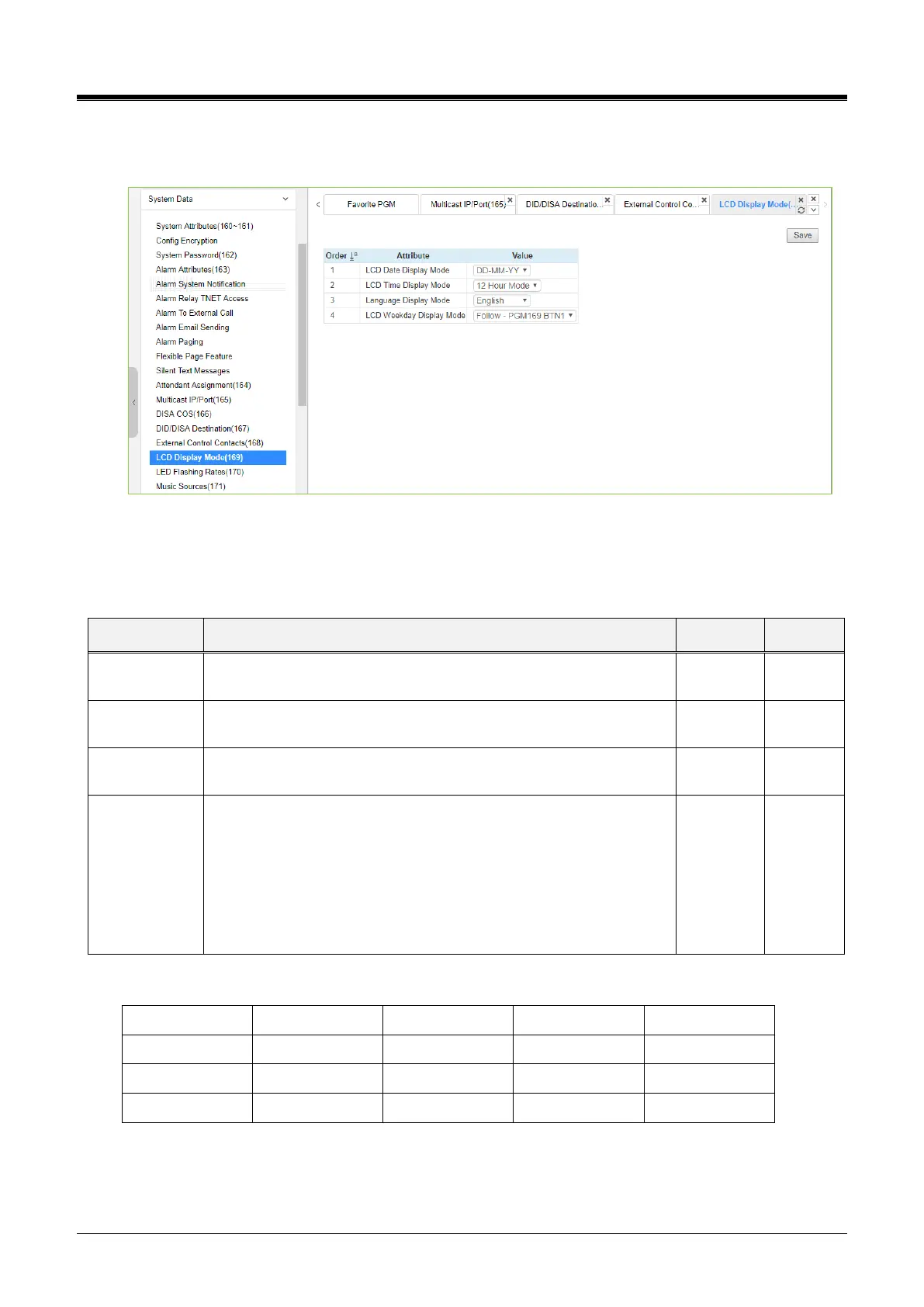
Selecting LCD Display Mode will display the data entry page. Click the [Save] button after changing Value.
Figure 4.4.5.17-1 LCD Display Mode
The LCD display mode sets the time (12/24 hr.), date (day/month order), and language. Refer to Table
4.4.5.10-1 and Table 4.4.5.10-2 for a description of the modes and the data entries required.
Table 4.4.5.17-1 LCD DISPLAY MODES
Sets the Date display as month/day or day/month.
DD-MM-YY, MM-DD-YY
Sets the Time display mode as 12 hour or 24-hour (military) time.
12 Hour Mode, 24 Hour Mode
Sets the language used in the display; refer to Table 4.4.5.10-2
below.
Sets the Day-of-Week (DoW) display mode:
No DoW display mm/dd/DoW, alpha month display, overrides
setting of button 1above.display mm/dd/DoW, numeric month
display, overrides setting of button 1 above.
Follow - PGM169 BTN1
Type1(MM/DD WDY)
Type2(MM DD WDY)
Table 4.4.5.17-2 LCD LANGUAGE SELECTION



 To Next Page