iPECS eMG80/100& eMG800 & UCP & vUCP
Administration and Programming Manual Issue 2.5
318
4.4.9.21 Preset Flexible Button Default – PGM 240
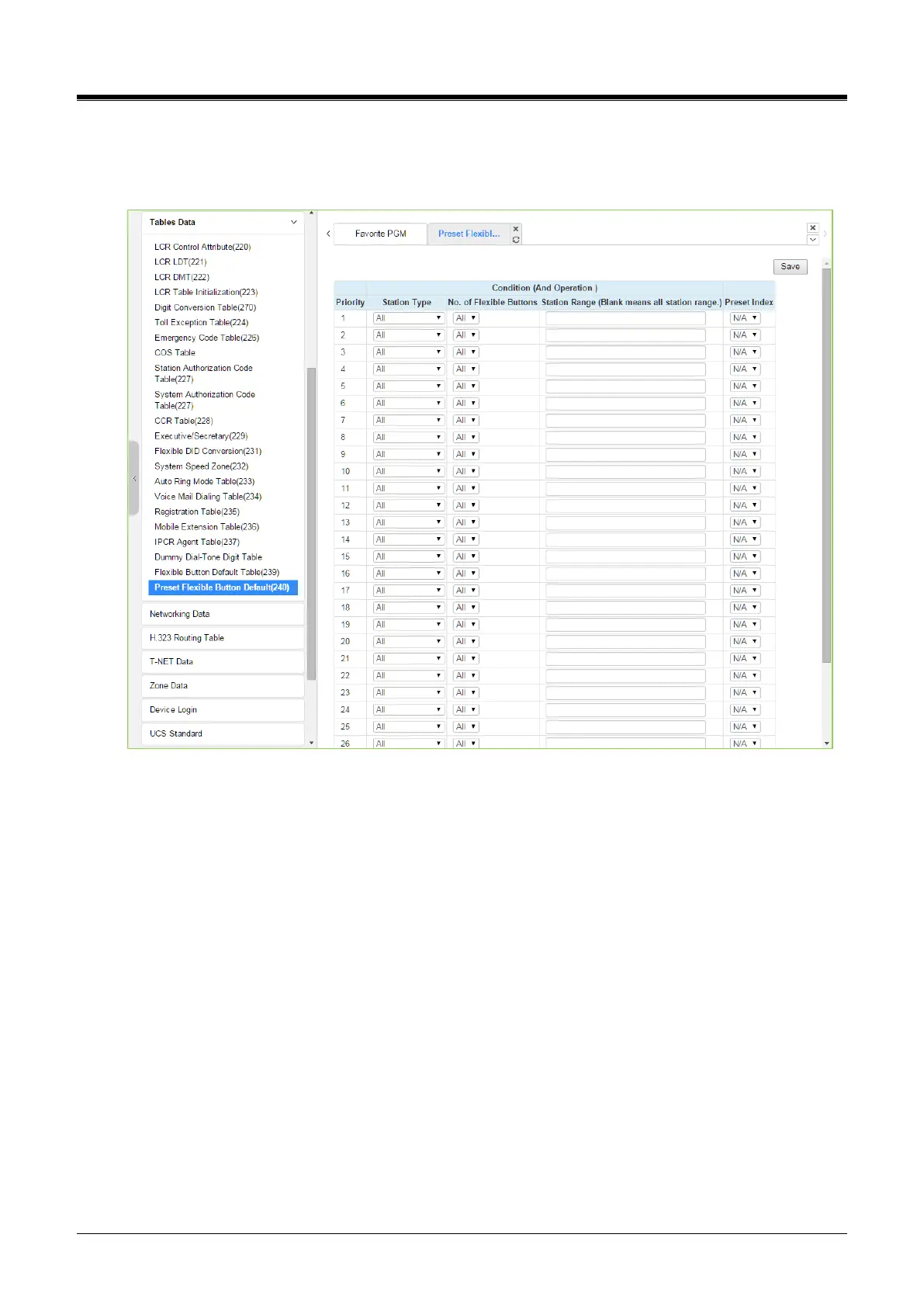
Selecting the Preset flexible button default will display the below page. Click the [Save] button after changing
Value.
Figure 4.4.9.21-1 Preset Flexible Button Default
The administrator can assign the Preset flexible button table to the station automatically by default. Before
connecting the station, the administrator has to set this table according to Priority, Station Type, the number of
Button, Station Range, and check the preset Index (1~30). The preset index means the range of Flexible
Button Default Table (PGM 239).



 To Next Page