iPECS eMG80/100& eMG800 & UCP & vUCP
Administration and Programming Manual Issue 2.5
201
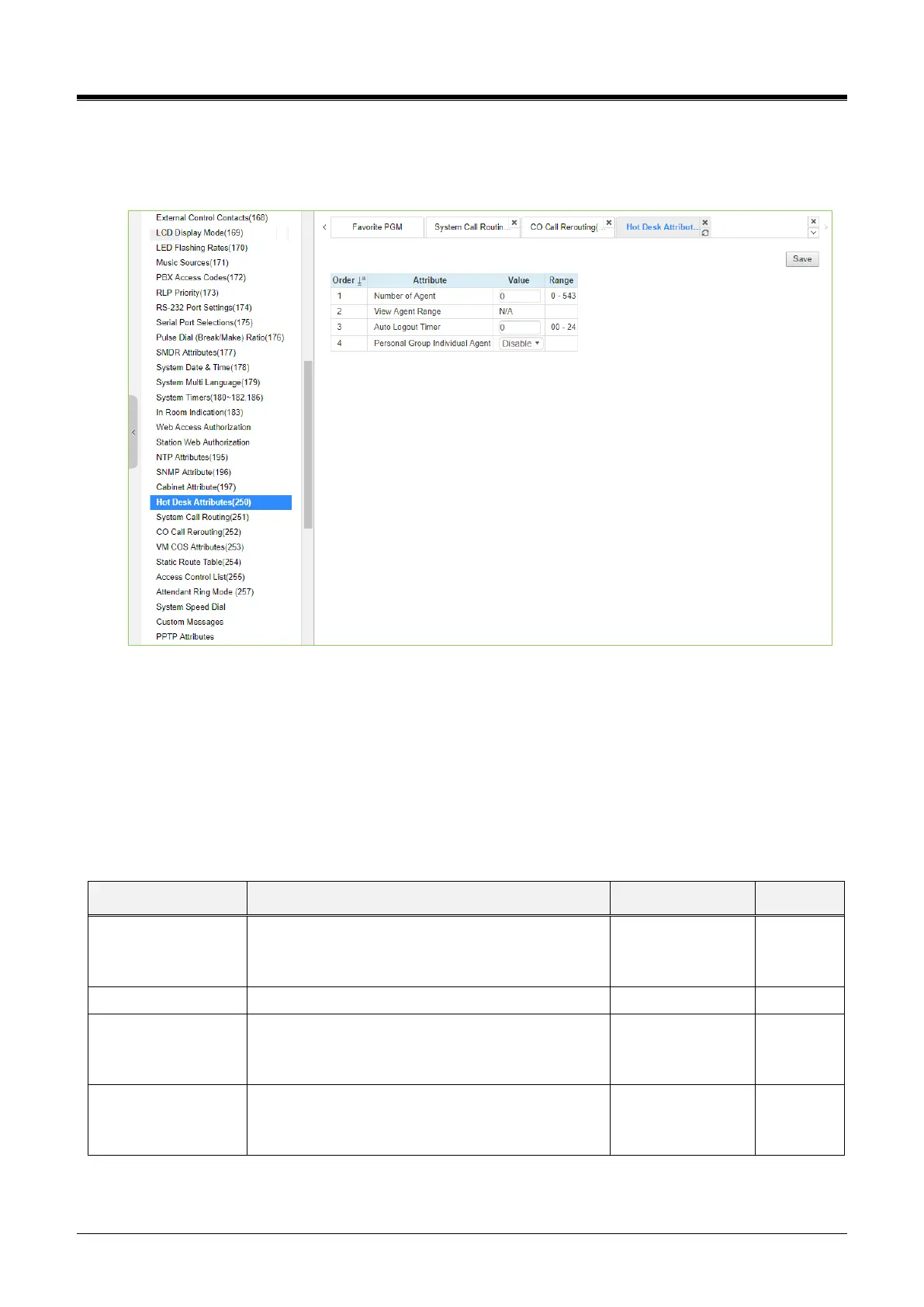
4.4.5.35 Hot Desk Attributes - PGM 250
Selecting Hot Desk Attributes will display the Hot Desk Attributes data entry page. Click the [Save] button
after changing Value.
Figure 4.4.5.35-1 Hot Desk Attributes
Hot Desk feature is available only for LIP phones, NOT for Digital phones and LIP-8002/2E.
A Hot Desk station allows a user to log in for access to the system features and resources. Once logged in,
the user is provided access to system features and resources employing the database for the user‘s assigned
station.
User station numbers, which are used as the Agent ID, are assigned automatically by the system. The system
assigns station numbers to each agent starting at the highest station number available.
If this is enabled, then Hot desk login/logout will
work individually. To use UCS call control, then it
should be enabled.



 To Next Page