iPECS eMG80/100& eMG800 & UCP & vUCP
Administration and Programming Manual Issue 2.5
352
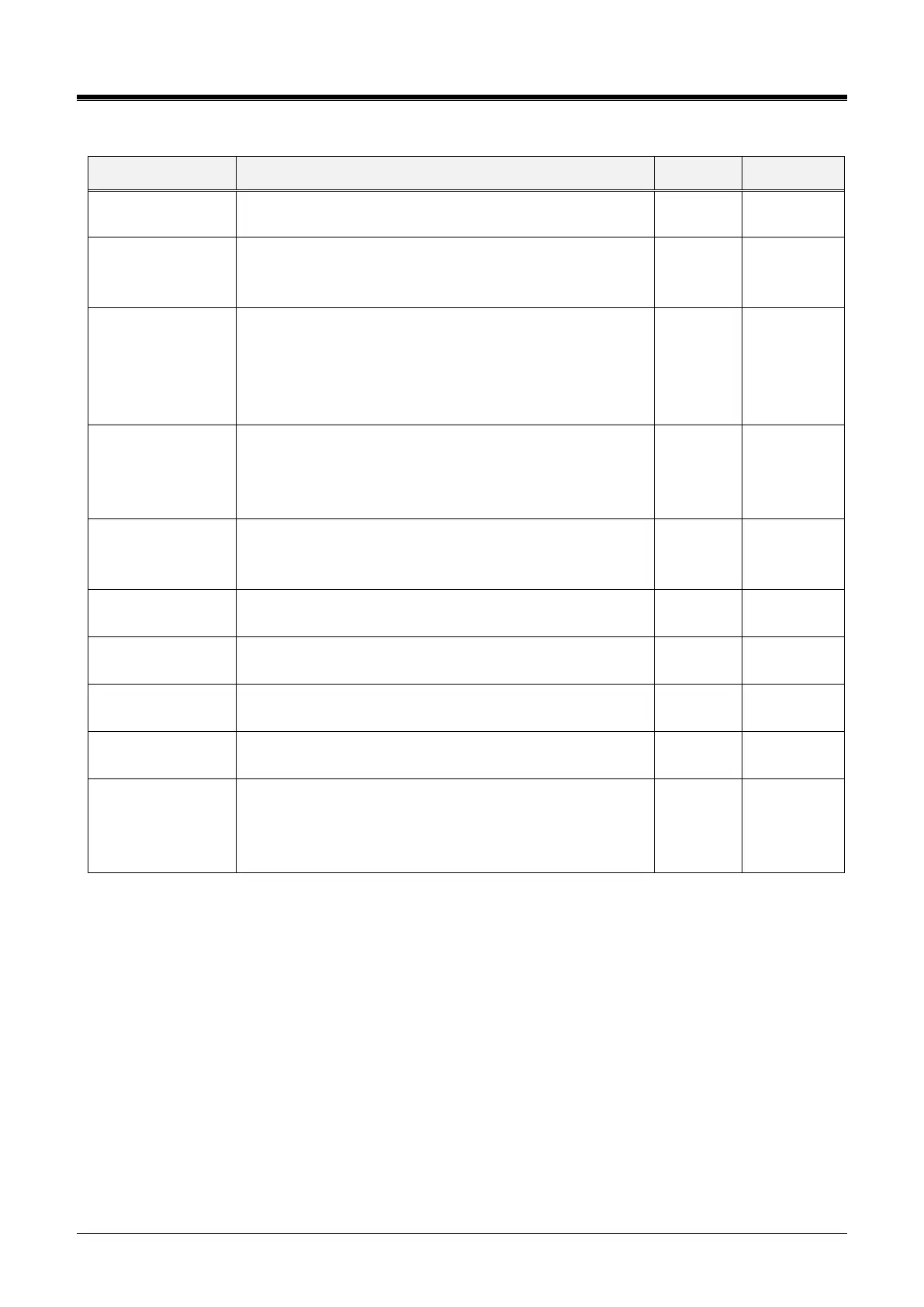
Table 4.4.13.6-1 ZONE ATTRIBUTES
Descriptive information to help installer/programmer in
identifying the device Zone, i.e., Branch1.
The time & date displayed at the station are based on the
time zone selected or the system time
Time zone, System time
Max Total Inter-
Zone Connections
This parameter may be used to limit the number of
maximum Inter-Zone connections. When this value is set to
0, there is no limit on the total Inter-Zone connections.
eMG80/100:0-140, eMG800: 0-1200, UCP: 0-2400 (0: No
limit)
This field may be used to limit the number of outgoing
CO/IP calls from the Zone. When this value is set to 0,
there is no limit on the number of outgoing CO/IP calls.
eMG80/100:0-74, eMG800: 0-600, UCP: 0-998 (0: No limit)
A Music source can be assigned, so that calls to this zone.
Refer to Sys Hold, Internal music, External Music,
VSF MOH, SLT MOH1~5, VSF MOH2~30
Emergency Call
Notify Station
It assigns the destination station for Emergency Call
Notification.
Emergency Call
Notify 2nd Station
This field assigns a secondary station to receive notification
of an emergency call from a device in the Zone.
DCOB Fault Notify
Station
This field assigns the station to receive notification of a
DCOB (Digital CO Board) fault.
SIP Registration
Fault Notify Station
This field assigns the station to receive notification of a SIP
Trunk registration fault.
If the option is "System DST mode," the zone will follow the
system DST mode (System Date & Time(178)). If the option
is "OFF," the zone will not apply the Daylight-Saving Time.
System DST mode, OFF



 To Next Page