iPECS eMG80/100& eMG800 & UCP & vUCP
Administration and Programming Manual Issue 2.5
40
The system supports changing the port count of a device or deleting devices. In this window, the device's
Device ID, Mac address, IP address, and port count can be modified.
Also, checking the[Device Delete] check box will delete the device.
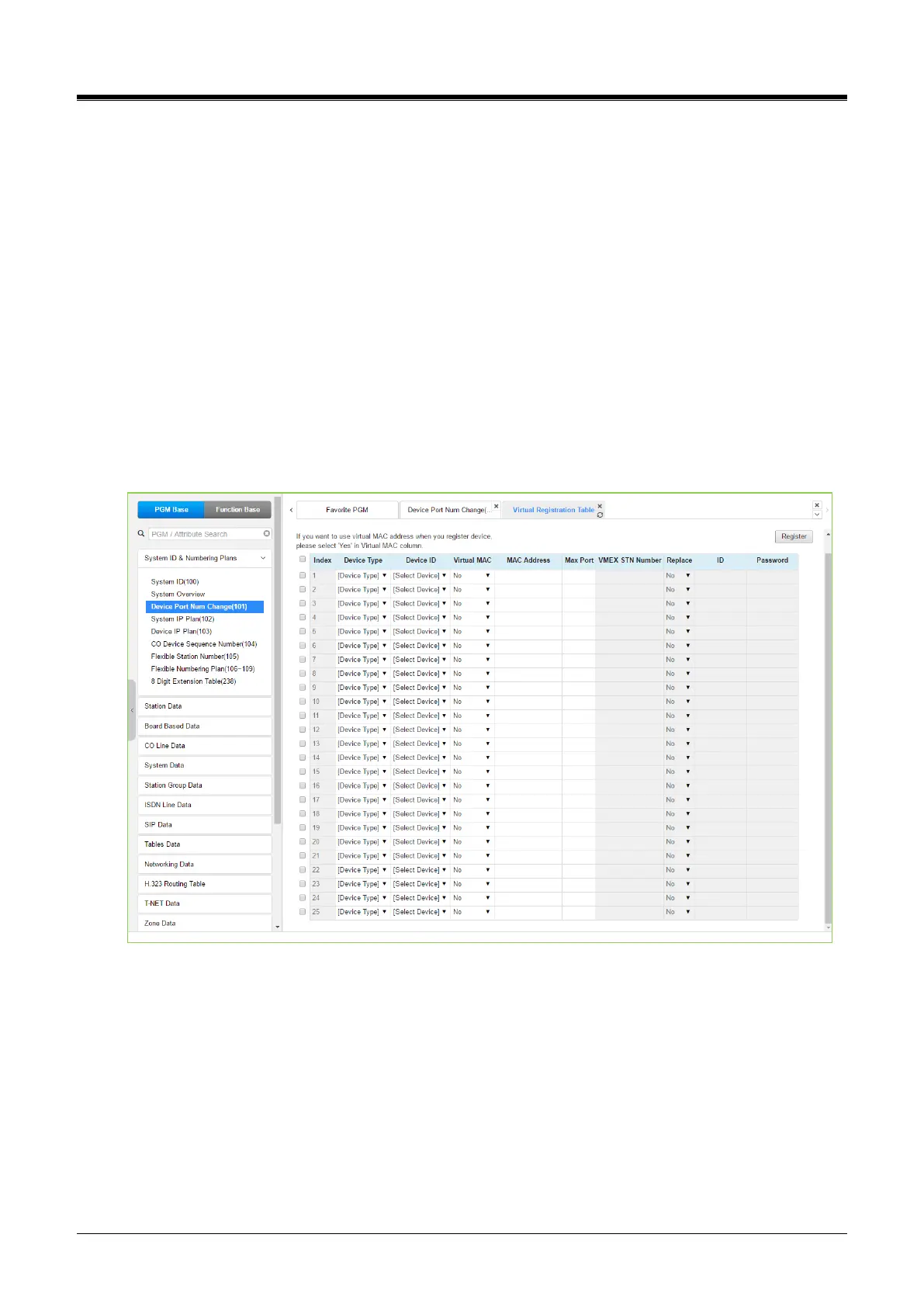
Devices may be registered through the Virtual Registration page by accessing to “Device Port Number
Change” page.
Devices can be registered with or without a MAC address, and the number of ports associated with the device
may be limited.
This may be useful, for example, to implement a “partial T1” gateway where only some of the T1 channels are
available. Note to virtually register a SIP trunk, use the Device Type of CO and device as VOIM, enter the
desired number of channels.
If you want to use a virtual MAC address when registering a Device, please check the check box in front of the
MAC address input field. Click the [Register] button after finishing the desired value.
The administrator can register 25 devices at one time and can copy/paste/drag like excel.
Figure 4.4.1.3-4 Virtual Registration



 To Next Page