K117sm5e5
5-65
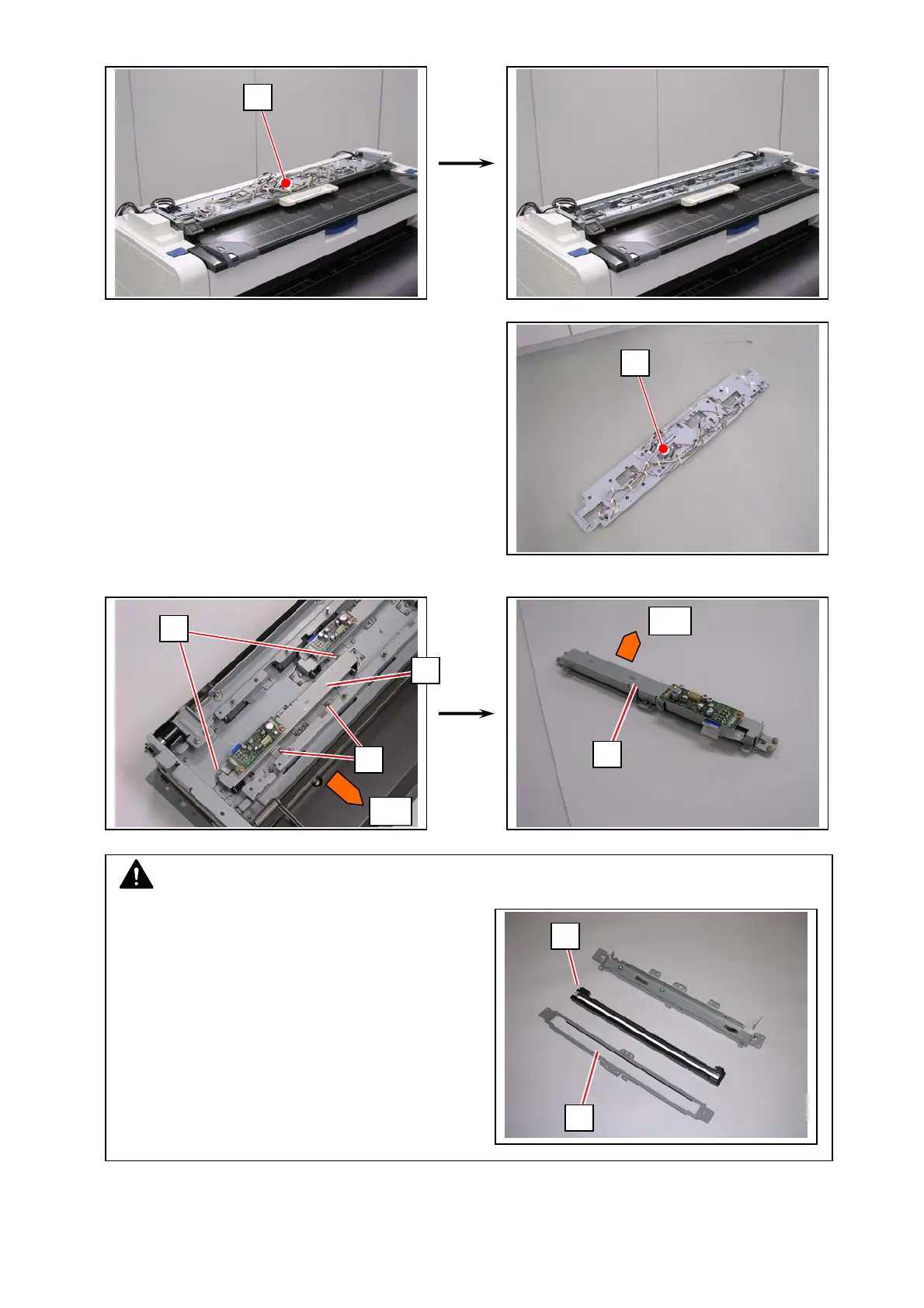
19. Remove the Base Plate (25).
20. Remove 4 screws (26, M3x4 w/ TW) to remove the concerning CIS Bracket (27).
25
25
front
26
26
27
27
front
NOTE
Place CIS Bracket on a soft cloth or anything to
avoid damage on the Scan Glass Assy (28).
If you remove the Scan Glass Assy just in case,
still you should prepare such to avoid damage
on the sensor array of the CIS (29).
28
29



 To Next Page