K117sm5e6
5-85
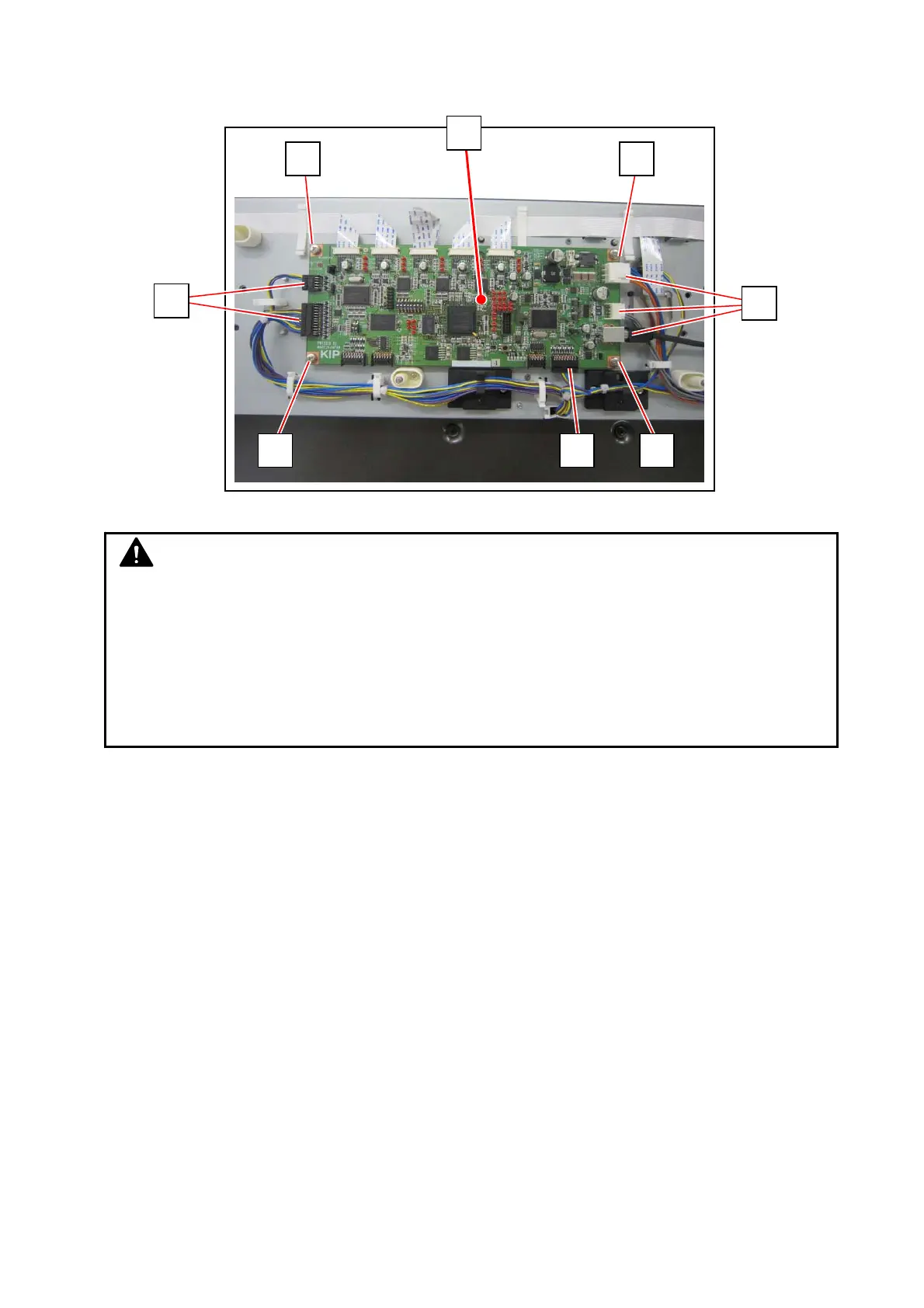
11. Disconnect all the other cables (14), remove 4 screws (15) on every corner, and then replace
the Main Board (16) with a new one.
15
15
14
1415
15
14
16
NOTE
(1) The scanner’s Main Board stores its serial number (same with the machine S/N). As
a service part Main Board has no S/N information on it, you will have to write the
serial number (with 8 digits) to the scanner’s Main Board.
(See [8. 14. 11 Serial Manager])
(2) After replacement, the Main Board requires importing backup data and Shading
Adjustments.



 To Next Page