K117sm5e9
5-150
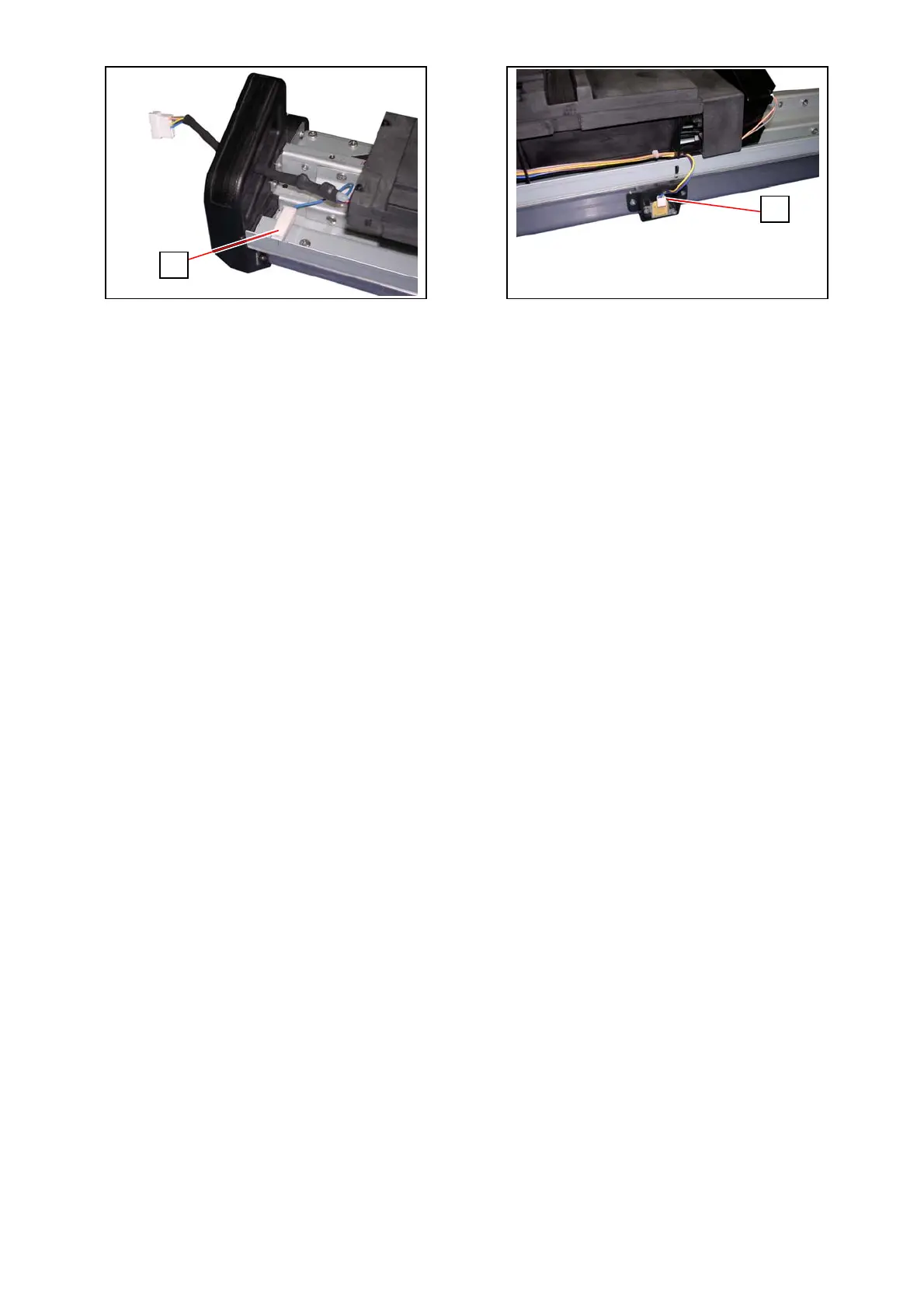
89. Reconnect the ground wire (1) and the connector (2).
90. Return the Developer Assy to the machine.
Refer to [5.1.4.1 Replacement Procedure].
91. Add toner (2 packages of the Toner Bottles) to the Hopper Unit.
Refer to [5.1.4.1 Replacement Procedure].
92. Launch the service software.
Press [Login] Æ [Wizard] Æ [Developer Replacement Procedure] Æ [Reset].
Refer to [5.1.4.1 Replacement Procedure].
93. Go back to the Home screen.
Press [Special Operation] Æ [0007 Toner Supply1] in the dropdown menu Æ [Enter] Æ
[Agree]. ([0007 Toner Supply1] twice in a row for 2 Toner Bottles)
Refer to [5.1.4.1 Replacement Procedure].
1
2



 To Next Page