K117sm7e3
7-43
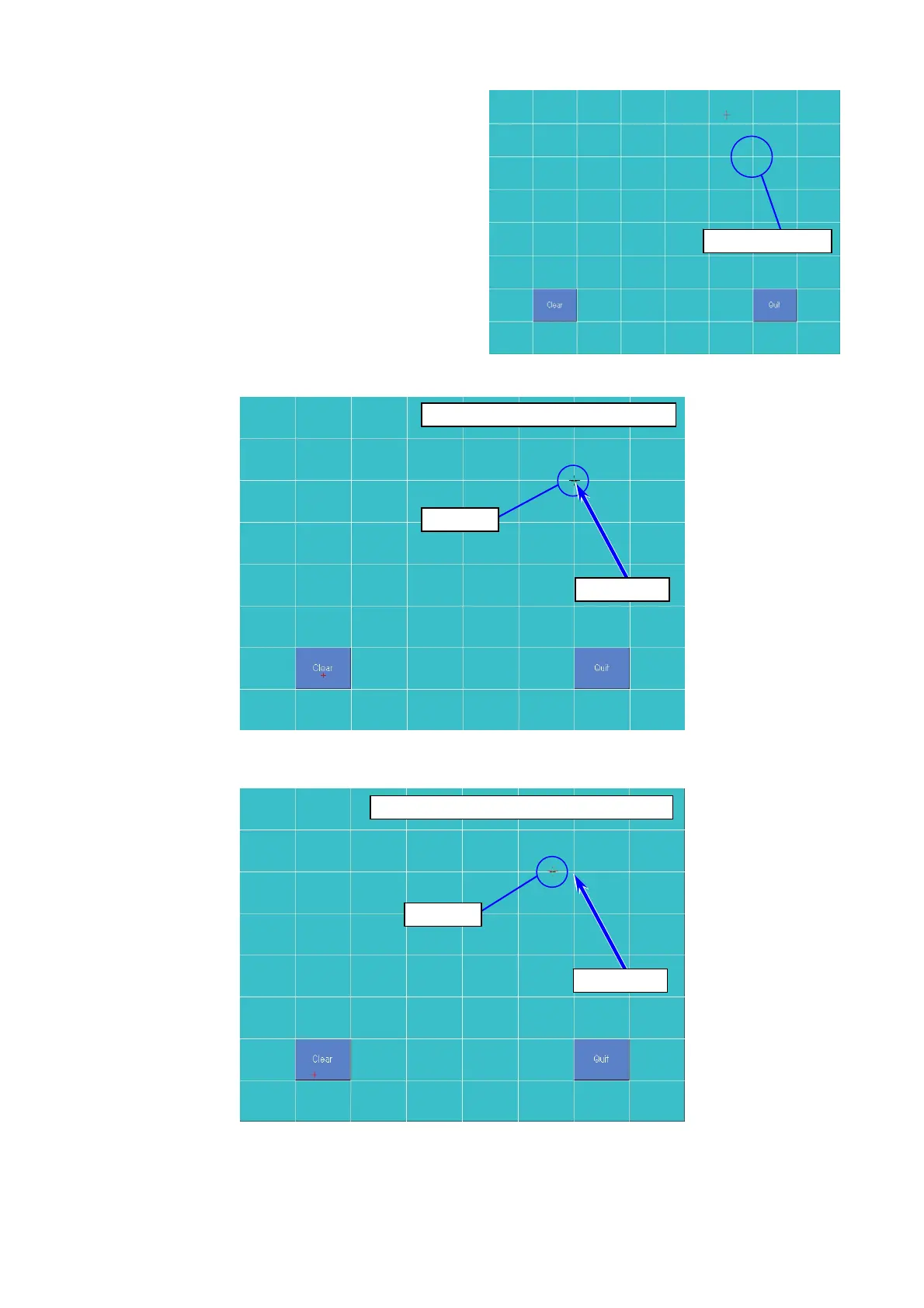
10. Tap a certain point and check the cursor appears directly underneath a stylus.
For example, suppose you tap the point shown
the next figure.
The cursor will appear just underneath the tapped point in a correct condition (calibration is not
necessary).
If the cursor appears an unintended position, the touch screen should be calibrated.
Tap this cross
Cursor
Tap point
Tap point
Cursor
Cursor matches the tap point
Cursor does not match the tap point



 To Next Page