K117sm8eA
8-128
7. Click [Continue Anyway] when the following message is indicated.
8. Click [Finish] to close [Found New Hardware Wizard].
9. Open Device Manager, and confirm that “KIP K117SC” (under Imaging Device) is operating
properly.
10. Cycle the machine power.
NOTE
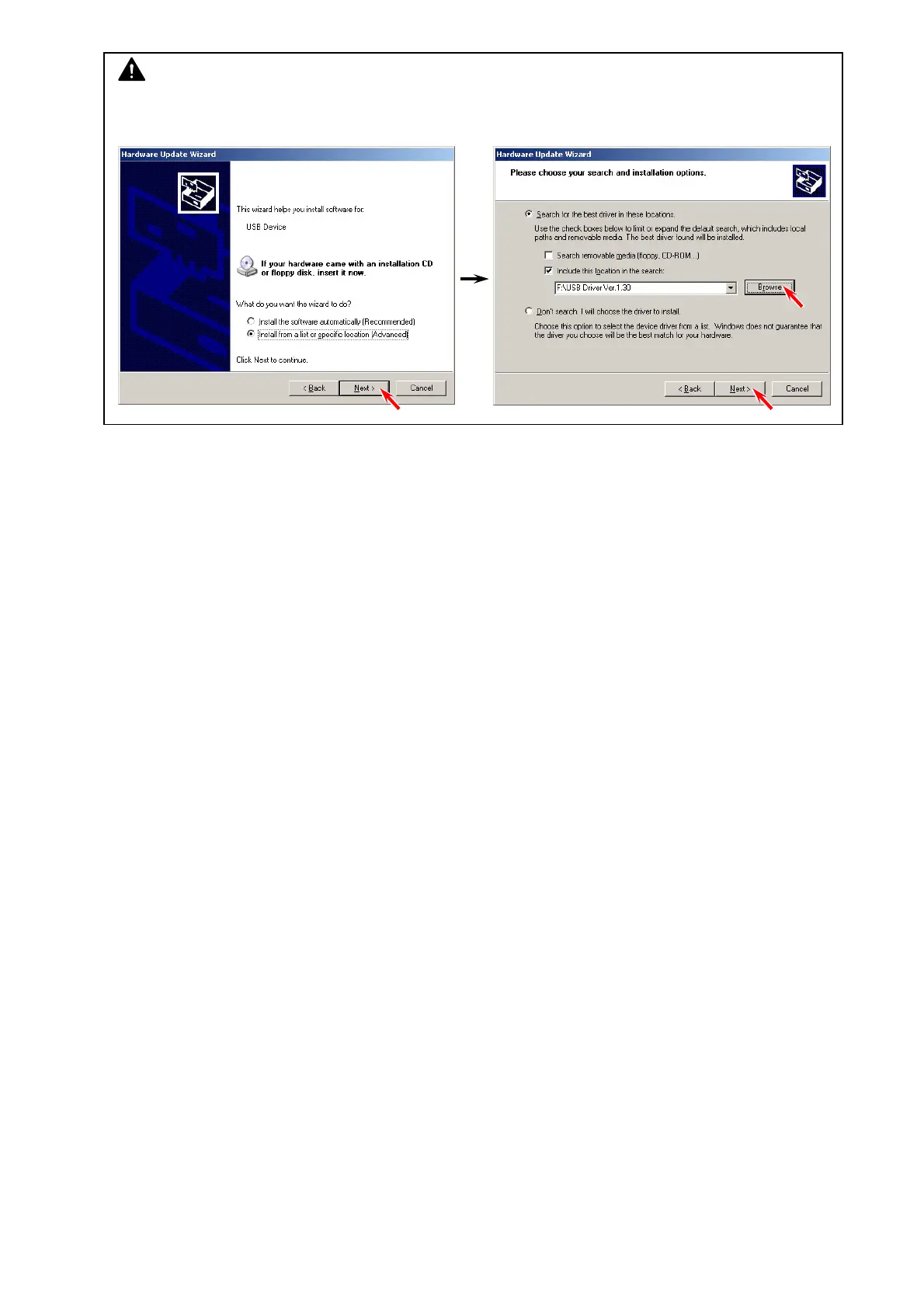
If the auto detection does not work properly, click “Install from a list of specific location
[Advanced]” to locate the driver software (.ini).



 To Next Page