K117sm8eB
8-138
NOTE
(1) It takes about 7 minutes to complete Shading adjustment.
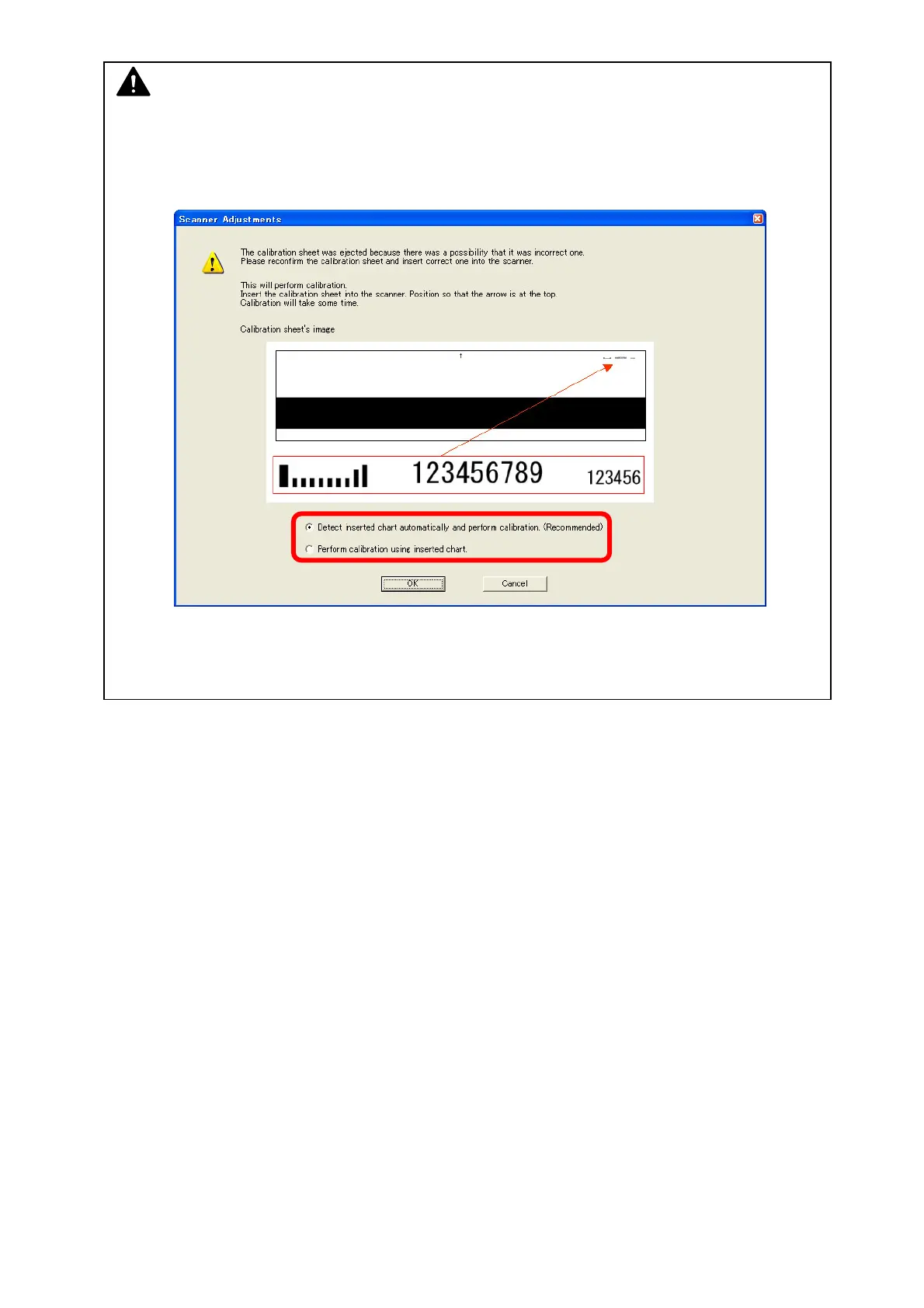
(2) A sheet other than Shading Sheet (P/N: Z178300360) will be ejected by Scanner Utility’s
auto chart distinction. After that the following confirmation appears.
If you inserted a wrong chart to the scanner, remove it and set the correct Shading Sheet.
Confirm that [Detect inserted chart automatically and perform calibration (Recommended)] is
selected, and press [OK].



 To Next Page