K117sm8eB
8-137
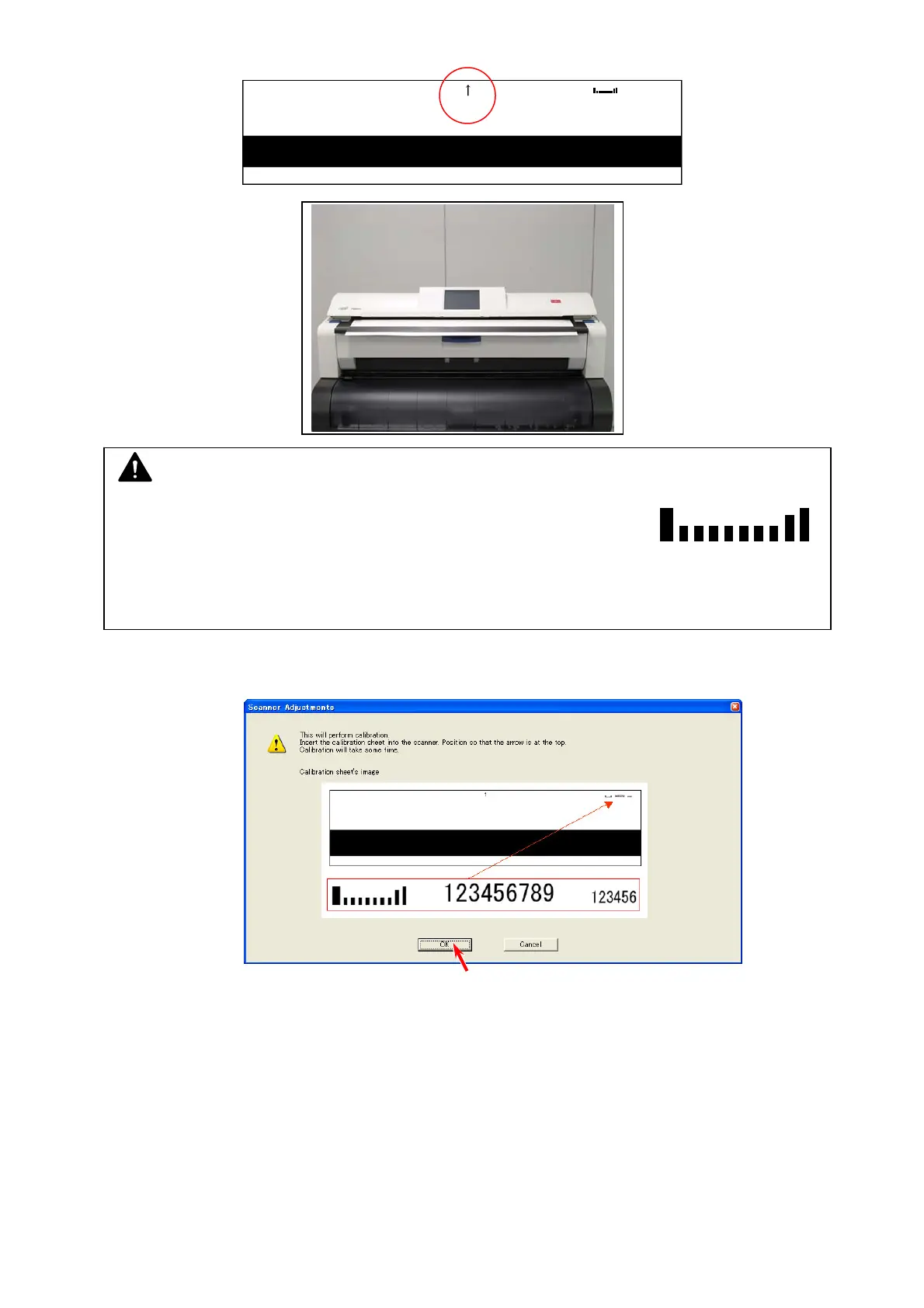
5. Set Shading Sheet in the KIP 700m accessory to the scanner noting the arrow direction.
6. Click [OK] after setting Shading Sheet, and the scanner reads it.
NOTE
(1) Use the Shading Sheet in the KIP 700m Accessory. The Shading
Sheet has a bar code on the top right.
(2) Handle Shading Sheet with great care. Keep it in safe custody for avoiding dirt, fold or
tear.
Bar code



 To Next Page