K117sm9e4
9-52
7. Remove the mis-fed sheet in the Paper Tray.
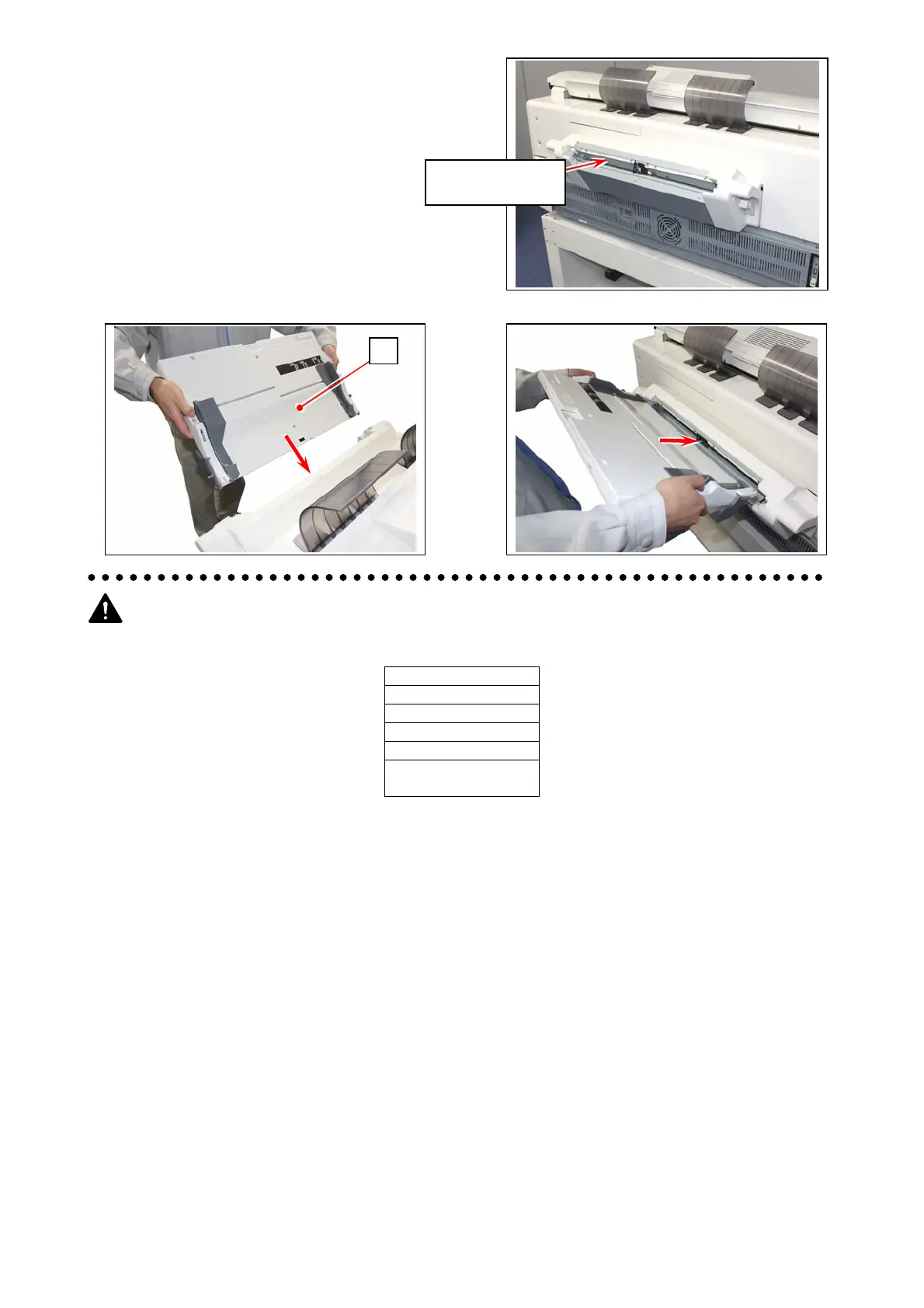
8. Insert the table unit (3) to the base unit.
Usage Note
(1) Do not use the media listed below. Doing so may cause a paper jam.
Excessively curled
Folded
Creased
Torn
Punched
Pre-printed
(either side)
(2) Place only plain paper / bond cut sheet on the table.
Do not place any other media or heavy objects on it.
(3) Correct curly sheets prior to placing on the table. Set the sheets in curl down direction.
(4) Do not top up additional sheets on the table. First remove the remaining sheets, and then jog all the
sheets together.
(5) Gently open the Upper Unit of the printer to dampen the force of opening motion.
Pull from inside
内部から引き出す
3



 To Next Page