Chapter 9: Video Module, Rev. 1.2
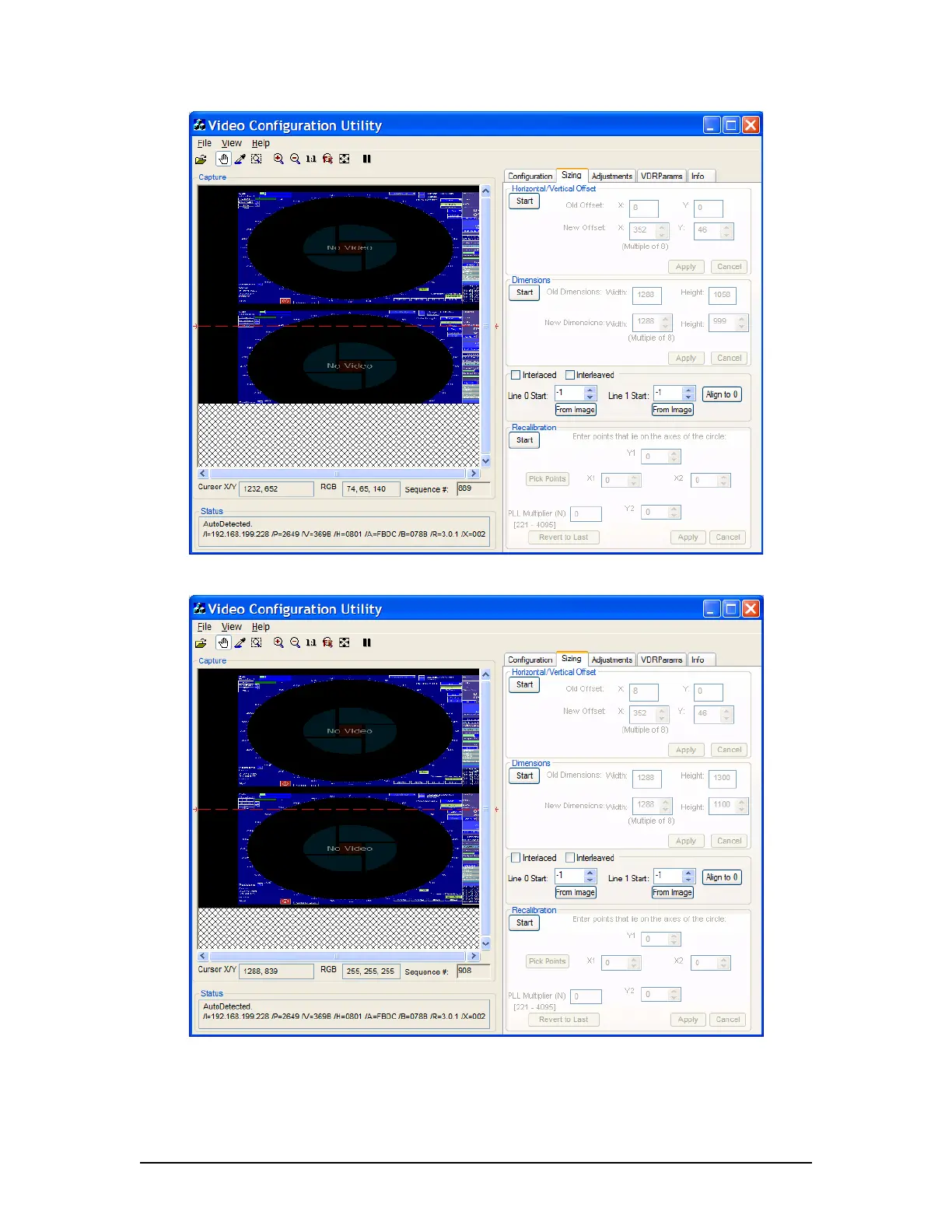
Figure 9-13 - Interlaced image with height too small
Figure 9-14 - Interlaced image with height set properly
5. Once the images are entirely visible; Ensure a small amount of black space still
appears at the top of the Capture window to allow for further adjustments. To
increase the amount of black space at the top of the Capture window:
VDR-100G3/G3S Installation Manual 06/10/2008
9-14



 To Next Page