Chapter 9: Video Module, Rev. 1.2
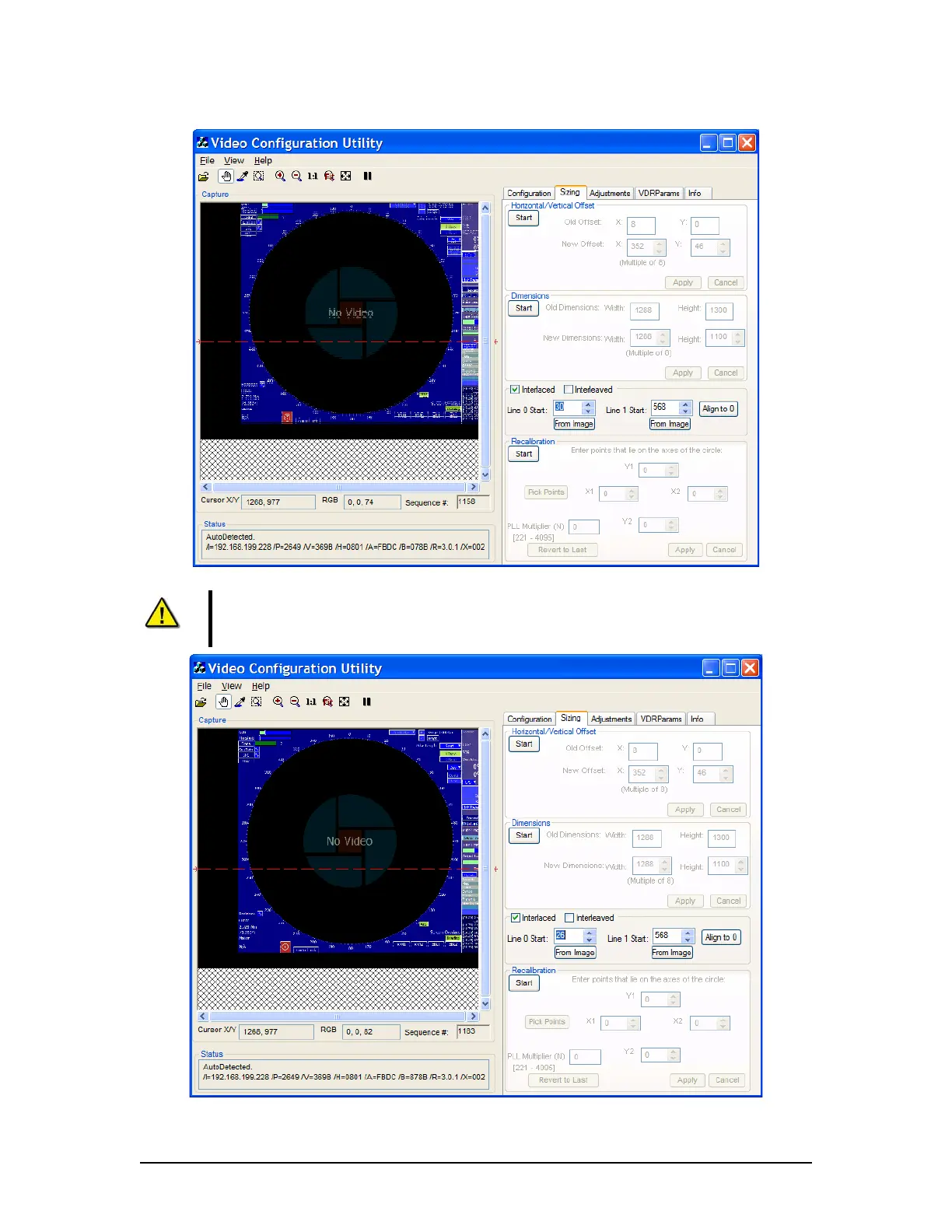
Figure 9-16 – Incorrectly Interlaced image
Note: To achieve the optimal image capture. After properly interlacing the image, the installer
may need to adjust the Sizing page’s Horizontal/Vertical offsets and Width and Height
dimensions
Figure 9-17 - Properly Interlaced Image
VDR-100G3/G3S Installation Manual 06/10/2008
9-16



 To Next Page