VDR Installation & Commissioning Checklist, Rev 1.2
VDR Installation Manual 06/10/2008
5
Video Channel 3 appears correctly during playback.
Video Channel 4 testing is passing successfully.
Video Channel 4 appears correctly during playback.
Technician Initialed: ______________________ Date: __________
2c. All NMEA data sources are available and configured
Ensure breakers in DPU are switched ON.
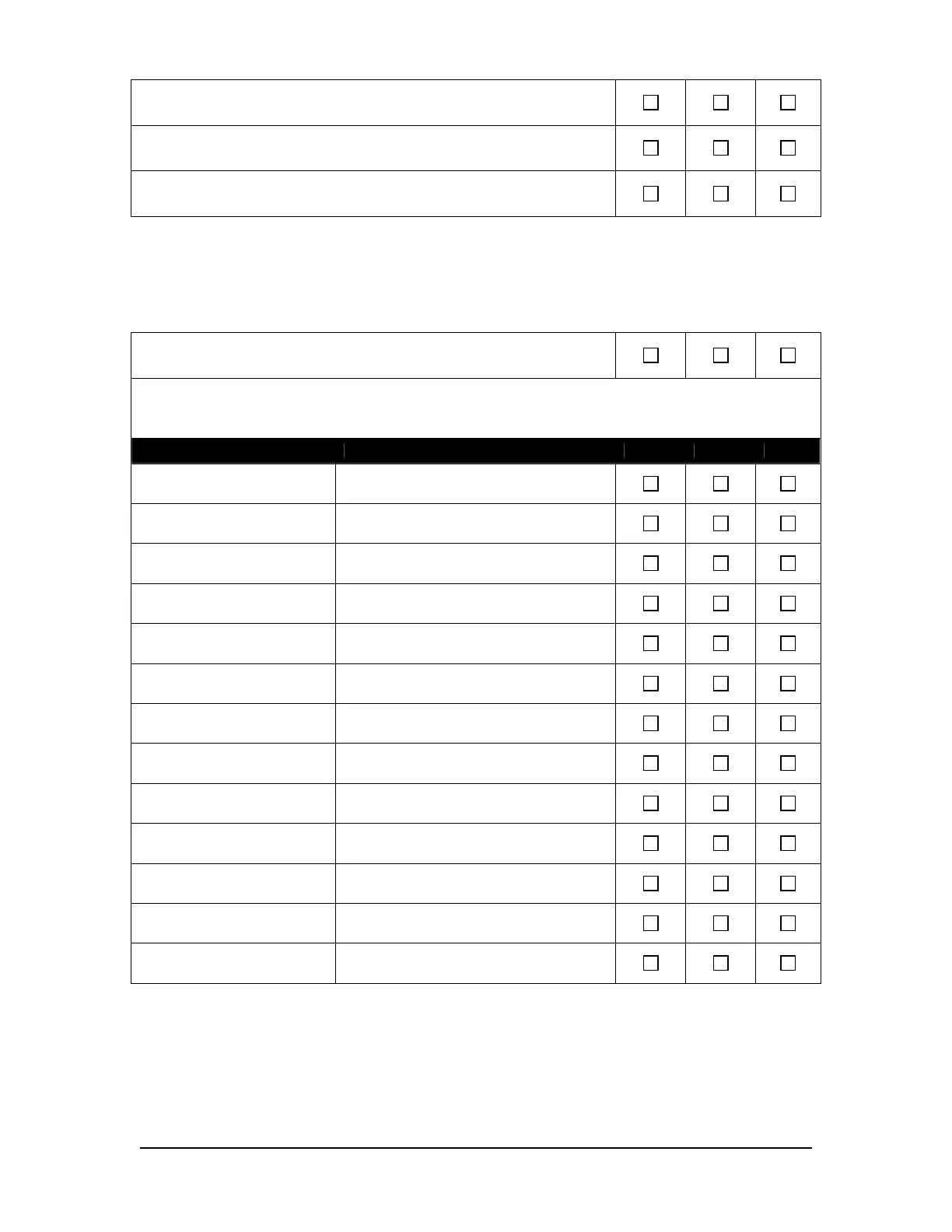
Ensure that the following NMEA data is being recorded and configuration is reflected correctly (mark the applicable ‘YES’,
‘NO’, or ‘N/A’ box):
Data Notes YES NO N/A
Date and time
Ship’s position and datum used
Speed (water and/or ground)
Heading (true)
Depth (echo sounder)
All IMO-mandatory Bridge Alarms
AIS
Rudder Order/Response
Engine Order/Response
Thruster Order/Response
Hull openings / watertight doors
Accelerations and hull stresses
Wind speed and direction
Technician Initialed: ______________________ Date: __________



 To Next Page