Appendix 5: Playback Software, Rev. 1.1
To ensure that the .vdr files are being displayed and not hidden by the operating system, follow
these steps:
1. Open Windows Explorer;
2. Select Folder Options from the Tools menu;
3. Select the View tab;
4. Ensure that Show Hidden Files and Folders is selected;
5. Press the OK button;
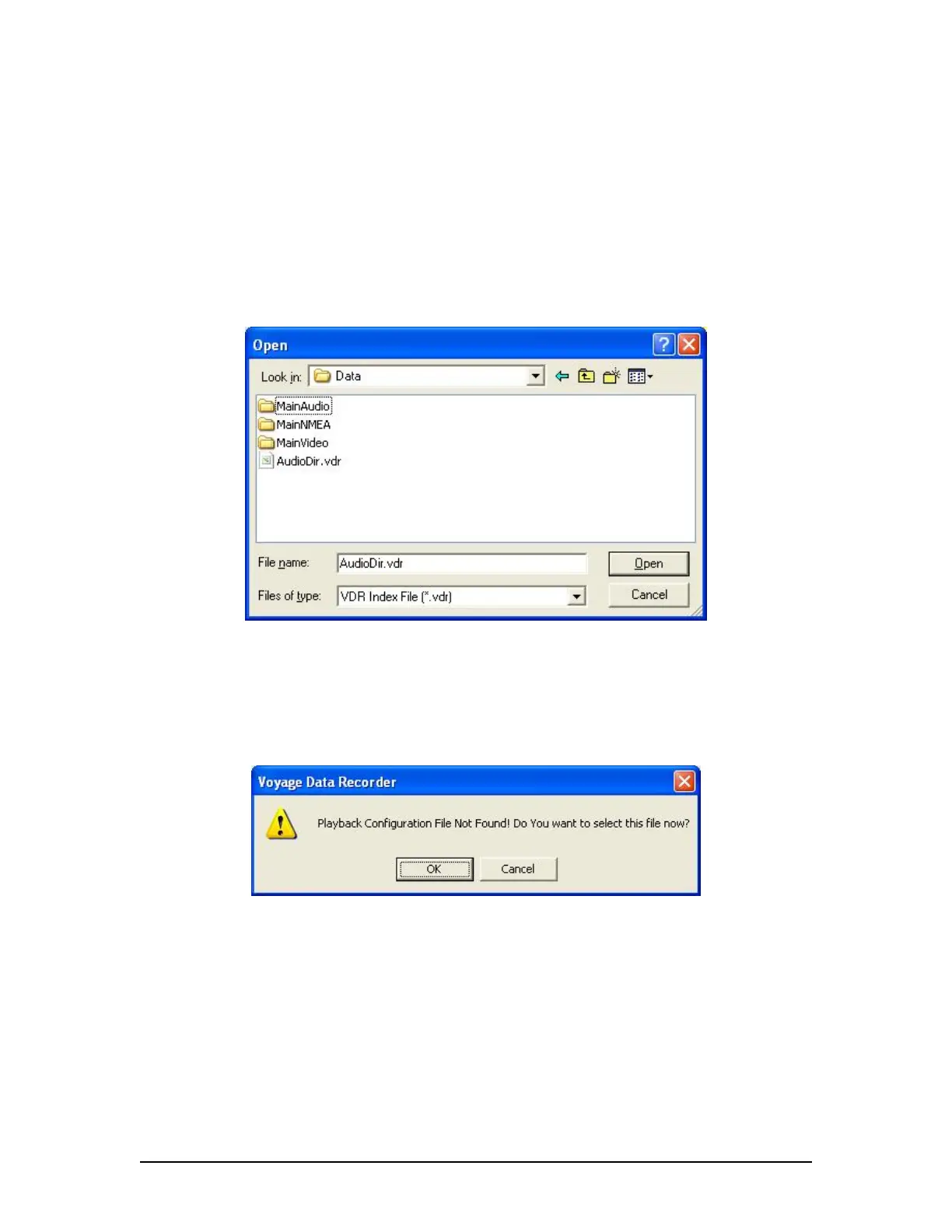
Figure 10 - Choose a .vdr File
If Playback cannot locate the vdr-cfg.txt file a prompt will appear as seen in Figure 11 – Playback
Configuration File Not Found below. If the configuration file has already been pre-selected using
Configure from the File menu then click Cancel. Otherwise, click OK to select the configuration
file contained on the local hard drive or other media.
Figure 11 - Playback Configuration File Not Found
A5.3.1 Unarchive Extracted Data
Data for playback can also be chosen from a previously extracted data archive. If a portion of
data has been previously extracted and archived, it can be opened for playback using the File |
Unarchive Extracted Data file menu option.
VDR-100G3/G3S Installation Manual 06/10/2008
5



 To Next Page