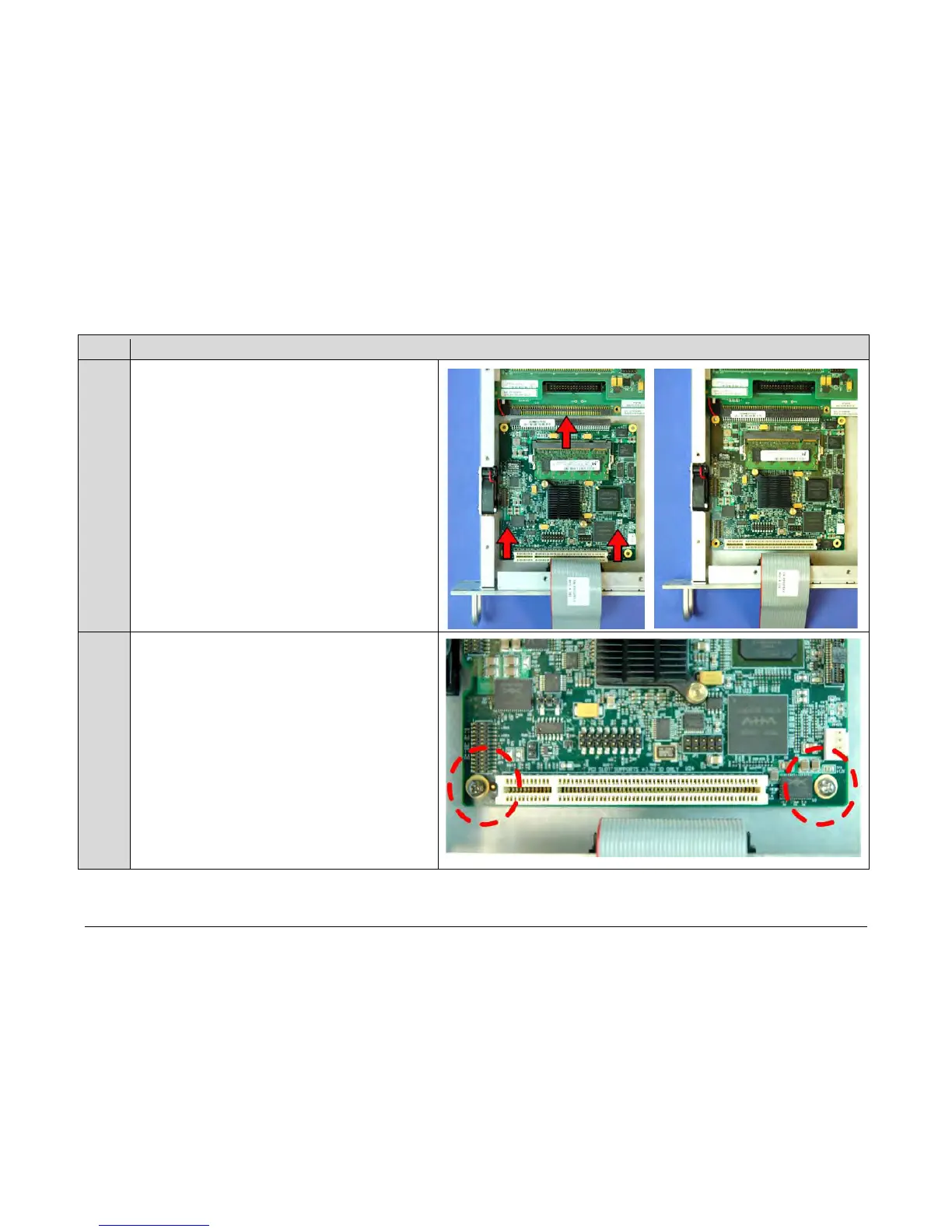
aligning i ts r eceptacle w ith t he m ating c onnector o n t he
modem’s framing board.
Plug t he card firmly i nto the connector – take c are no t t o
damage a ny t op-mounted c omponents. S imilarly, be su re
not t o d amage t he b ottom of t he card o n t he chassis’
mounting bosses while plugging the card receptacle into its
mating connector.
Installation i s c omplete once t he c able c onnector i s f ully
engaged w ithin its mating receptacle, a nd the mounting
holes at the front of the card are aligned with the mounting
boss threaded holes.



 To Next Page