Replacing the Pipette Assembly
7-8 DSX™ System Service Manual
To Remove the Pipette Assembly (Alternate Method):
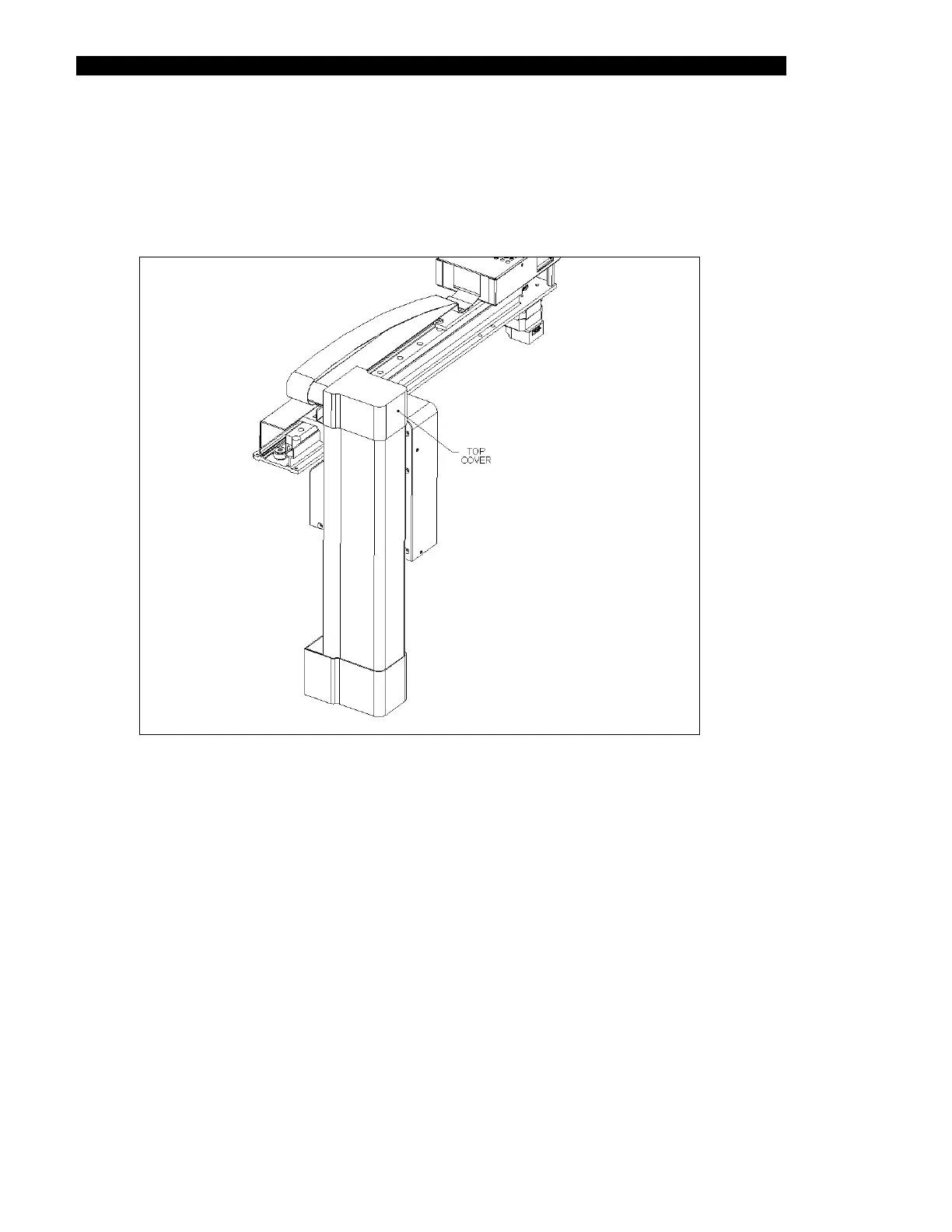
1 Remove the Z-Axis Top Cover (Part No. 204018000) from the Z-Axis Drive
Assembly by removing the three M3 x 6 Button Head screws and three
shakeproof washers (Figure 7-5).
Figure 7-5 Z-Axis Drive Assembly: Top Cover



 To Next Page