Replacing the Pipette Assembly
7-10 DSX™ System Service Manual
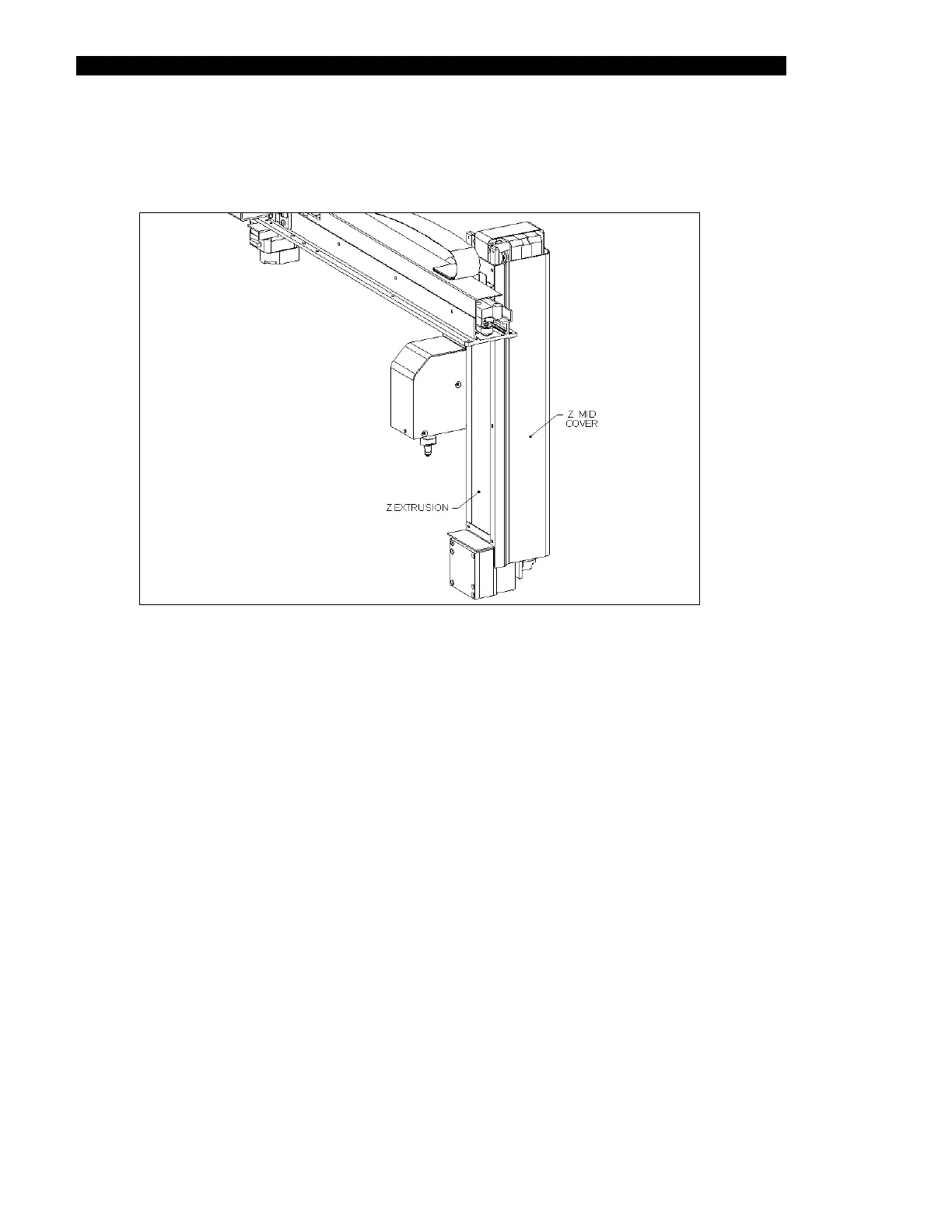
3 Remove the Z-Axis Drive Assembly Mid Cover (Part No. 204004900) by removing
the two M3 x 6 Button Head screws and two M3 shakeproof washers that attach
the cover to the Drive Assembly and unsnapping it from the body (Figure 7-7).
Figure 7-7 Removing the Z-Axis Drive Assembly Mid Cover



 To Next Page