Replacing the Pipette Assembly
7-12 DSX™ System Service Manual
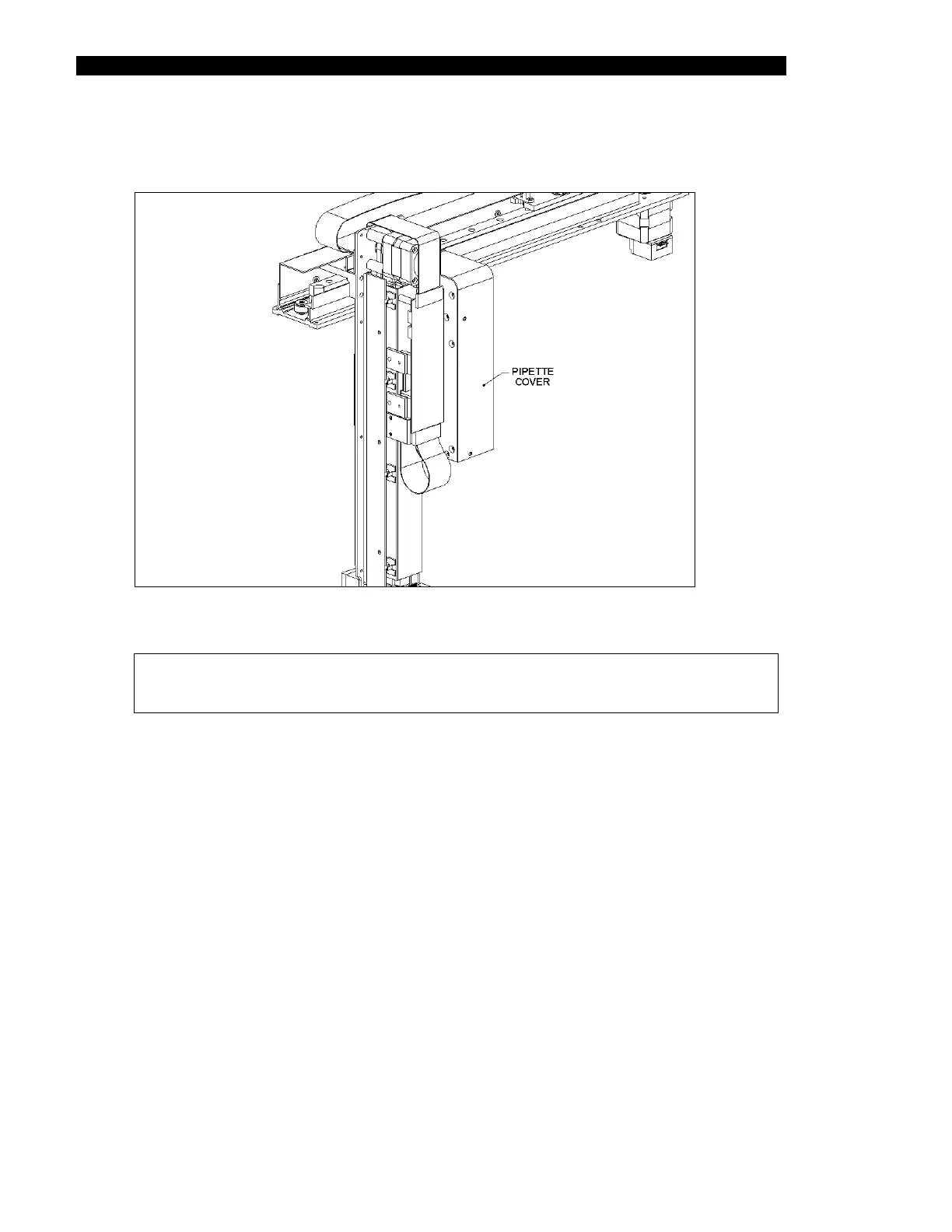
5 Remove the Pipette Cover (Part No. 204010400) by removing the five M3 x 6
BHCS screws and five M3 shakeproof washers (Figure 7-9).
Figure 7-9 Removing the Pipette Cover
Note: When replacing the cover, make certain that the cover is flush with
respect to the mount.



 To Next Page