Replacing the Pipette Assembly
7-14 DSX™ System Service Manual
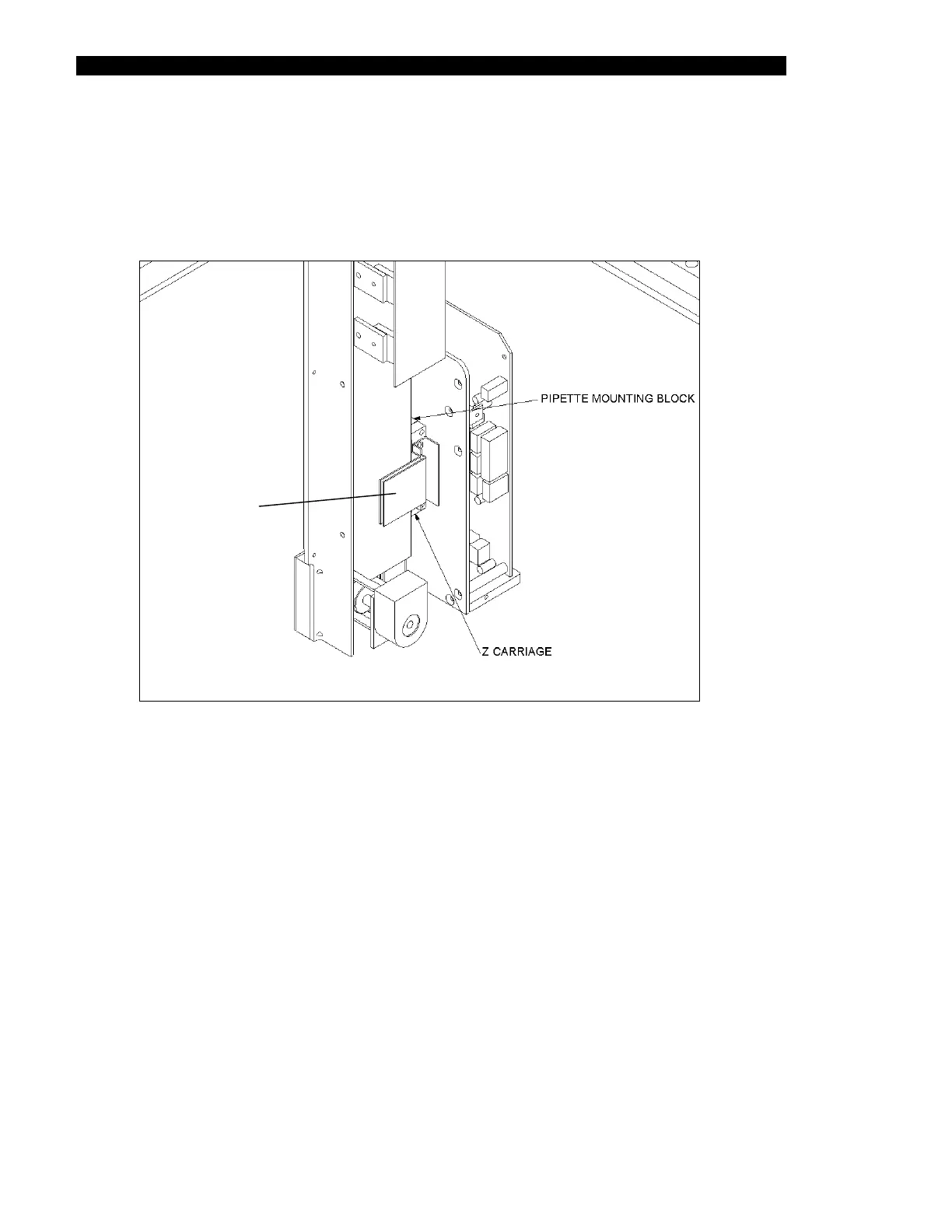
7 Remove the Pipette Assembly from the Z-Drive Assembly by removing the two
M3 x 12 SHCS screws that attach the Pipette Assembly to the Drive Assembly
(Figure 7-11). The block is pinned, so rocking the pipette from left to right will
frequently aid in removing the module from the Z mount.
8 Remove the Z flex cable plate.
Z Fle
Cable Plate
Figure 7-11 Mounted Pipette Assembly



 To Next Page