Repairing/Replacing Internal Components
DSX™ System Service Manual 11-19
To Remove the Plate Carrier Motor:
1 Remove the drive belt from the motor by removing the 4 M3 x 6mm socket head
screws securing the motor mount to the chassis and unwrap the belt from the
pulley.
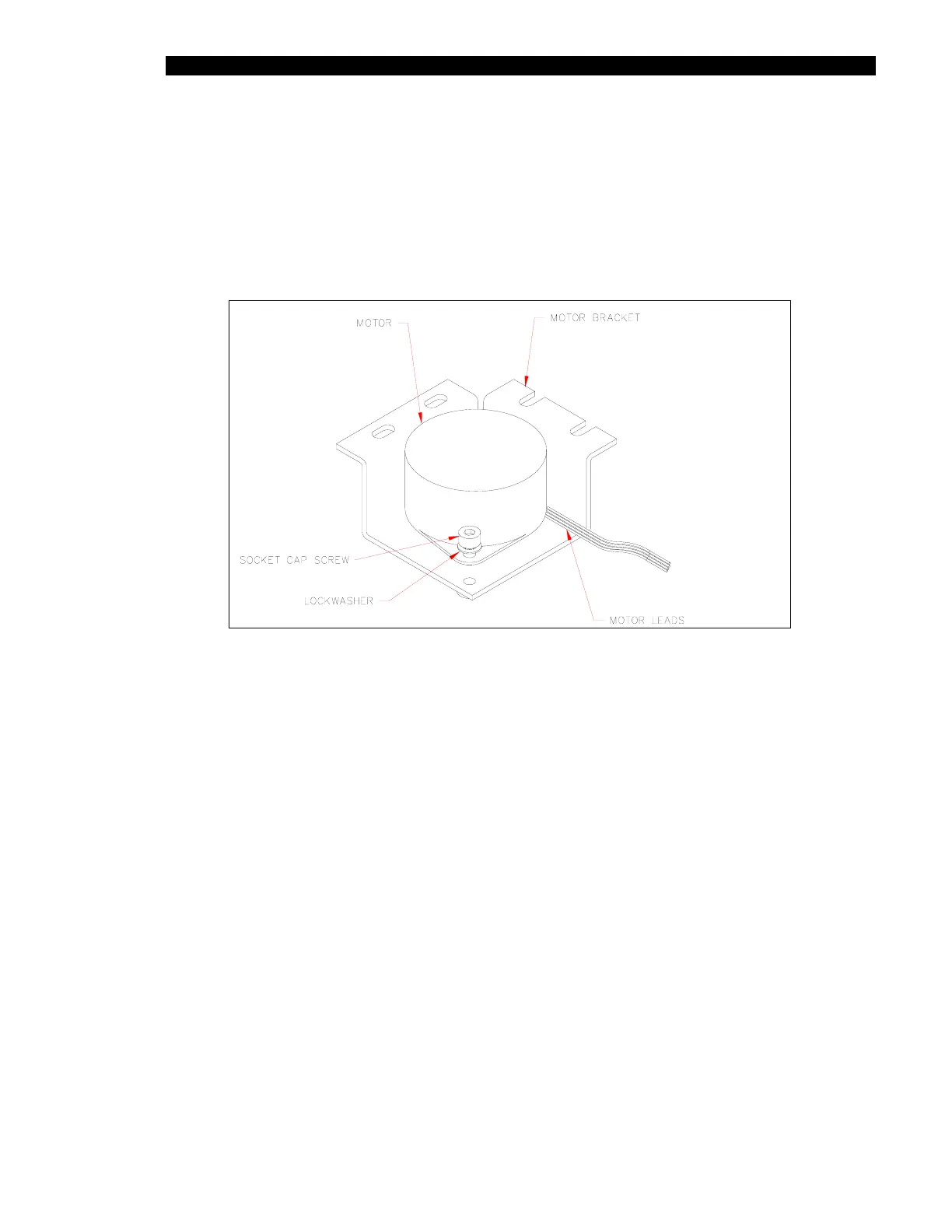
2 Remove the Motor mount from the chassis (Figure 11-12).
Figure 11-12 Motor and Mount
3 Remove the pulley assembly from motor shaft by loosening the setscrew and then
remove the two socket head cap screws that fasten the motor to the mount.



 To Next Page