Post-Service Checkout Protocol
DSX™ System Service Manual 3-9
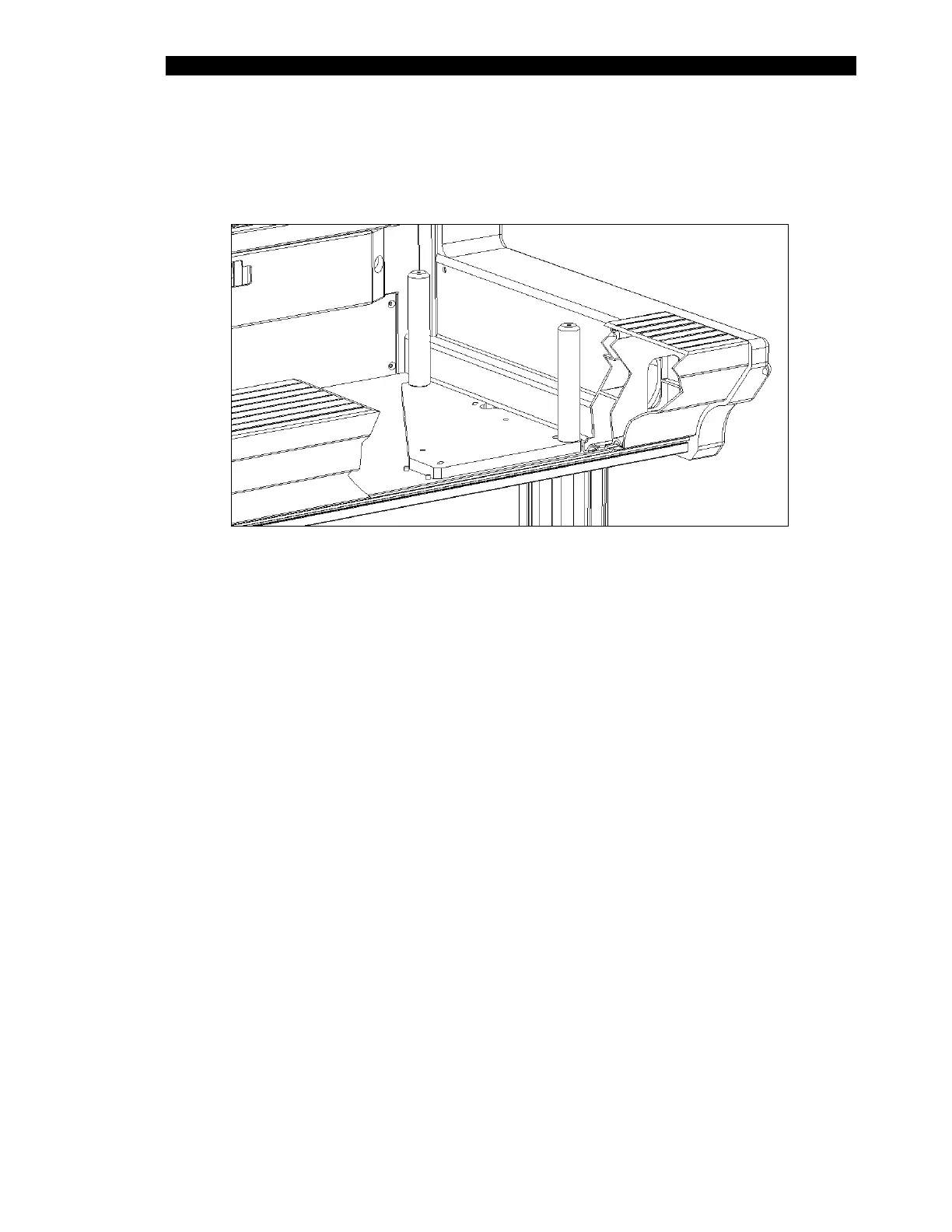
7 Revelation will move the XYZ arm over to the right-hand end of the DSX to
record the position of the right-back pillar. Remove the Calibration Jig and
place it as shown in Figure 3-4.
Figure 3-4 Positioning the Workspace Fixture - Right Side of DSX Workspace
8 The program will alert you to move the pipette tip to the rear pillar and repeat
steps 4 and 5.
9 When Revelation has the X, Y and Z coordinates for the three positions, it
calculates the home-offsets for the three motors, and the amount of skew (in
three dimensions) between the movement of the arm, workspace and modules.
10 Click OK. This will save the XYZ coordinates.



 To Next Page