K117sm2e3
2-32
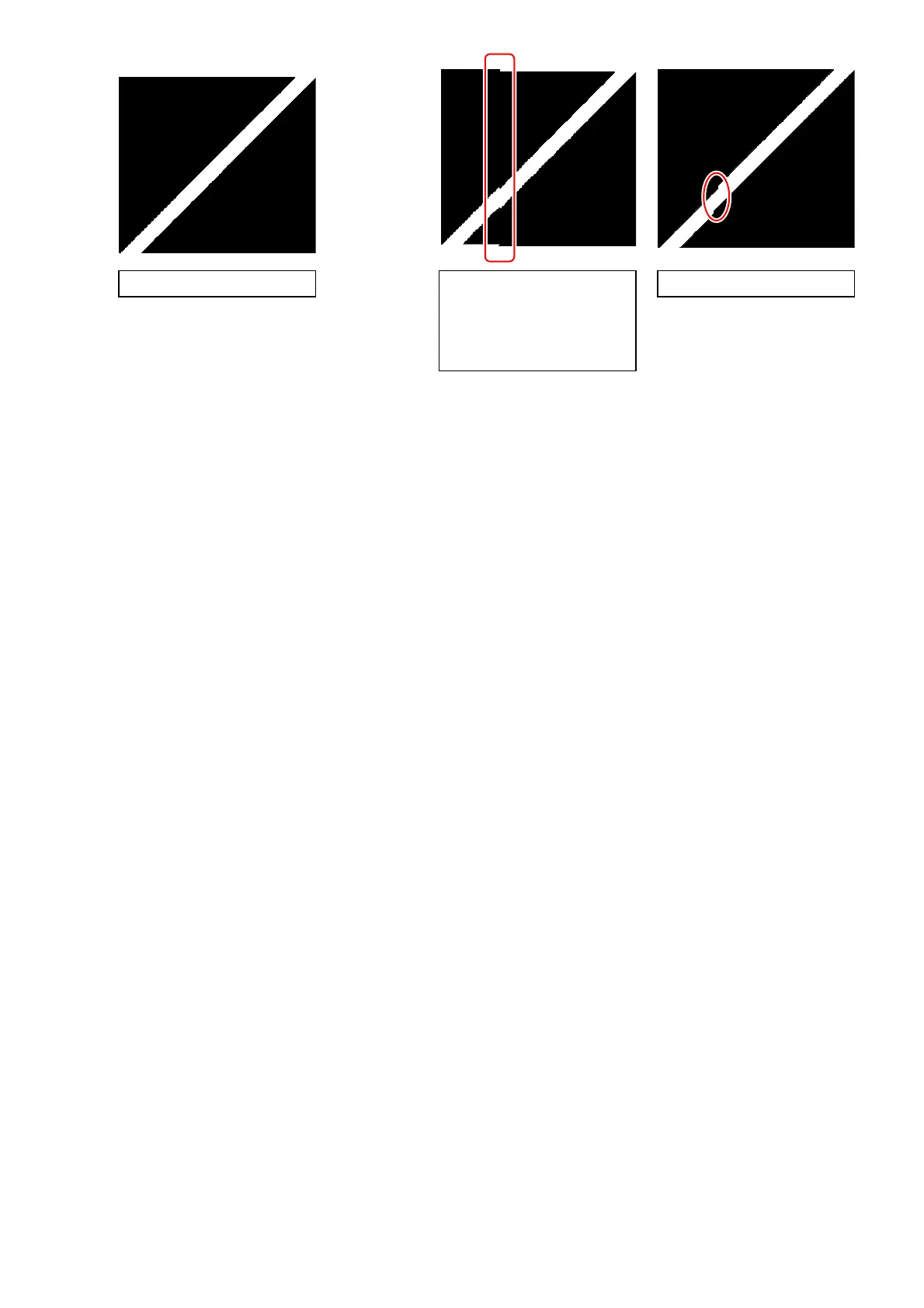
17. Confirm the Stitching Adjustment results.
18. Select [Jump] menu, and then click the other CIS borders to confirm the results.
If all of the 4 targets have no misalignment, go to step 25.
If any of the targets has an misalignment, go to step 19 and after for manual correction.
- vertical Æ Go to step 19.
- horizontal Æ Go to step 20.
no misalignment horizontal misalignment
vertical misalignment
or
this may include vertical &
horizontal misalignment
at a time



 To Next Page