INPUT/OUTPUT CHECK MODE
4-28
C231/C237/C238 SM
4.5 TEST PATTERN IMAGE MODE
This function is used to determine which printer component is causing an image
quality problem on the master.
In this mode, the background pattern that is printed covers the entire sheet of
paper.
- Procedure -
1. Place paper on the paper table.
NOTE:
To reduce thermal head load, use the smallest paper size possible, i.e.
the smallest paper width on which the part with the image problem can
be printed.
2. Access SP mode.
3. Input
SP number 90
and enter "1". Then, press the
Enter (#) key
.
4. Press the
Clear Modes key
to leave the SP mode.
5. Carry out the master making process (an original is not necessary).
6. Make some prints and check the image.
NOTE:
The SP mode number 90 setting returns to the default (0) after the above
procedure.
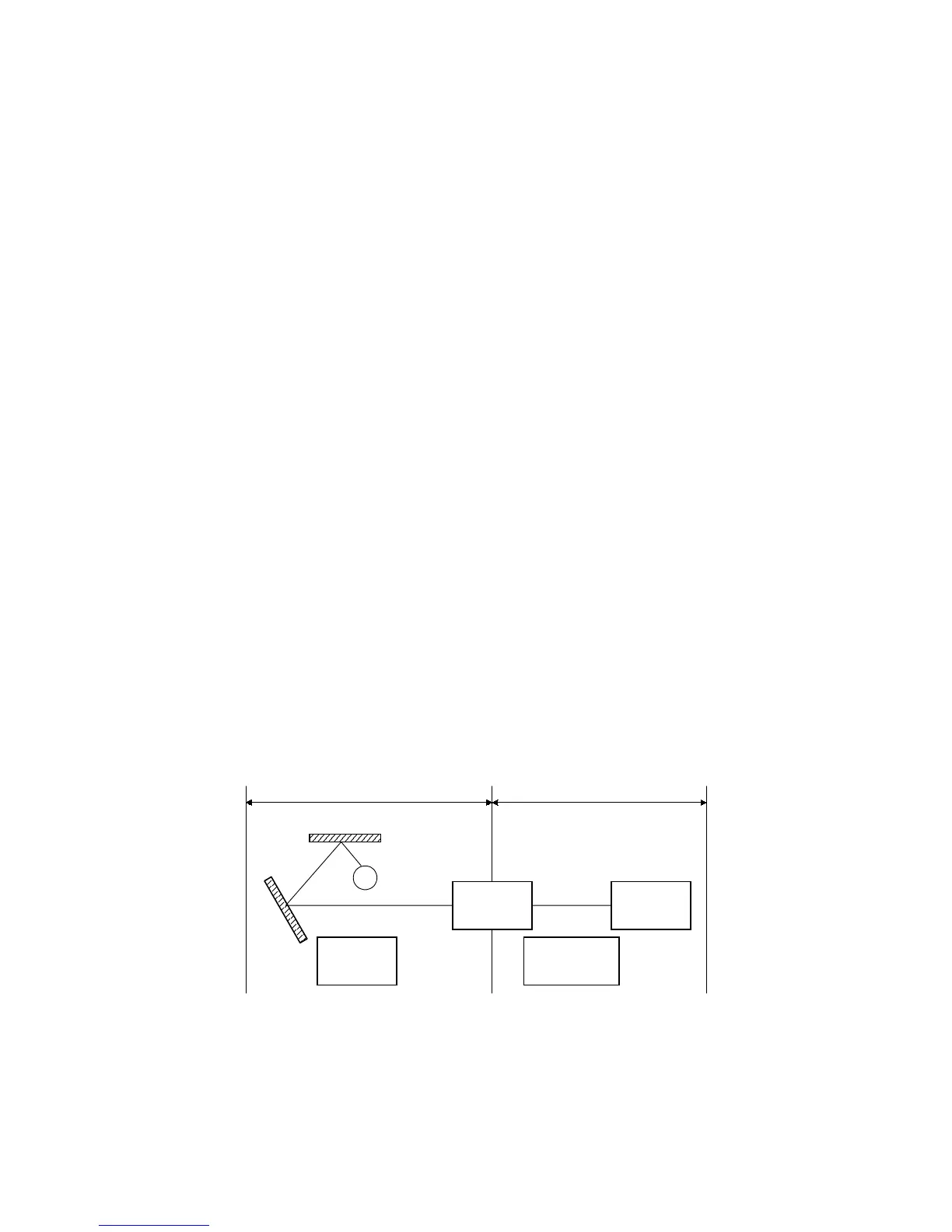
- Assessment -
If the printout is normal, a Part A component is defective.
If the printout is abnormal, a Part B component is defective.
MPU
Thermal
Head
Scanner
Motor
Master Feed
Motor
AB
Xenon
Lamp
C231M500.WMF



 To Next Page