SCANNER
SM 3-13 C267
C267 Service
Manual
Adjusting the Belt Contact Points for the Second Scanner
• ADF or platen cover
• Front cover ( 3.2.1)
• Operation panel ( 3.2.2)
• Rear cover ( 3.2.3)
• Top rear cover ( 3.2.4)
• Left upper cover ( 3.2.4)
• Exposure glass ( 3.4.1)
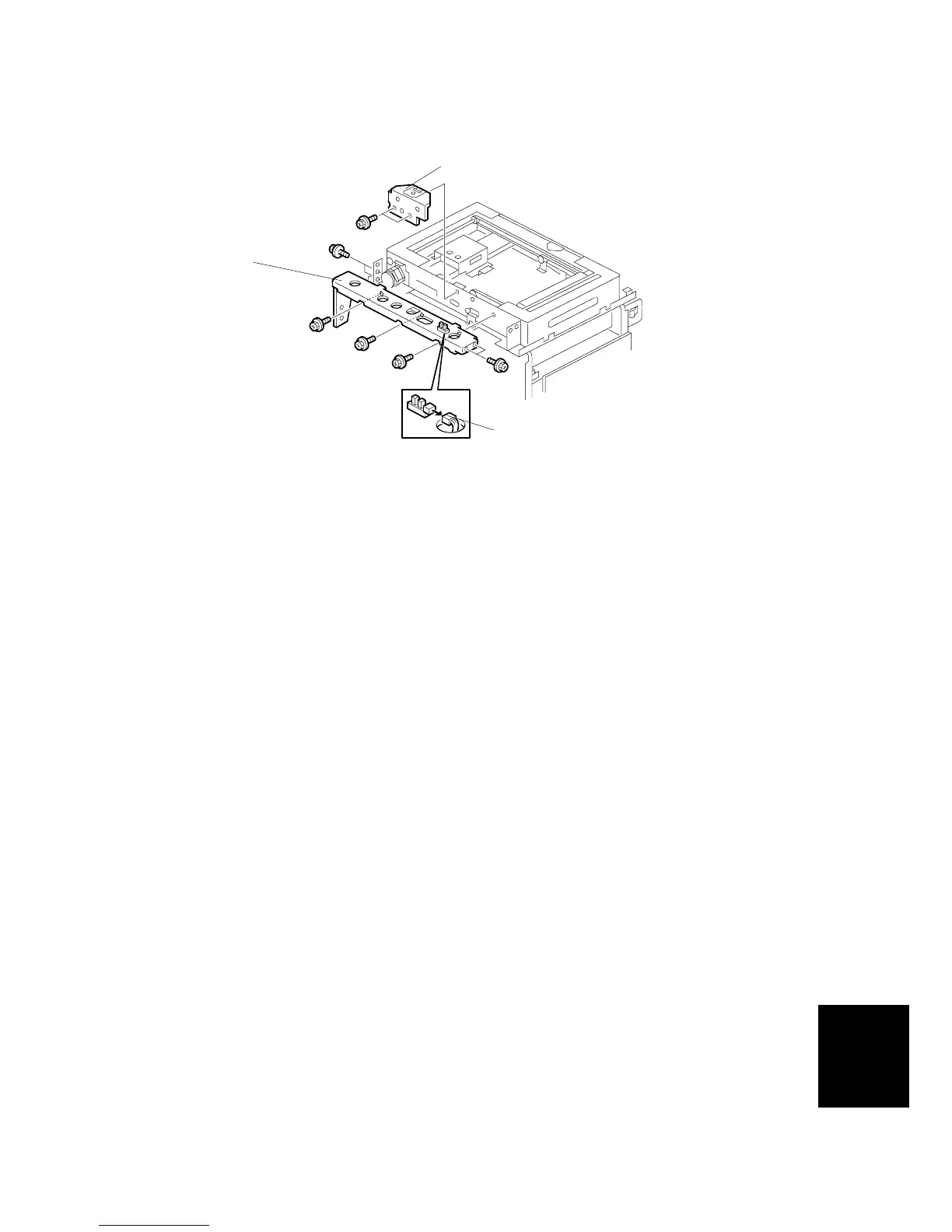
1. Disconnect the platen cover sensor connector [A].
2. Scale bracket [B] ( x 2)
NOTE:
1) Take off the scale bracket, otherwise the screws [D] cannot be
loosened.
2) Take off the bracket [C] in order to take off the scale bracket.
C267R081.WMF
[A]
[B]
[C]



 To Next Page