IMAGE-PROCESSING
2-19
SM C231/C237/C238
Detailed
Section
Descriptions
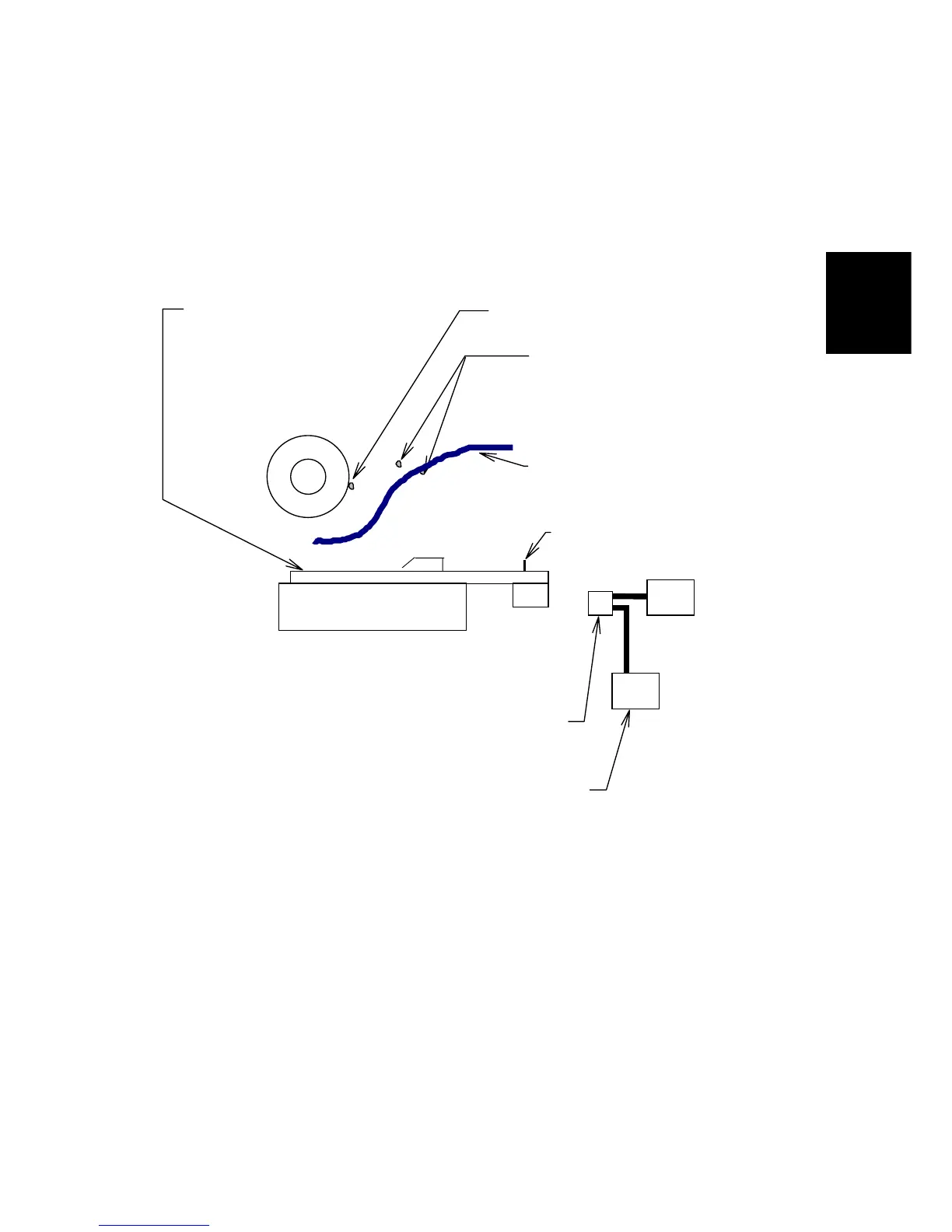
Remarks for Handling the Thermal Head
The following remarks must be noted when servicing:
•
Remove any foreign materials on
the platen roller.
•
Remove foreign materials.
•
Do not touch the surface of the
master film with bare hands.
•
Connect and disconnect the connectors
carefully. Keep them horizontal. Also,
make sure that they are reconnected
firmly.
•
Do not touch the terminals of
the connectors with bare
hands to prevent damage from
static electricity.
Connector
Master
Platen
Thermal Head
PSU
MPU
•
Adjust the applied voltage to the
particular value for the thermal head.
•
Do not touch the surface
with bare hands. If you
touch it, clean the surface
with alcohol.
•
Do not damage the
heating elements.
- Other Remarks -
Avoid using the machine under humid conditions. Moisture tends to condense on
the thermal head, causing heating element damage.



 To Next Page