PRINTING SECTION
6-32
C231/C237/C238 SM
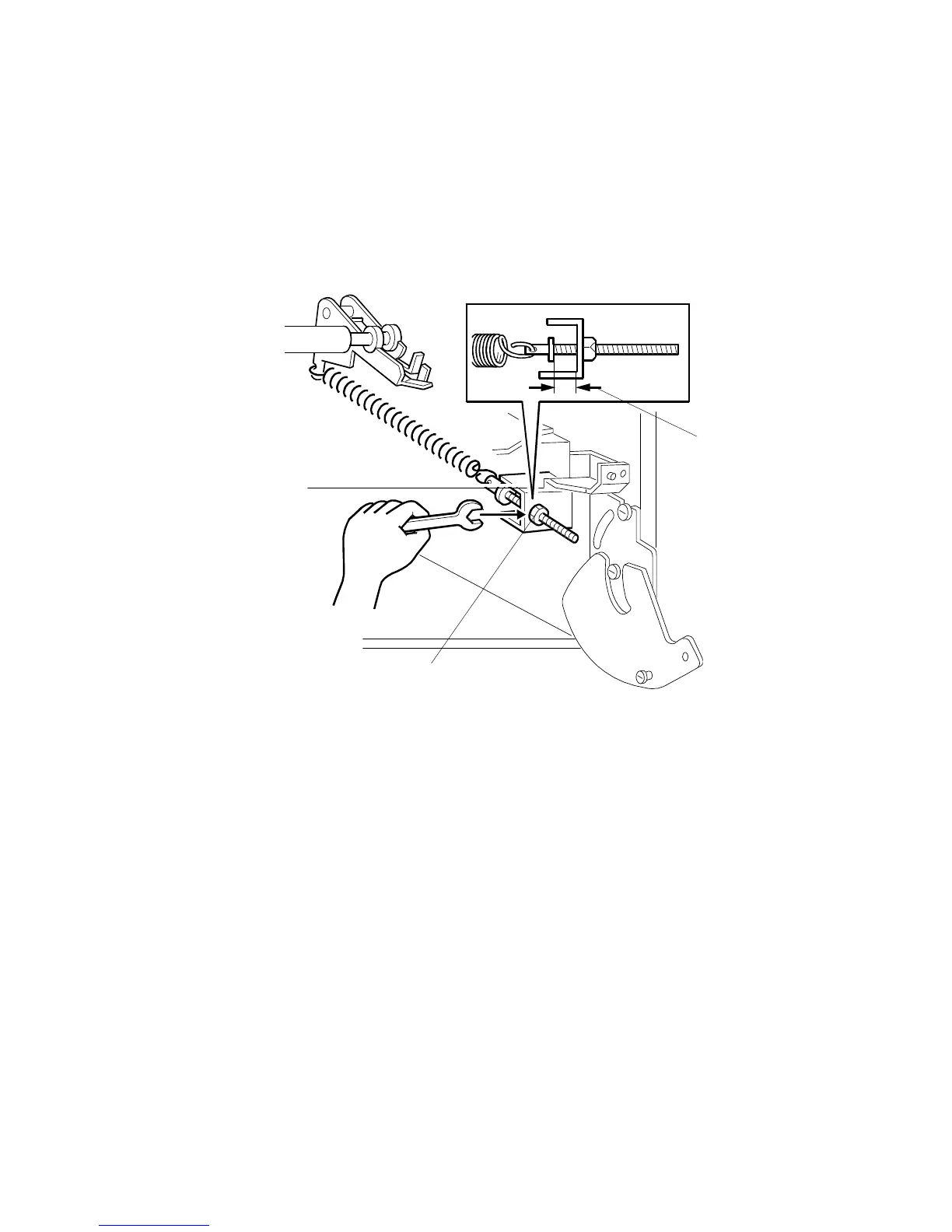
6.8.3 PRINTING PRESSURE ADJUSTMENT
PURPOSE:
To make better print results without decreasing the run length.
ADJUSTMENT STANDARD:
Within 10
±
0.5 mm
1. Turn off the main switch and disconnect the power plug.
2. Remove the paper delivery cover. (See 6.10.1 Vacuum Unit Removal.)
3. Adjust the distance [A] to 10
±
0.5 mm by turning the adjusting bolt [B].
4. Repeat the same procedure for the printing pressure spring at the non-
operation side of the machine.
C231R554.WMF
[B]
[A]



 To Next Page