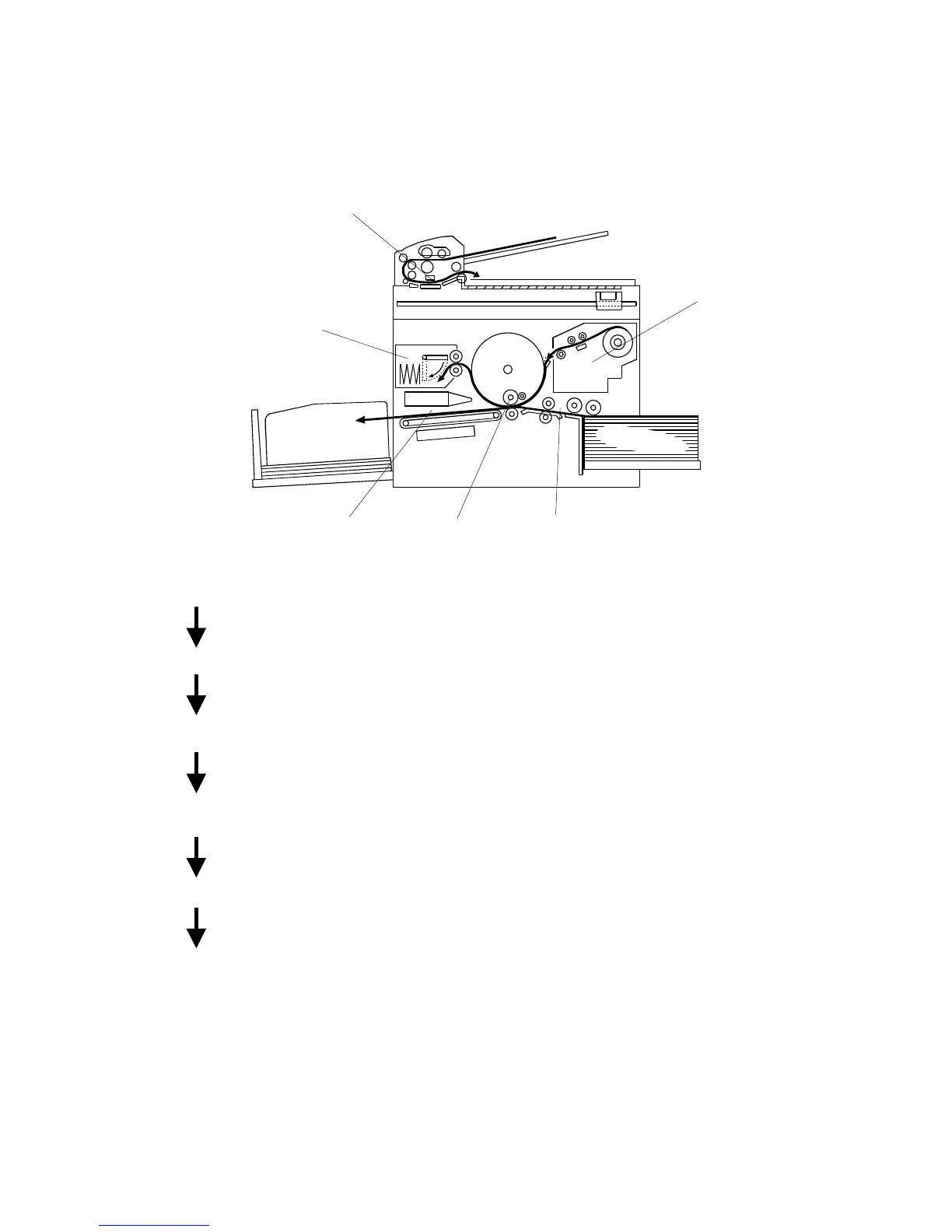
1.3 PRINTING PROCESS
1. Master Eject: Ejects the used master wrapped around the drum
into the master eject box.
2. Scanning: The scanner, which is composed of the contact
image sensor (CIS) and xenon lamp, scans the
original image.
3. Master Feeding: Converts the ima
ital
signals and sends them to the thermal head to
develop the image on the master. The master is then
wrapped around the drum.
4. Paper Feeding: Sends paper to the drum section.
5. Printing: Presses the paper fed from the paper feed section to
the drum. This transfers the ink onto the paper
through the drum screen and the master.
6. Paper Delivering: Peels the printed paper with the exit pawl and air
knife, and ejects the paper onto the paper delivery
table.
C231V500.WMF
3
2
654
1



 To Next Page