INSTALLATION PROCEDURE
C267 1-18 SM
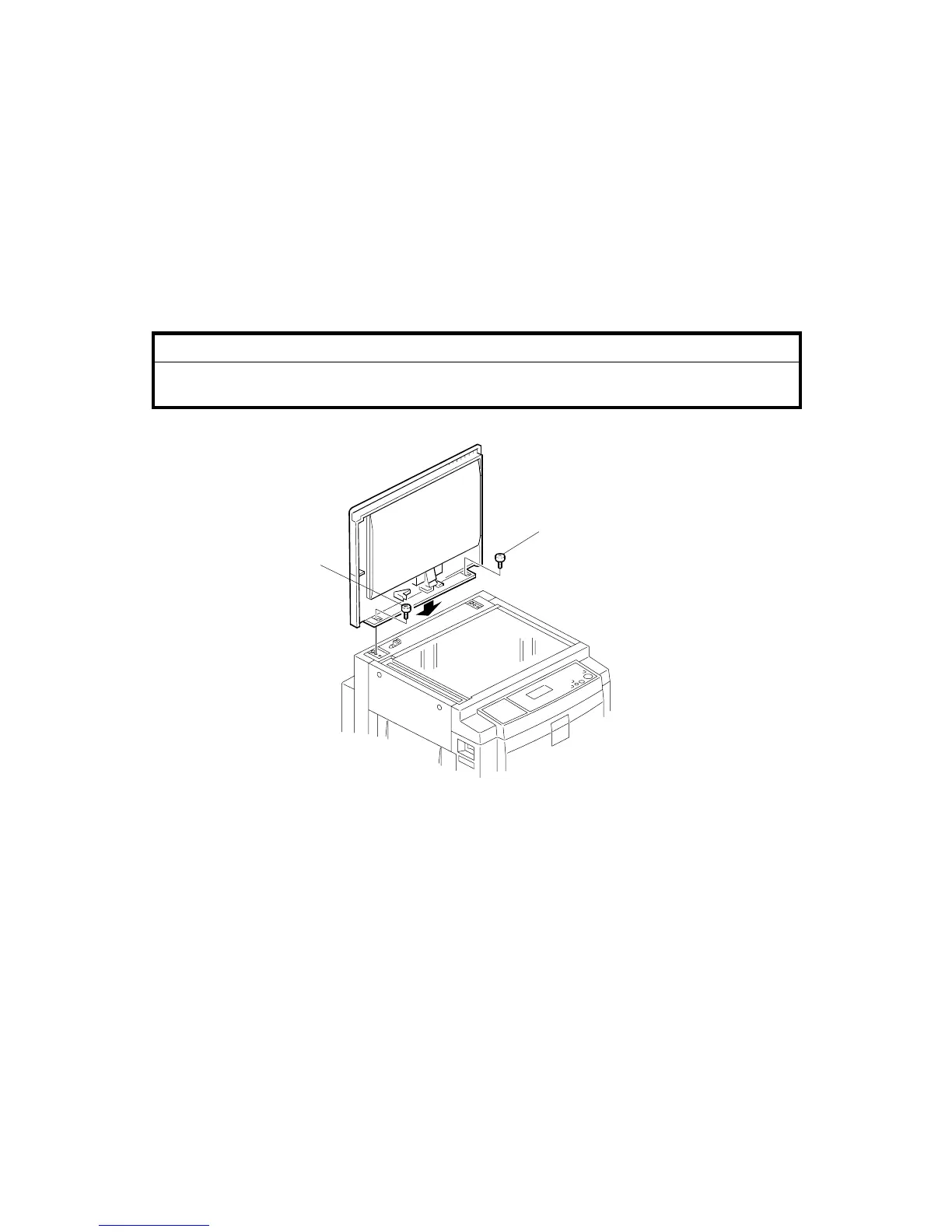
1.2.4 PLATEN COVER (OPTION)
Accessory Check
Check the quantity and condition of the accessories in the box against this list:
Description Quantity
1. Stepped Screw ....................................................................2
Installation Procedure
CAUTION
To avoid serious injury, do not connect the power plug to the machine until
you are instructed to do so.
1. Install the platen cover [A] ( x 2).
C267I201.WMF
[A]
[A]



 To Next Page