PCRIP-EZ1
USER’S
GUIDE
User's Guide 8-7 PCRIP-EZ1
APPLICATION SOFTWARE SET-UP
Each desktop publishing or word processing application needs to use the custom printer drivers for Graphic Device
Interface (GDI) and QuickDraw (QD) printing provided on the utility disks with the Controller. These DigiPrint
drivers are installed into the Windows 3.1, Windows 95 or Macintosh system folder using the following
procedures:
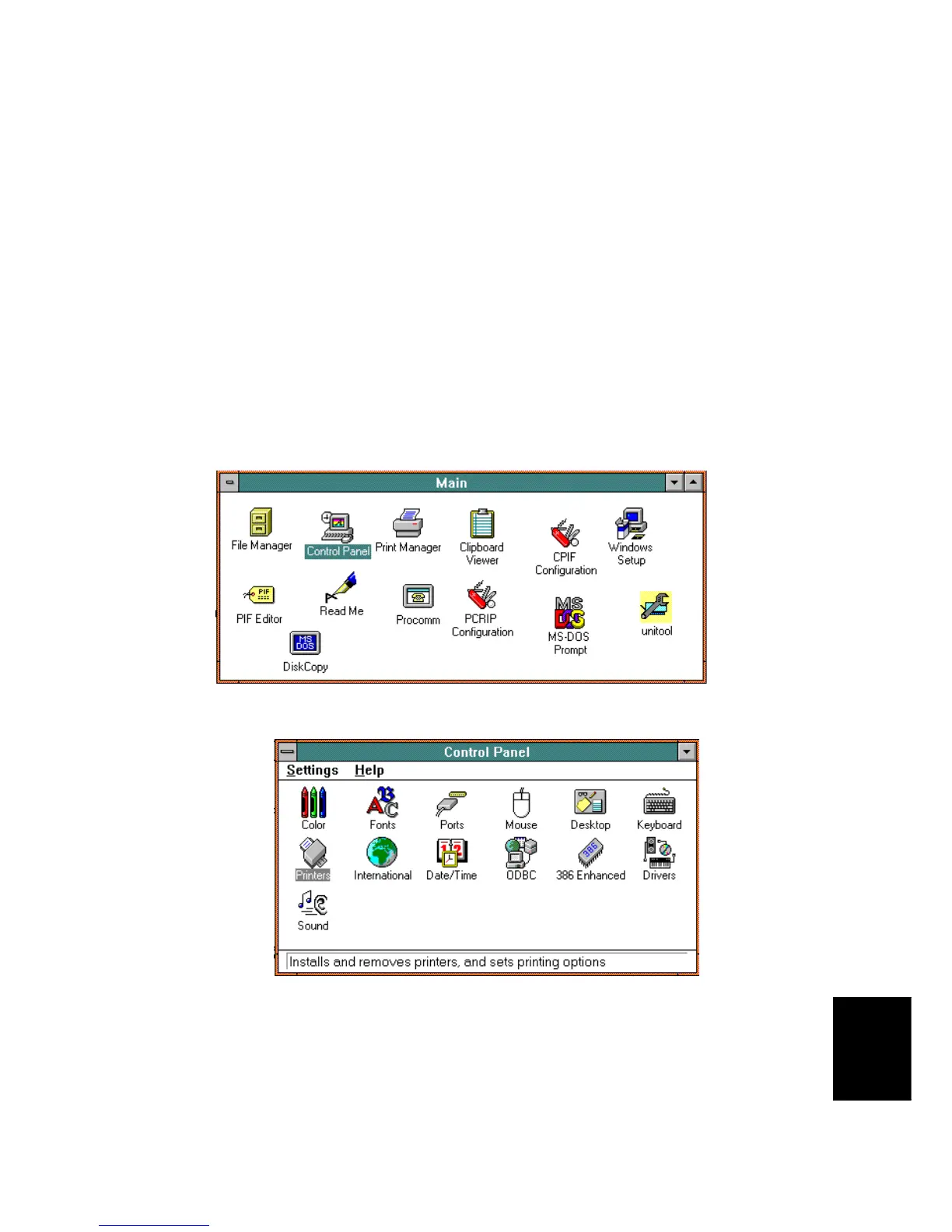
1. GDI Printing under Windows 3.1
Customized Driver Installation for Windows 3.1:
A.
Open Program Manager. Double click on
Main
.
B.
Double-click on
Control Panel
.
C.
Double click on
Printers
.
D.
Click on
Add
.



 To Next Page