User's Guide 8-8 PCRIP-EZ1
E.
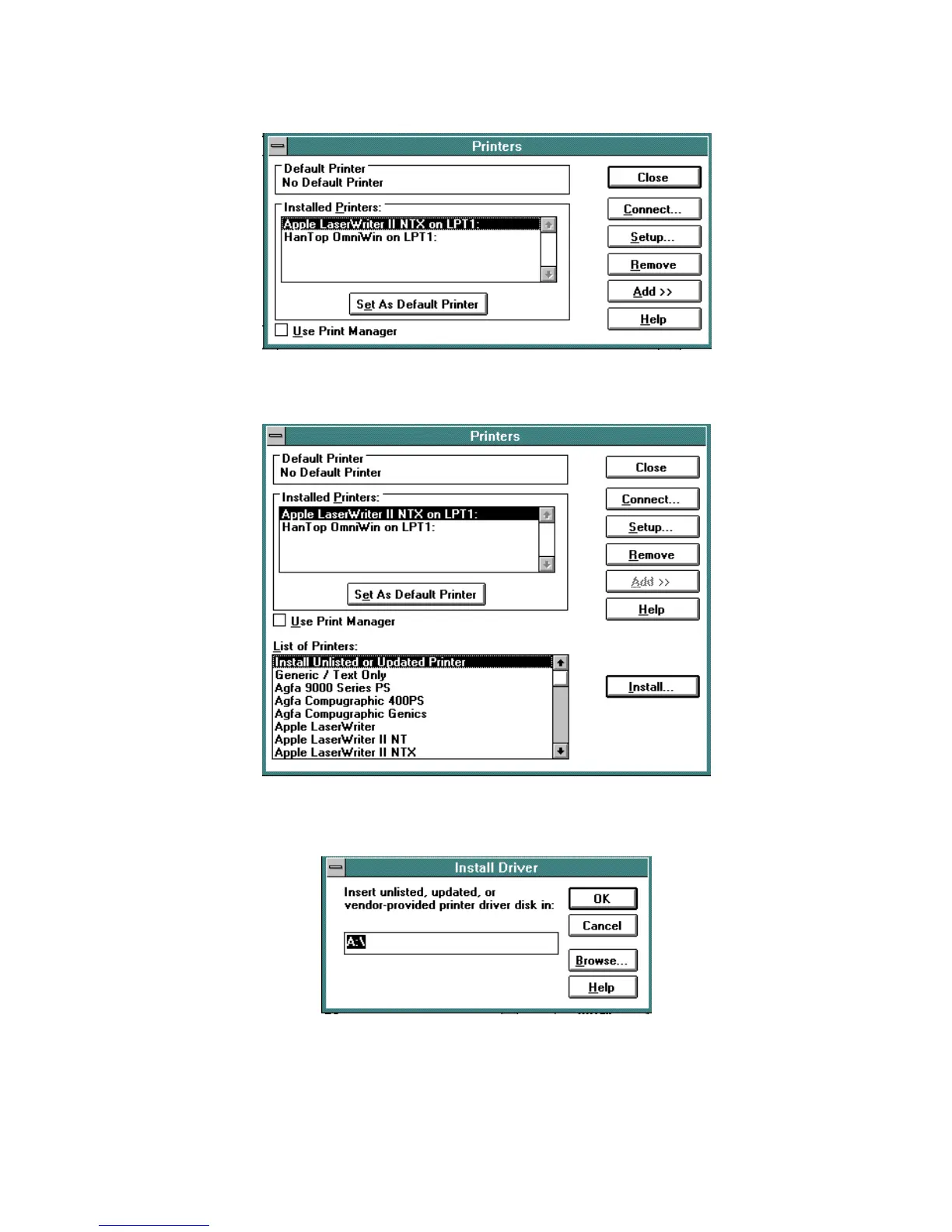
In the "
List of Printers
" dialog box, which will appear on the lower half of the screen, highlight:
Install
Unlisted or Updated Printer
. Click on
Install
.
F.
Insert the floppy disk labeled Windows 3.1 Drivers in the floppy drive. The "Install Driver" window will
provide a prompt for drive
A:\
. If that is correct, click
OK
. If not, type the correct floppy drive
designation and click
OK
.
G.
The "Add Unlisted or Updated Printer" window will display a list of printer driver files that are on the
floppy. Highlight the driver name which contains the Priport Model Number which will be connected to
the EZ1 Controller and click
OK
.



 To Next Page