PCRIP-EZ1
USER’S
GUIDE
User's Guide 8-9 PCRIP-EZ1
H.
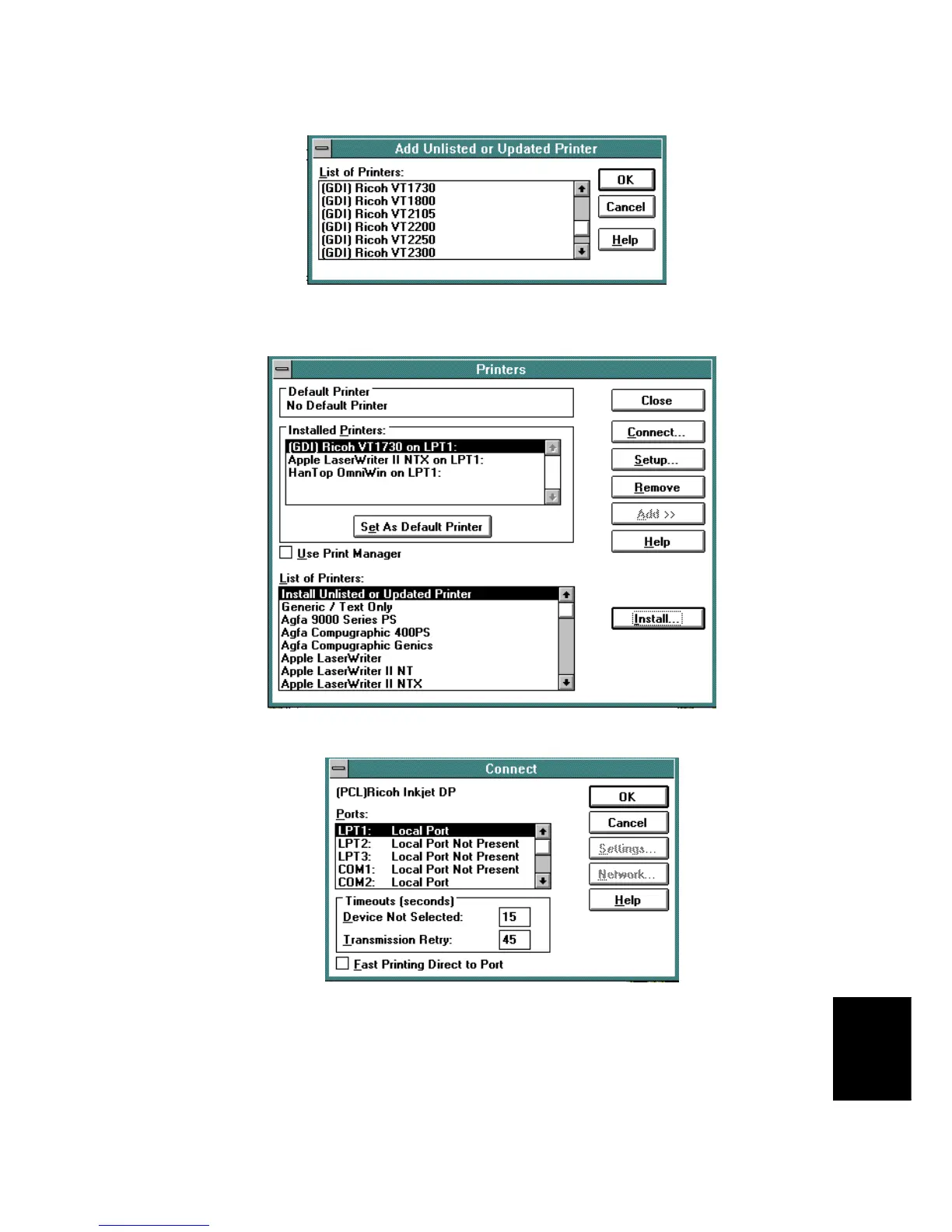
When the install process is completed, the printer name will appear in the "Installed Printers" dialog box
on the upper half of the screen. Check to see that the new printer(s) just installed is hooked to the correct
output port. If not, click on
Connect
to select the correct output port from the computer.
I. You should verify that "Fast Printing Direct to Port" is turned off on this window. To change computer
output ports, highlight the correct port and then click on
OK
.



 To Next Page